Freedom251 › Screenshot Annotation Software
Gradia
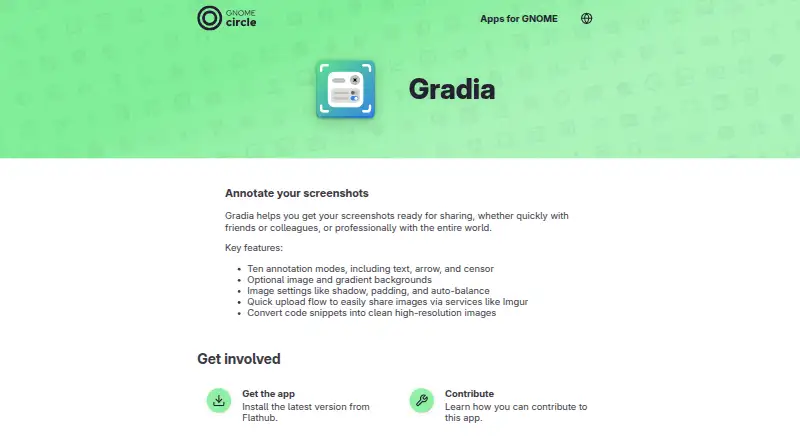
What Gradia is
Gradia is a free Linux desktop app for preparing screenshots and code snippets to share with friends, colleagues or a wider audience. Its ten annotation modes include text, arrows and censoring, so users can add explanations or conceal parts of an image. Optional image or gradient backgrounds, along with shadow, padding and auto-balance settings, help shape the final image. Gradia can also turn code snippets into clean, high-resolution images. For sharing, a quick upload flow supports services such as Imgur. Users can pick a predefined upload provider or create one with a command that takes an image path and returns a URL. Gradia is open-source software licensed under GPLv3, and the GNOME Apps page directs users to install the latest version from Flathub. That page names Alexander Vanhee as maintainer, lists Belgium, and links to an issue tracker for feedback and bug reports. Some commands or functions may be unavailable by default in Flatpak or Snap packages and may require permission changes.
Who it suits
Gradia suits Linux users who prepare screenshots or code images for sharing and want annotation, background and image-setting controls. It also fits users who want an upload flow with predefined or custom providers.
What it does well
- Includes ten annotation modes, including text, arrows and censoring.
- Adds optional image or gradient backgrounds.
- Converts code snippets into high-resolution images.
- Supports predefined and custom upload providers.
- Free and open-source under GPLv3.
What to know first
- Available on Linux only.
- Some Flatpak or Snap functions may need permission changes.
- Some commands or functions may not be available by default in packaged versions.
Limits
The listed plan is free. Some commands or functions may not be available by default in Flatpak or Snap packages and may require permission changes.
Plans
| Plan | Billed and limits | Price |
|---|---|---|
| Gradia | Free and open-source software · Linux desktop app | Free |
As apps.gnome.org lists them, read 10 Oct 2026. The maker's own page has the final word.
Getting started
- Visit https://apps.gnome.org/en/Gradia/
- Install the latest version from Flathub
- Prepare an image or code snippet in Gradia
- Choose annotation modes and image settings as needed
- Select a predefined upload provider or configure a custom provider
Verdict
Gradia brings screenshot annotation, image styling and sharing tools together in a free Linux app. Check package permissions if you depend on commands or functions in Flatpak or Snap.
Questions
Is Gradia free?
Yes. Gradia is free and open-source under GPLv3, and its listed plan costs nothing.
Which platform does Gradia support?
Gradia is a Linux desktop app.
What can I annotate with Gradia?
It offers ten annotation modes, including text, arrows, and censoring. It can also convert code snippets into clean, high-resolution images.
Can Gradia upload images?
Yes. Its quick upload flow supports services such as Imgur. Users can choose a predefined provider or create one using a command that receives an image path and outputs a URL.
Where can I install Gradia?
The GNOME Apps page directs users to install the latest version from Flathub.
Who maintains Gradia?
The GNOME Apps page names Alexander Vanhee as maintainer and lists Belgium.
Facts from Gradia's own pages
- Annotations
- It includes ten annotation modes, including text, arrow, and censor. · apps.gnome.org, 10 Oct 2026
- Backgrounds
- Images can use optional image or gradient backgrounds. · apps.gnome.org, 10 Oct 2026
- Browser extension
- No · apps.gnome.org, 24 Sept 2026
- Code snippets
- Gradia can convert code snippets into clean, high-resolution images. · apps.gnome.org, 10 Oct 2026
- Distribution
- The GNOME Apps page directs users to install the latest version from Flathub. · apps.gnome.org, 10 Oct 2026
- Free plan
- Yes · apps.gnome.org, 24 Sept 2026
- Image settings
- Image settings include shadow, padding, and auto-balance. · apps.gnome.org, 10 Oct 2026
- License
- Gradia is free and open-source software licensed under GPLv3. · gradia.alexandervanhee.be, 10 Oct 2026
- Maintainer
- The GNOME Apps page names Alexander Vanhee as maintainer and lists Belgium. · apps.gnome.org, 10 Oct 2026
- Packaging caveat
- Some commands or functions may not be available by default in the Flatpak or Snap packages and may require permission changes. · gradia.alexandervanhee.be, 10 Oct 2026
- Purpose
- Gradia helps prepare screenshots for sharing with friends, colleagues, or a wider audience. · apps.gnome.org, 10 Oct 2026
- Redaction tools
- Yes · apps.gnome.org, 24 Sept 2026
- Support
- The GNOME Apps page links to the app’s issue tracker for feedback and bug reports. · apps.gnome.org, 10 Oct 2026
- Team collaboration
- No · apps.gnome.org, 24 Sept 2026
- Upload providers
- Users can choose predefined upload providers or create custom ones using a command that receives an image path and outputs a URL. · gradia.alexandervanhee.be, 10 Oct 2026
- Uploads
- Gradia has a quick upload flow for sharing images through services such as Imgur. · apps.gnome.org, 10 Oct 2026
Where Gradia stands on Freedom251
- Screenshot Annotation Software#53 of 76