Freedom251 › Screenshot Annotation Software
Snippy Snip
What Snippy Snip is
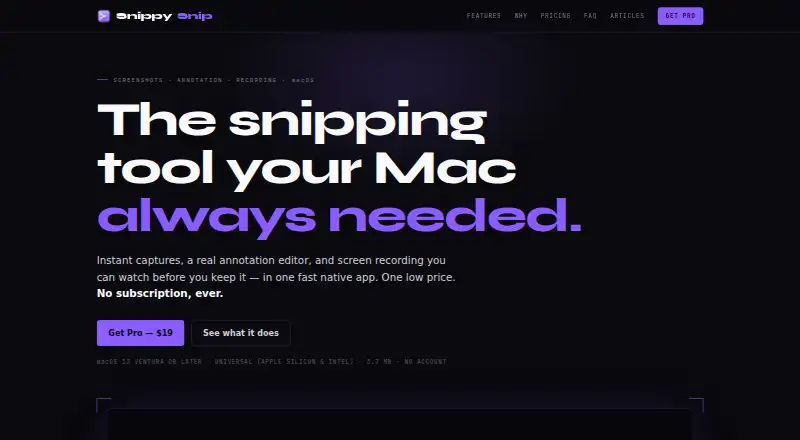
Snippy Snip is a native Mac app for capturing screenshots, annotating them, and recording the screen. It can capture a region, a window, or the full display, with an optional 3-, 5-, or 10-second timer. Annotation tools include a pen, highlighter, arrows, shapes, text, numbered callouts, crop, undo, and zoom. Screen recordings can include a camera overlay, pause and resume, and be previewed before saving as video or GIF. A capture goes to the clipboard when opened and is recopied as edits are made. Images can be saved as PNG or JPEG at full Retina quality; Pro adds export-size presets for ChatGPT and Claude. The app shares through the macOS share sheet, and the maker describes assigning its capture shortcut to a mouse button through Logi Options+. The maker says there is no telemetry, analytics, or account requirement, and captures stay on the Mac unless copied, saved, or shared. It requires macOS 13 Ventura or later and supports Apple Silicon and Intel Macs. The Free plan costs nothing. Pro is listed at $19 a month, billed as a one-time payment, and can be used on up to three Macs.
Who it suits
It suits Mac users who need screenshot markup or screen recording with video and GIF output. Pro may suit users who want export-size presets or need to use the app on multiple Macs.
What it does well
- Captures regions, windows, and full screens.
- Includes a full annotation editor in the Free plan.
- Screen recordings can include a camera overlay.
- Exports images as PNG or JPEG at full Retina quality.
- No account requirement, telemetry, or analytics, according to the maker.
What to know first
- Requires macOS 13 Ventura or later.
- Available only for Mac.
- Free plan does not list Pro export-size presets.
Plans
| Plan | Billed and limits | Price |
|---|---|---|
| Free | Free forever · Region, window and full-screen snips · Full annotation editor · Named capture carousel · Copy, save and share | Free |
| Pro | One-time · Use on up to 3 Macs · Screen recording · Full-page website capture · OCR and QR · Priority support | $19, paid once |
| Organization | One-time · Unlimited seats · License tied to company email domain · Priority support | $250, paid once |
As snippysnip.com lists them, read 7 Oct 2026. The maker's own page has the final word.
Verdict
Snippy Snip covers screen capture, image annotation, and video or GIF recording in a Mac app. Check the macOS requirement and the one-time Pro billing description before choosing a plan.
Facts from Snippy Snip's own pages
- Annotation
- Its editor includes a pen, highlighter, arrows, shapes, text, numbered callouts, crop, undo, and zoom. · snippysnip.com, 7 Oct 2026
- Browser extension
- No · snippysnip.com, 24 Sept 2026
- Capture modes
- It captures a region, window, or full screen and offers an optional 3-, 5-, or 10-second timer. · snippysnip.com, 7 Oct 2026
- Clipboard
- A capture goes to the clipboard when it opens and is recopied as the user annotates it. · snippysnip.com, 7 Oct 2026
- Compatibility
- It requires macOS 13 Ventura or later and supports Apple Silicon and Intel Macs. · snippysnip.com, 7 Oct 2026
- Export
- Captures can be saved as PNG or JPEG at full Retina quality; Pro adds export sizes with presets for ChatGPT and Claude. · snippysnip.com, 7 Oct 2026
- Export formats
- PNG, JPEG; video and GIF recording exports · snippysnip.com, 24 Sept 2026
- Free plan
- Yes · snippysnip.com, 24 Sept 2026
- Integrations
- The app can share through the macOS share sheet, and the maker describes assigning its capture shortcut to a mouse button through Logi Options+. · snippysnip.com, 7 Oct 2026
- Organization licensing
- The Organization plan offers unlimited seats under one license tied to the company's email domain. · snippysnip.com, 7 Oct 2026
- Privacy
- The maker says the app has no telemetry, analytics, or account requirement, and captures stay on the Mac unless the user copies, saves, or shares them. · snippysnip.com, 7 Oct 2026
- Pro limit
- A Pro license can be used on up to 3 Macs. · snippysnip.com, 7 Oct 2026
- Purpose
- Snippy Snip is a native Mac app for capturing screenshots, annotating them, and recording the screen. · snippysnip.com, 7 Oct 2026
- Recording
- Screen recordings can include a camera overlay, be paused and resumed, previewed in the editor, and saved as video or GIF. · snippysnip.com, 7 Oct 2026
- Redaction tools
- Yes · snippysnip.com, 24 Sept 2026
- Support
- Pro and Organization plans include priority support. · snippysnip.com, 7 Oct 2026
- Team collaboration
- No · snippysnip.com, 24 Sept 2026
Where Snippy Snip stands on Freedom251
- Screenshot Annotation Software#49 of 76