Taskbook
What Taskbook is
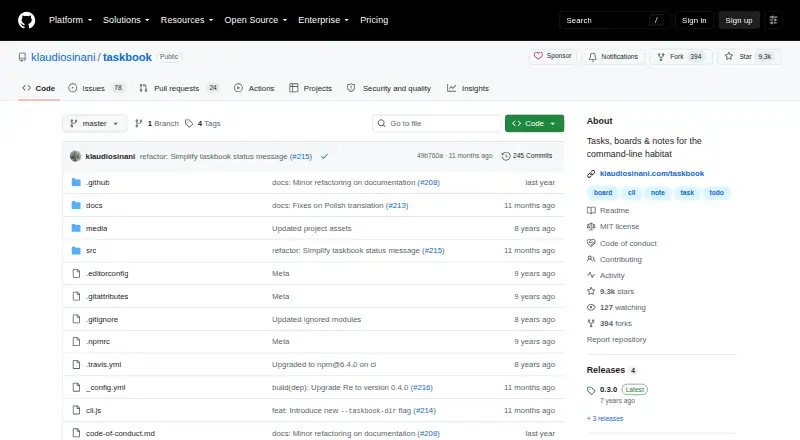
Taskbook is a free, MIT-licensed open-source command-line application for managing tasks and notes across multiple boards on Linux. It presents saved items in board and timeline views. Tasks can be started or paused, completed, prioritized, starred, searched, filtered, and moved between boards. Deleted entries go to an archive where they can be inspected or restored. Data is stored locally in a JSON file under ~/.taskbook/storage by default, and the storage location can be changed. The project says writes are atomic and data are never shared. Configuration in ~/.taskbook.json controls the storage directory and whether completed tasks or a progress overview appear. Installation is documented through global npm or Yarn commands and Snapcraft. The README documents a system clipboard copy command and directs users to submit corrections or improvements through issues or pull requests. No third-party service integrations are documented; the tool uses local files. The listed plan costs nothing.
Who it suits
Taskbook suits Linux users who manage project tasks and notes from a terminal. It is useful for people preferring local files and command-line workflows.
What it does well
- Free and MIT licensed
- Board and timeline views
- Tasks support priorities and filtering
- Deleted items can be restored
- Local atomic JSON storage
What to know first
- Linux platform focus
- Command-line interface only
- No third-party integrations documented
Plans
| Plan | Billed and limits | Price |
|---|---|---|
| Taskbook | Open-source command-line app · MIT license | Free |
As github.com lists them, read 5 Oct 2026. The maker's own page has the final word.
Verdict
Taskbook offers focused task and note management for terminal users, with local storage and an archive for deleted items. Its free, open-source license and configurable file location appeal to users who want a simple Linux workflow.
Facts from Taskbook's own pages
- Archive
- Deleted items are archived and can be inspected or restored. · github.com, 5 Oct 2026
- Audience
- The README positions Taskbook for managing project tasks and notes from a command-line environment. · github.com, 5 Oct 2026
- Configuration
- Options in ~/.taskbook.json include the storage directory and whether completed tasks and a progress overview are displayed. · github.com, 5 Oct 2026
- Installation
- The README documents global installation with Yarn or npm and installation through Snapcraft. · github.com, 5 Oct 2026
- Integrations
- The README documents no third-party service integrations; it describes local file storage and a system clipboard copy command. · github.com, 5 Oct 2026
- License
- The repository identifies Taskbook as MIT licensed. · github.com, 5 Oct 2026
- Local storage
- Data is stored in a JSON file under ~/.taskbook/storage by default, and the storage location can be changed. · github.com, 5 Oct 2026
- Platform
- The project is described as a command-line tool and documents npm, Yarn, and Snap installation; Snapcraft is the only platform-specific distribution named. · github.com, 5 Oct 2026
- Privacy and integrity
- The README states that data are written atomically and are never shared with anyone or anything. · github.com, 5 Oct 2026
- Purpose
- Taskbook manages tasks and notes across multiple boards from the terminal. · github.com, 5 Oct 2026
- Support
- The README directs users to open an issue or pull request for corrections and improvements. · github.com, 5 Oct 2026
- Supported platforms
- linux · github.com, 22 Sept 2026
- Task features
- Tasks can be started or paused, marked complete, assigned priorities, starred, searched, filtered, and moved between boards. · github.com, 5 Oct 2026
- Views
- It provides board and timeline views of saved items. · github.com, 5 Oct 2026
Where Taskbook stands on Freedom251
- To-do list apps#125 of 150