Freedom251 › Screen Sharing Software
Reflector 4
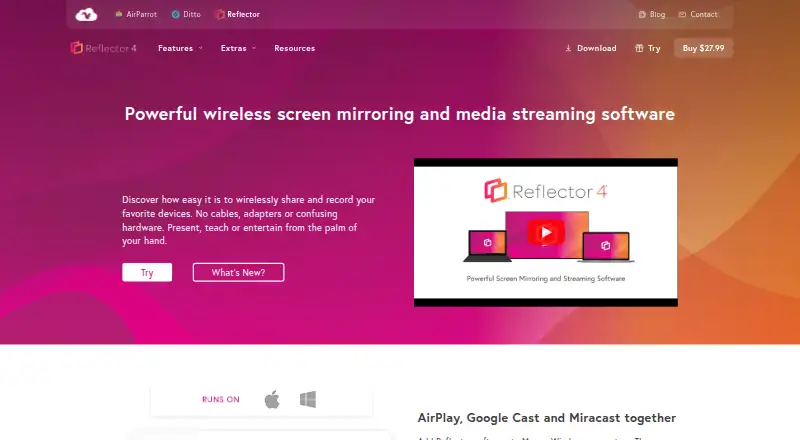
What Reflector 4 is
Reflector 4 is wireless screen-mirroring receiver software for macOS and Windows computers. It accepts AirPlay, Google Cast and Miracast connections from iPhone, iPad, Android, Mac, Windows and Chromebook devices. Any number and combination of devices can connect at the same time, including streamed video, audio and other media. Users can record mirrored screens with voiceover audio, choose device frames, and emphasize, hide or show devices for presentations, teaching or tutorials. Connection prompts allow approval or denial, while on-screen AirPlay codes restrict access on compatible Apple systems. Reflector works with AirParrot through Quick Connect codes. The software is paid, with a listed license price of $17.99 per computer and a full-featured 7-day trial that displays a watermark until purchase. It requires macOS 10.15 or newer or Windows 10 or newer, a shared local network, and one license for each computer.
Who it suits
Reflector 4 suits presenters, teachers and creators who need to receive and record mobile or computer screens on a Mac or Windows desktop.
What it does well
- Supports AirPlay, Google Cast and Miracast
- Connects unlimited device combinations
- Screen recording with voiceover
- Connection prompts and AirPlay codes
- Full-featured 7-day trial
What to know first
- One license required per computer
- Trial displays a watermark
- Requires same-subnet local network
- macOS 10.15 or Windows 10 minimum
Plans
| Plan | Billed and limits | Price |
|---|---|---|
| Reflector 4 license | Starting price $17.99/license · one license per computer · macOS or Windows | $17.99, paid once |
As airsquirrels.com lists them, read 9 Oct 2026. The maker's own page has the final word.
Verdict
Reflector 4 combines multi-device wireless mirroring, recording and connection controls for desktop presentations. Check the network and operating-system requirements before choosing the 17.99 USD license.
Facts from Reflector 4's own pages
- Company history
- Squirrels says its founders formed Napkin Studio in North Canton, Ohio, in 2008 and released Reflector in 2012. · airsquirrels.com, 9 Oct 2026
- Compatibility limit
- Reflector requires macOS 10.15 or newer or Windows 10 or newer, and rooted or jailbroken sender devices are not supported. · airsquirrels.com, 9 Oct 2026
- Connection control
- Connection prompts let users allow or deny a device before it appears on screen. · airsquirrels.com, 9 Oct 2026
- Device controls
- Users can emphasize, hide or show mirrored devices and select device frames. · airsquirrels.com, 9 Oct 2026
- Founded
- 2012 · airsquirrels.com, 28 Sept 2026
- Headquarters
- North Canton, Ohio, United States · airsquirrels.com, 28 Sept 2026
- Integrations
- Reflector works with AirParrot, which can connect to it using Quick Connect codes. · airsquirrels.com, 9 Oct 2026
- Intended users
- The maker offers volume licensing for schools, districts and organizations deploying Reflector to a business or school. · airsquirrels.com, 9 Oct 2026
- Intended uses
- The maker describes use for presenting, teaching, entertainment and creating tutorials or presentations. · airsquirrels.com, 9 Oct 2026
- License limit
- The maker says one license is required for each computer running Reflector. · airsquirrels.com, 9 Oct 2026
- Multi-device mirroring
- Reflector can connect any number and combination of devices at the same time. · airsquirrels.com, 9 Oct 2026
- Multiple devices
- Reflector can connect any number and combination of devices at the same time. · airsquirrels.com, 9 Oct 2026
- Network requirement
- Mirroring requires a local network connection, and Reflector and the connecting device must be on the same subnet with Bonjour and mDNS multicast traffic enabled. · airsquirrels.com, 9 Oct 2026
- Protocols
- It receives AirPlay, Google Cast and Miracast connections. · airsquirrels.com, 9 Oct 2026
- Purpose
- Reflector 4 is screen-mirroring receiver software that lets computers receive wireless mirroring and streaming from other devices. · airsquirrels.com, 9 Oct 2026
- Recording
- It can record mirrored device screens with voiceover audio for tutorials and presentations. · airsquirrels.com, 9 Oct 2026
- Security
- On-screen AirPlay codes can require connecting devices to see the display; this option is compatible with iOS, iPadOS and macOS. · airsquirrels.com, 9 Oct 2026
- Security controls
- On-screen AirPlay codes and connection prompts let users restrict or approve device connections; on-screen codes are compatible with iOS, iPadOS and macOS. · airsquirrels.com, 9 Oct 2026
- Streaming
- It can receive streamed video, audio and other media, including audio-only streams. · airsquirrels.com, 9 Oct 2026
- Support and refund
- The product page lists a 30-day money-back guarantee and links to a support portal. · airsquirrels.com, 9 Oct 2026
- Supported devices
- It can receive content from iPhone, iPad, Android, Chromebook, Mac and Windows devices. · press.airsquirrels.com, 9 Oct 2026
- Supported senders
- The maker lists iPhone, iPad, Android, Mac, Windows and Chromebook as devices that can connect. · airsquirrels.com, 9 Oct 2026
- Trial
- The 7-day trial is full-featured and displays a watermark that disappears after purchase. · airsquirrels.com, 9 Oct 2026
- What it does
- Reflector 4 is a wireless screen-mirroring and media-streaming receiver for Mac and Windows. · airsquirrels.com, 9 Oct 2026
Where Reflector 4 stands on Freedom251
- Screen Sharing Software#24 of 30