Freedom251 › Time Tracking Software
OfficeTimer
by OfficeTimer
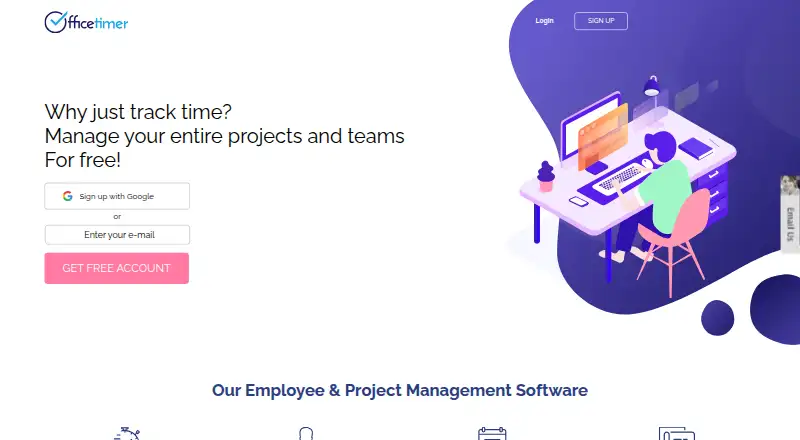
What OfficeTimer is
OfficeTimer is a time and project tracking tool available on web, iOS, and Android. It supports project tracking, billable time, timesheet approvals, and data export, with no desktop app. Its Free plan costs nothing, billed free forever, and includes unlimited users, tracking, projects, and reports. The Premium plan lists user permissions, timesheet locking and validations, employee, role, and task rates, timesheet audit, and approval hierarchies; no price is listed. Enterprise adds Kanban cards, planned-versus-actual work, task reminders, attachments, client approver support, and custom fields and reports; its price is also not listed. OfficeTimer was founded in 2014 and is headquartered in Bengaluru, Karnataka, India. The free tier provides a way to use the listed tracking and reporting features without a stated user or project limit.
Who it suits
OfficeTimer suits teams looking for web or mobile project and time tracking, billable time support, timesheet approvals, and data export. Its free plan lists unlimited users, tracking, projects, and reports.
What it does well
- Free forever plan lists unlimited users and projects.
- Supports billable time and project tracking.
- Timesheet approvals are supported.
- Available on web, iOS, and Android.
- Data export is available.
What to know first
- No desktop app.
Plans
| Plan | Billed and limits | Price |
|---|---|---|
| Free — Timesheet & Project Management | Free forever; annual billing section · Unlimited users · Unlimited tracking · Unlimited projects · Unlimited reports | Free |
| Premium — Timesheet & Project Management | User permissions · Timesheet locking · Timesheet validations · Employee, role, and task rates · Timesheet audit · Approval hierarchies | On request |
| Enterprise — Timesheet & Project Management | Kanban cards · Planned-versus-actual work · Task reminders · Attachments · Client approver · Custom fields and reports | On request |
As officetimer.com lists them, read 20 Sept 2026. The maker's own page has the final word.
Getting started
- Open the OfficeTimer website
- Use the web version or choose the iOS or Android app
- Start with the Free — Timesheet & Project Management plan
- Move to Premium or Enterprise when you need their listed controls
Verdict
OfficeTimer’s free plan includes unlimited users, tracking, projects, and reports.
Questions
Is OfficeTimer free?
Yes. The Free — Timesheet & Project Management plan costs nothing and is billed free forever.
What does the free plan include?
It includes unlimited users, unlimited tracking, unlimited projects, and unlimited reports.
Which platforms support OfficeTimer?
OfficeTimer is available on the web, iOS, and Android. There is no desktop app.
What does Premium add?
Premium adds user permissions, timesheet locking and validations, employee, role, and task rates, timesheet auditing, and approval hierarchies.
What does Enterprise add?
Enterprise adds Kanban cards, planned-versus-actual work, task reminders, attachments, client approver support, and custom fields and reports.
Who makes OfficeTimer?
OfficeTimer is made by OfficeTimer, founded in 2014 and headquartered in Bengaluru, Karnataka, India.
Facts from OfficeTimer's own pages
- Billable time
- Yes · officetimer.com, 20 Sept 2026
- Data export
- Yes · officetimer.com, 20 Sept 2026
- Desktop app
- No · officetimer.com, 20 Sept 2026
- Founded
- 2014 · officetimer.com, 28 Sept 2026
- Free plan
- Yes · officetimer.com, 20 Sept 2026
- Headquarters
- Bengaluru, Karnataka, India · officetimer.com, 28 Sept 2026
- Mobile apps
- both · officetimer.com, 20 Sept 2026
- Project tracking
- Yes · officetimer.com, 20 Sept 2026
- Timesheet approvals
- Yes · officetimer.com, 20 Sept 2026
Where OfficeTimer stands on Freedom251
- Time Tracking Software#21 of 77
- Time tracking apps#32 of 78