Freedom251 › Terminal Emulators
Ghostty
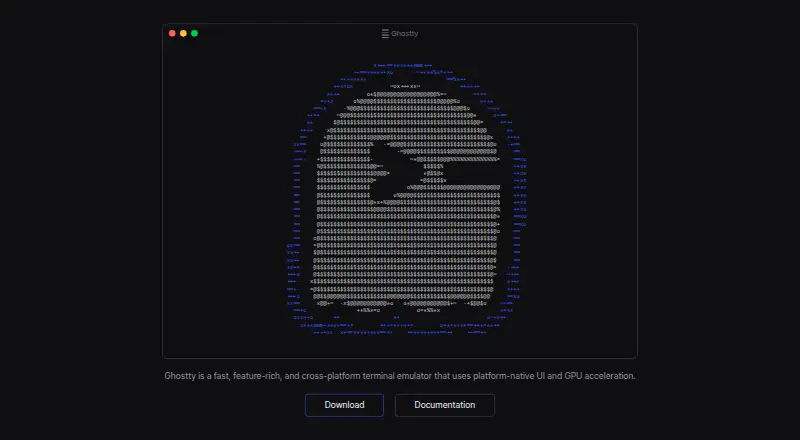
What Ghostty is
Ghostty is a free terminal emulator for macOS and Linux, with GPU-accelerated rendering and native interface components. It supports multiple windows, tabs, and split panes; rendering uses Metal on macOS and OpenGL on Linux. Its shared core, libghostty, handles terminal emulation, fonts, and rendering through a cross-platform C ABI. Ghostty supports the Kitty graphics protocol for displaying images in the terminal and provides automatic shell integration for bash, elvish, fish, nushell, and zsh. Its SSH integration can forward environment variables and install Ghostty terminfo entries on remote hosts. Hundreds of themes are included, with automatic switching to match system light and dark mode. On macOS, Secure Keyboard Entry helps protect passwords from other processes, and official binaries are signed and notarized. Ghostty is licensed under MIT and fiscally sponsored by Hack Club. It has no dedicated support team; community help is available through GitHub Discussions and Discord. The listed plan is free.
Who it suits
Ghostty suits macOS and Linux users who want a terminal with GPU rendering, native windows and splits, and shell or SSH integration. It may be less suited to readers who require dedicated support.
What it does well
- GPU-accelerated rendering on macOS and Linux.
- Supports multiple windows, tabs, and splits.
- Includes hundreds of themes.
- SSH integration can forward environment variables.
What to know first
- No dedicated support team or resources.
- Support is community-provided through GitHub Discussions and Discord.
Limits
The free plan is described as having no commercial backing and no dedicated support team. Community help is available through GitHub Discussions and Discord.
Plans
| Plan | Billed and limits | Price |
|---|---|---|
| Ghostty | Free and open source · No commercial backing · no dedicated support team | Free |
As ghostty.org lists them, read 1 Oct 2026. The maker's own page has the final word.
Getting started
- Visit the Ghostty website.
- Choose the Linux or macOS platform.
- Use the free Ghostty plan.
Verdict
Ghostty brings GPU rendering, native interface components, and a broad set of terminal features to macOS and Linux. Its community support model is an important consideration for users who need dedicated assistance.
Questions
How much does Ghostty cost?
Its Ghostty plan is listed as free.
Does Ghostty have a free plan?
Yes. The plan is described as free and open source.
Which platforms does Ghostty support?
Ghostty supports Linux and macOS.
Is Ghostty open source?
Yes. It is licensed under MIT.
Who sponsors Ghostty?
Ghostty is fiscally sponsored by Hack Club, a 501(c)(3) nonprofit.
Does Ghostty provide dedicated support?
No. Help is community-provided through GitHub Discussions and Discord.
Facts from Ghostty's own pages
- Architecture
- Its shared core, libghostty, provides terminal emulation, font handling, and rendering through a cross-platform C ABI. · ghostty.org, 1 Oct 2026
- Distribution security
- Official macOS binaries are signed and notarized by the Ghostty project. · ghostty.org, 1 Oct 2026
- Free plan
- Yes · github.com, 20 Sept 2026
- GPU acceleration
- Yes · github.com, 20 Sept 2026
- Graphics protocol
- Ghostty supports the Kitty graphics protocol for rendering images in the terminal. · ghostty.org, 1 Oct 2026
- macOS security
- Ghostty supports macOS Secure Keyboard Entry to protect passwords from other processes. · ghostty.org, 1 Oct 2026
- Platforms
- Ghostty runs on macOS and Linux; Windows support is planned for the future. · ghostty.org, 1 Oct 2026
- Product
- Ghostty is a fast, feature-rich, native terminal emulator. · ghostty.org, 1 Oct 2026
- Project governance
- Ghostty is fiscally sponsored by Hack Club, a 501(c)(3) nonprofit, and remains licensed under the MIT license. · ghostty.org, 1 Oct 2026
- Rendering
- Ghostty uses Metal on macOS and OpenGL on Linux for GPU-accelerated rendering. · ghostty.org, 1 Oct 2026
- Scripting API
- Yes · github.com, 20 Sept 2026
- Shell integrations
- Automatic shell integration is provided for bash, elvish, fish, nushell, and zsh. · ghostty.org, 1 Oct 2026
- Split panes
- Yes · github.com, 20 Sept 2026
- SSH integration
- Its SSH integration can forward environment variables and install Ghostty terminfo entries on remote hosts. · ghostty.org, 1 Oct 2026
- SSH support
- Yes · github.com, 20 Sept 2026
- Support
- Ghostty has no support team or dedicated support resources; help is community-provided through GitHub Discussions and Discord. · ghostty.org, 1 Oct 2026
- Supported platforms
- macOS,Linux · github.com, 20 Sept 2026
- Terminal UI
- It supports multiple windows, tabs, and splits using native UI components. · ghostty.org, 1 Oct 2026
- Themes
- Ghostty ships with hundreds of themes and can switch themes automatically with system light and dark mode. · ghostty.org, 1 Oct 2026
Where Ghostty stands on Freedom251
- Terminal Emulators#5 of 40
- Terminal apps#11 of 41