Freedom251 › Terminal File Managers
Deepfence SecretScanner
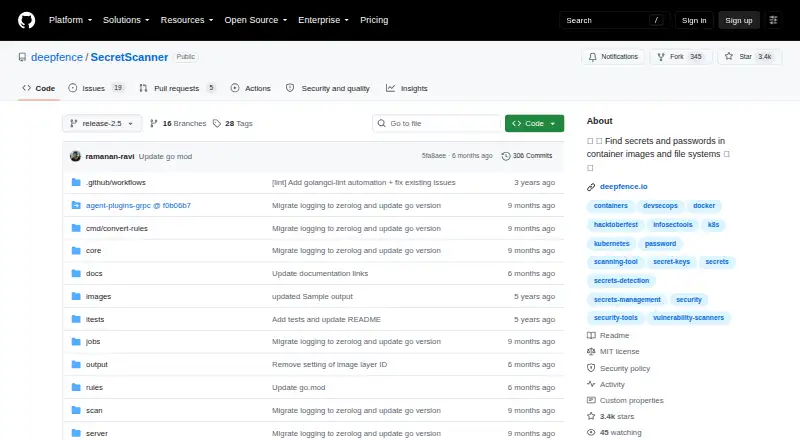
What Deepfence SecretScanner is
Deepfence SecretScanner searches container images and local host directories for unprotected secrets. Its detection database covers approximately 140 secret types, including passwords, AWS access IDs and secret access keys, Google OAuth keys, API keys, encryption keys, SSH keys and tokens. After scanning, it produces a JSON file with details of secrets found, which teams can review when deciding whether to remove them from production deployments.
The project provides a Docker build command and a command to pull its image from Quay. Its quick start instructs users to install Docker to scan a container image. SecretScanner is also included in ThreatMapper, a related product that identifies vulnerable dependencies and unprotected secrets in cloud native applications and ranks vulnerabilities by risk of exploit. The repository identifies an MIT license. For bugs and feature requests, the README directs users to GitHub issues; it points users to Deepfence Community Slack for help. Its security policy asks for confidential reports of security issues by email. The project describes SecretScanner as a lightweight way to scan images and file systems and says it should be used only to detect secrets on infrastructure you own. It is free and open source.
Who it suits
SecretScanner suits teams that want to inspect container images or host file systems for possible exposed secrets and review the results. It is intended for use on infrastructure the user owns, with Docker required by the quick start for scanning a container image.
What it does well
- Scans container images and local host directories.
- Checks for approximately 140 secret types.
- Outputs a JSON file with details of secrets found.
- Free and open source under an MIT license.
- Also included in ThreatMapper.
What to know first
- The quick start instructs users to install Docker to scan a container image.
- The project limits its intended use to infrastructure you own.
Plans
| Plan | Billed and limits | Price |
|---|---|---|
| SecretScanner | Standalone tool · approximately 140 secret types | Free |
As github.com lists them, read 4 Oct 2026. The maker's own page has the final word.
Getting started
- Install Docker to scan a container image.
- Use the README's command to pull the SecretScanner image from Quay, or follow its Docker build command.
- Run SecretScanner against a container image or local host directory.
- Review the JSON output for details of secrets found.
Verdict
Choose SecretScanner if you need a free, open-source way to scan container images or host directories for possible secrets and inspect the findings in JSON. It may also fit teams using ThreatMapper. The quick start requires Docker for container image scanning, and the project says to use it only on infrastructure you own.
Questions
Does SecretScanner cost anything?
It is listed as free, at no cost.
What does SecretScanner scan?
It scans container images and local host directories for unprotected secrets.
What kinds of secrets can it find?
Its database covers approximately 140 types, including passwords, cloud access keys, API keys, encryption keys, SSH keys and tokens.
What does a scan produce?
It outputs a JSON file with details of secrets found.
What license does it use?
The repository identifies an MIT license.
How can users get help or report issues?
The README points to GitHub issues for bugs or feature requests and Deepfence Community Slack for help. The security policy requests confidential reports by email.
Facts from Deepfence SecretScanner's own pages
- Detection coverage
- It searches container and host file systems against a database of approximately 140 secret types. · github.com, 4 Oct 2026
- Download
- The README provides a Docker build command and a command to pull the SecretScanner image from Quay. · github.com, 4 Oct 2026
- Intended use
- The README says to use the tool only for legitimate detection of secrets on infrastructure you own. · github.com, 4 Oct 2026
- License
- The repository identifies an MIT license. · github.com, 4 Oct 2026
- Output
- It scans container images or local host directories and outputs a JSON file with details of secrets found. · github.com, 4 Oct 2026
- Purpose
- SecretScanner finds unprotected secrets in container images and file systems. · github.com, 4 Oct 2026
- Related product
- SecretScanner is also included in ThreatMapper, which identifies vulnerable dependencies and unprotected secrets in cloud native applications and ranks vulnerabilities by risk of exploit. · github.com, 4 Oct 2026
- Runtime requirement
- The quick start instructs users to install Docker to scan a container image. · github.com, 4 Oct 2026
- Secret examples
- The project names passwords, AWS access IDs and secret access keys, Google OAuth keys, API keys, encryption keys, SSH keys, and tokens as examples of secrets. · github.com, 4 Oct 2026
- Security contact
- The security policy asks users to report security issues confidentially to [email protected]. · github.com, 4 Oct 2026
- Suggested users
- The project describes it as a lightweight way to scan images and file systems for possible secrets and review whether they should be removed from production deployments. · github.com, 4 Oct 2026
- Support
- The README directs users to GitHub issues for bugs or feature requests and to the Deepfence Community Slack for help. · github.com, 4 Oct 2026
Where Deepfence SecretScanner stands on Freedom251
- Terminal File Managers#9 of 29
- Secrets Scanning Software#10 of 24
- File Manager Software#66 of 100
- File managers#27 of 29