Freedom251 › Image Converter Software
Cyan
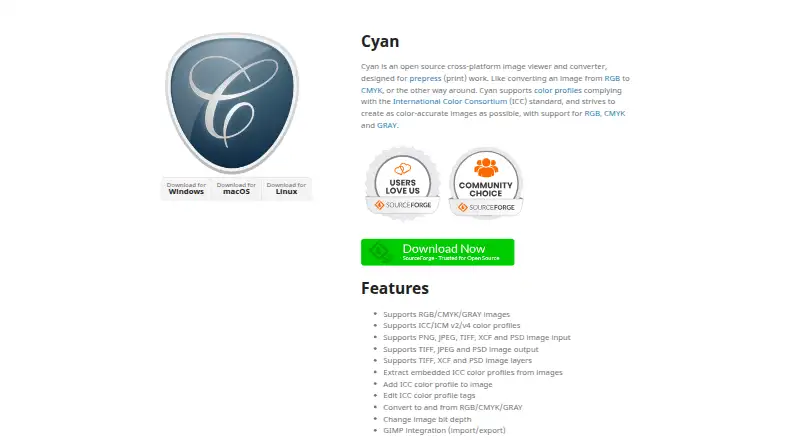
What Cyan is
Cyan is a free, open-source desktop image viewer and converter designed for prepress print work. It handles RGB, CMYK, and GRAY images, can convert between those color modes, and can change image bit depth. Cyan accepts PNG, JPEG, TIFF, XCF, and PSD files, and can output TIFF, JPEG, and PSD.
For color-managed work, Cyan supports ICC/ICM v2 and v4 profiles. It can extract an embedded profile, add a profile to an image, and edit profile tags. The application also handles layers in TIFF, XCF, and PSD files and provides import and export integration with GIMP. It runs on Linux, macOS, and Windows, and is a desktop application rather than a web app. Cyan is governed by the CeCILL license, which permits use, modification, and redistribution under its terms. There is no free trial because the software is offered as a free plan.
Who it suits
Cyan suits people preparing images for print who need RGB, CMYK, or grayscale conversion and profile tools. It may also fit users working with supported layered files or GIMP.
What it does well
- Free and open source.
- Runs on Linux, macOS, and Windows.
- Supports ICC/ICM v2 and v4 profiles.
- Converts RGB, CMYK, and GRAY images.
- Provides GIMP import and export integration.
What to know first
- Desktop application; no web application.
- Input and output formats differ.
- No free trial.
Limits
Cyan is free under its free plan. The listed output formats are TIFF, JPEG, and PSD, and it is not offered as a web application.
Getting started
- Open the Cyan website
- Choose the desktop version for Linux, macOS, or Windows
- Install and launch Cyan
- Open a PNG, JPEG, TIFF, XCF, or PSD image
- Convert its color mode or bit depth and save as TIFF, JPEG, or PSD
Verdict
Cyan focuses on image conversion and profile handling for prepress work, with broad desktop operating-system support. Check its supported input and output formats against the files in your workflow.
Questions
Is Cyan free?
Yes. Cyan uses a free plan and has no free trial.
Which platforms does Cyan support?
Cyan is a desktop application for Linux, macOS, and Windows.
Is Cyan open source?
Yes. It is governed by the CeCILL license, which permits use, modification, and redistribution under its terms.
Which image files can Cyan open and save?
It opens PNG, JPEG, TIFF, XCF, and PSD files. It saves TIFF, JPEG, and PSD files.
Can Cyan manage color profiles?
Yes. It supports ICC/ICM v2 and v4 profiles and can extract, add, or edit profile information.
Facts from Cyan's own pages
- Bit depth
- It can change image bit depth. · cyan.graphics, 9 Oct 2026
- Color profiles
- It supports ICC/ICM v2 and v4 color profiles. · cyan.graphics, 9 Oct 2026
- Color spaces
- It supports RGB, CMYK, and GRAY images and conversion between those color spaces. · cyan.graphics, 9 Oct 2026
- Conversion
- It can convert images to and from RGB, CMYK, and GRAY and change image bit depth. · cyan.graphics, 8 Oct 2026
- Input formats
- It supports PNG, JPEG, TIFF, XCF, and PSD image input. · cyan.graphics, 9 Oct 2026
- Integration
- It provides GIMP import and export integration. · cyan.graphics, 9 Oct 2026
- Intended users
- Cyan is intended for prepress print work, including converting images between RGB and CMYK. · cyan.graphics, 8 Oct 2026
- Layers
- It supports image layers in TIFF, XCF, and PSD files. · cyan.graphics, 9 Oct 2026
- License
- The software is governed by the CeCILL license, which the site describes as allowing use, modification, and redistribution under its terms. · cyan.graphics, 9 Oct 2026
- Output formats
- It supports TIFF, JPEG, and PSD image output. · cyan.graphics, 9 Oct 2026
- Platforms
- The site provides downloads for Windows, macOS, and Linux. · cyan.graphics, 9 Oct 2026
- Profile tools
- It can extract embedded ICC profiles, add profiles to images, and edit ICC profile tags. · cyan.graphics, 9 Oct 2026
- Purpose
- Cyan is an open source image viewer and converter designed for prepress (print) work. · cyan.graphics, 9 Oct 2026
Where Cyan stands on Freedom251
- Image Converter Software#10 of 36