Freedom251 › Screen Capture Software
WebSnapperPro
What WebSnapperPro is
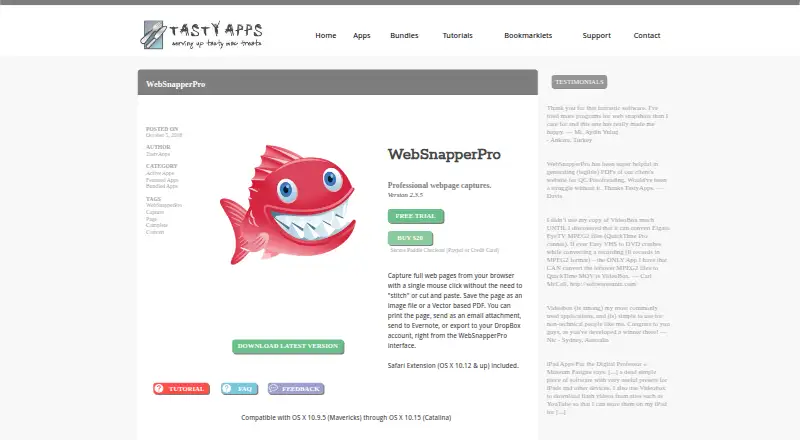
WebSnapperPro is a paid Mac application that captures complete web pages with one click and saves them as image files or vector-based PDFs. Capture options include a Safari extension, Safari or Chrome capture buttons, a bookmarklet, and MiniBrowser. The maker says the bookmarklet works in all browsers. Supported outputs are PDF, PNG, JPG, JP2, GIF, BMP, and TIFF, and scrolling capture is available. Batch mode reads a text list of URLs and processes them one at a time, although manual drag and drop may be less reliable on dynamic pages. Captures can be sent to Evernote, exported to Dropbox, printed, or attached to email. The WebSnapperPro plan costs $20, paid once for Mac app version 2.3.5. There is no free plan, but a 15-day trial uses the same version as the registered app. Listed compatibility covers OS X 10.9.5 through 10.15, while support says OS X 11.0 and above is not yet compatible.
Who it suits
It suits Mac users who need full-page web captures in image or PDF formats, including batch URL processing and exports to other services. It may also fit users who need browser-based capture methods.
What it does well
- Captures complete pages with scrolling
- Exports to seven listed formats
- Offers Safari extension and browser bookmarklet
- Can send captures to Evernote or Dropbox
- Includes a 15-day trial
What to know first
- No free plan
- Not compatible with OS X 11.0 and above
- Manual drag and drop may fail on dynamic pages
- Mac-only desktop app
Plans
| Plan | Billed and limits | Price |
|---|---|---|
| WebSnapperPro | Mac app · version 2.3.5 | $20, paid once |
As tastyapps.com lists them, read 11 Oct 2026. The maker's own page has the final word.
Verdict
WebSnapperPro provides multiple ways to capture full web pages and a broad set of image and PDF outputs. Its Mac compatibility limits and one-time listed price are important considerations, especially on newer OS X versions.
Facts from WebSnapperPro's own pages
- Batch capture
- Batch mode processes a text list of URLs one by one, though the maker says manual drag and drop may be less reliable on pages with dynamic content. · tastyapps.com, 11 Oct 2026
- Browser support
- The maker says its bookmarklet works in all browsers; the capture button can use Safari or Chrome. · tastyapps.com, 11 Oct 2026
- Checkout
- The product page describes checkout as secure Paddle Checkout and lists PayPal or credit card as payment methods. · tastyapps.com, 11 Oct 2026
- Compatibility limit
- The support page says WebSnapperPro is not yet compatible with OS X 11.0 and above. · tastyapps.com, 11 Oct 2026
- Integrations
- The app can send captures to Evernote or export them to Dropbox, as well as print them or send them as email attachments. · tastyapps.com, 11 Oct 2026
- Older macOS support
- The product page lists compatibility from OS X 10.9.5 through OS X 10.15. · tastyapps.com, 11 Oct 2026
- Output formats
- The tutorial lists PDF, PNG, JPG, JP2, GIF, BMP, and TIFF as output formats. · tastyapps.com, 11 Oct 2026
- Safari extension requirement
- The included Safari extension is for OS X 10.12 and above. · tastyapps.com, 11 Oct 2026
- Support
- TastyApps directs customers to its support section for FAQs and tutorials or to contact the maker for help. · tastyapps.com, 11 Oct 2026
- Trial
- The maker says the trial is the same version as the registered app and lasts 15 days. · tastyapps.com, 11 Oct 2026
- Ways to capture
- Capture methods include a Safari extension, Safari or Chrome capture button, bookmarklet, and MiniBrowser. · tastyapps.com, 11 Oct 2026
- What it does
- Captures full web pages from a browser with one click and saves them as image files or vector based PDFs. · tastyapps.com, 11 Oct 2026
Where WebSnapperPro stands on Freedom251
- Screen Capture Software#58 of 61