Freedom251 › Digital Signage Software
SmartSign
by SmartSign
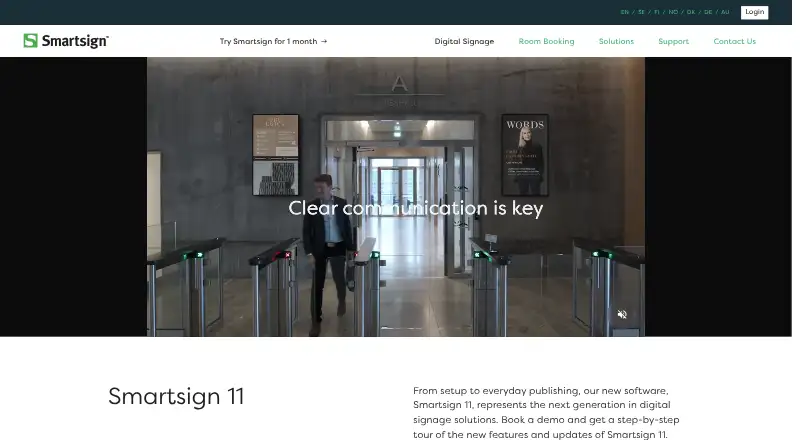
What SmartSign is
SmartSign Display Manager is digital signage software for designing, scheduling, and publishing material to screens. It can run as a cloud service or on a local server. A calendar assigns content to selected screens and controls when it appears. Supported material includes images, video, PowerPoint, and other documents. Template Creator helps produce branded content and can pull updates from services such as SharePoint, Teams, and Instagram. Listed connections also include Power BI, Facebook, OneDrive, Google Drive, RSS, and JSON or XML sources; Instagram feeds are available only with the cloud service. User profiles and permissions provide access control, with no stated user-number limit. SmartSign says access uses OAuth2 and content is end-to-end encrypted. Player options include Windows PCs, ChromeOS devices, Qbic Android devices, and commercial panels from LG, Samsung, Philips, and Sony. The maker offers tutorials, manuals, installation instructions, and free online training. Plans include Standard and Professional, with pricing on request and trial access available through a demo or advertised one-month trial.
Who it suits
SmartSign suits organizations displaying scheduled content across one screen or many. It fits teams wanting cloud or local deployment, varied media support, integrations, and detailed permissions.
What it does well
- Supports cloud and local-server deployment
- Schedules content with a calendar
- Handles images, video, PowerPoint, and documents
- Offers many data-source integrations
- Provides OAuth2 access and end-to-end encryption
What to know first
- Instagram feeds require the cloud service
- Pricing is available only on request
- Professional trial requires booking a demo
Plans
| Plan | Billed and limits | Price |
|---|---|---|
| Smartsign Display Manager Standard | For Smartsign 10 · pricing not listed; contact reseller | On request |
| Smartsign Display Manager Professional | For Smartsign 10 and 11 · pricing not listed; contact reseller | On request |
As smartsignmanager.com lists them, read 12 Oct 2026. The maker's own page has the final word.
Verdict
SmartSign Display Manager covers content creation, scheduling, integrations, and screen playback across several deployment choices. Its pricing and some trial access depend on contacting the maker.
Facts from SmartSign's own pages
- Access control
- The product supports detailed user profiles and permissions, and the maker says there is no limit on the number of users. · smartsignmanager.com, 12 Oct 2026
- API access
- Yes · docs.smartsign.se, 20 Sept 2026
- Content
- The software supports common content formats including images, video, PowerPoint and other documents. · smartsignmanager.com, 12 Oct 2026
- Content types
- images,video,documents,templates,webpages · docs.smartsign.se, 20 Sept 2026
- Deployment
- It is available as a cloud-based service or a local server installation. · smartsignmanager.com, 12 Oct 2026
- Founded
- 1998 · smartsignmanager.com, 28 Sept 2026
- Hardware
- Supported player options include Windows PCs, ChromeOS devices and Qbic Android devices, as well as commercial panels from LG, Samsung, Philips and Sony. · smartsignmanager.com, 12 Oct 2026
- Headquarters
- Sweden · smartsignmanager.com, 28 Sept 2026
- Integration limit
- Instagram feed integration is available only with the cloud service. · smartsignmanager.com, 12 Oct 2026
- Integrations
- Listed integrations include Teams Channel, SharePoint, Power BI, Instagram, Facebook, OneDrive, Google Drive, RSS, JSON and XML data sources. · smartsignmanager.com, 12 Oct 2026
- Intended users
- The maker describes the platform as suitable across industries and for installations ranging from one screen to a hundred. · smartsignmanager.com, 12 Oct 2026
- Mobile app
- Yes · docs.smartsign.se, 20 Sept 2026
- Purpose
- Smartsign Display Manager is digital signage content management software for scheduling, designing and publishing content to screens. · smartsignmanager.com, 12 Oct 2026
- Scheduling
- Its calendar lets users plan content so it appears on selected screens at the intended time. · smartsignmanager.com, 12 Oct 2026
- Security
- The maker states that access uses OAuth2 and content is end-to-end encrypted. · smartsignmanager.com, 12 Oct 2026
- Support
- Support resources include tutorials, manuals, installation instructions and free online training sessions. · smartsignmanager.com, 12 Oct 2026
- Templates
- Template Creator supports branded content and can connect external sources such as SharePoint, Teams and Instagram for automatic updates. · smartsignmanager.com, 12 Oct 2026
- Trial
- The maker offers a full Professional trial license when a user books a demo, and its site advertises a one-month trial. · smartsignmanager.com, 12 Oct 2026
- User roles
- custom · docs.smartsign.se, 20 Sept 2026
Where SmartSign stands on Freedom251
- Digital Signage Software#71 of 207