Freedom251 › Screenshot Annotation Software
ScreenClip
What ScreenClip is
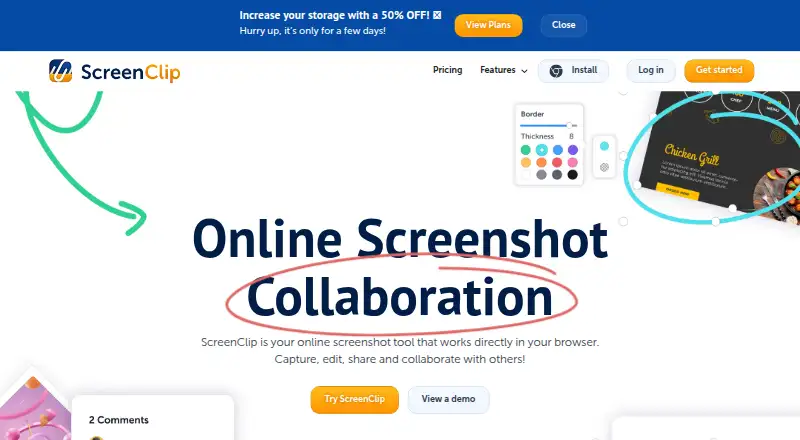
ScreenClip is a browser screenshot and clipping tool with a Chrome extension. It captures a selected page area or a complete web page, including scrolling content, then supports drawing, arrows, highlights, text, shapes, comments, and blur. Screenshots retain their source-page link, and clips stay private until shared. Sharing can use files or links, with recipients able to continue editing linked screenshots. PNG is the listed export format, and redaction tools help hide details. Team collaboration is supported, while Google Drive can store copies and add storage. The free Basic plan includes 100 clips with uploads up to 1MB each and uses ScreenClip storage. ScreenClip is the rebranded successor to Clipular, with migration available for existing users.
Who it suits
It suits individuals and teams capturing, annotating, redacting, and sharing web content from a browser. Clipular users can migrate images or clips using the same email address.
What it does well
- Captures selected or full scrolling pages
- Annotations include blur and comments
- Source links remain with screenshots
- Private clips by default
- Google Drive storage integration
What to know first
- Basic limits users to 100 clips
- Basic uploads are limited to 1MB
- Plus uploads are limited to 8MB
Plans
| Plan | Billed and limits | Price |
|---|---|---|
| Basic | 100 files (clips) · Upload up to 1 MB per file | On request |
| Plus | 10,000 files (clips) · Upload up to 8 MB per file | On request |
As screenclip.com lists them, read 28 Sept 2026. The maker's own page has the final word.
Verdict
ScreenClip combines browser capture, annotation, redaction, sharing, and collaborative editing. The free Basic tier has clear storage and file-size limits, while Plus expands capacity and adds Google Drive storage without a listed price.
Facts from ScreenClip's own pages
- Annotation tools
- Annotations include drawing, arrows, highlights, text, shapes, comments, and blur. · screenclip.com, 28 Sept 2026
- Browser extension
- Yes · screenclip.com, 24 Sept 2026
- Capture capabilities
- Users can capture a section of a page or an entire web page, including scrolling screenshots. · screenclip.com, 28 Sept 2026
- Clipular migration
- Existing Clipular users can create a ScreenClip account with the same email and import images or migrate clips. · screenclip.com, 28 Sept 2026
- Company rebrand
- ScreenClip is the rebranded successor to Clipular. · screenclip.com, 28 Sept 2026
- Early adopter discount
- The site advertises 50% off for early adopters for a limited time. · screenclip.com, 28 Sept 2026
- Export formats
- PNG · screenclip.com, 24 Sept 2026
- Free plan
- Yes · screenclip.com, 24 Sept 2026
- Free plan limits
- The Basic plan includes 100 clips and allows uploads up to 1MB per file. · screenclip.com, 28 Sept 2026
- Free storage
- The Basic plan uses ScreenClip storage only. · screenclip.com, 28 Sept 2026
- Google Drive integration
- Google Drive can store copies of clips and provide additional storage. · screenclip.com, 28 Sept 2026
- Maximum file size
- 8 · screenclip.com, 24 Sept 2026
- Plus plan limits
- The Plus plan includes 10,000 clips and allows uploads up to 8MB per file. · screenclip.com, 28 Sept 2026
- Plus storage
- The Plus plan includes ScreenClip and Google Drive storage. · screenclip.com, 28 Sept 2026
- Default clip privacy
- Clips are private unless the user shares them with someone. · screenclip.com, 28 Sept 2026
- Redaction tools
- Yes · screenclip.com, 24 Sept 2026
- Renewal notice
- Subscribers receive an email notification seven days before renewal. · screenclip.com, 28 Sept 2026
- Sharing collaboration
- Screenshots can be shared as files or links, and recipients can continue editing linked screenshots. · screenclip.com, 28 Sept 2026
- Source link retention
- Screenshots retain the link to the source where they were captured. · screenclip.com, 28 Sept 2026
- Support channels
- Support is available by email, Help Desk, and live chat through the chatbox. · screenclip.com, 28 Sept 2026
- Browser platform
- ScreenClip works directly in the browser and provides a Chrome extension. · screenclip.com, 28 Sept 2026
- Team collaboration
- Yes · screenclip.com, 24 Sept 2026
Where ScreenClip stands on Freedom251
- Screenshot Annotation Software#44 of 76