Freedom251 › Screenshot Annotation Software
Screen Annotations
What Screen Annotations is
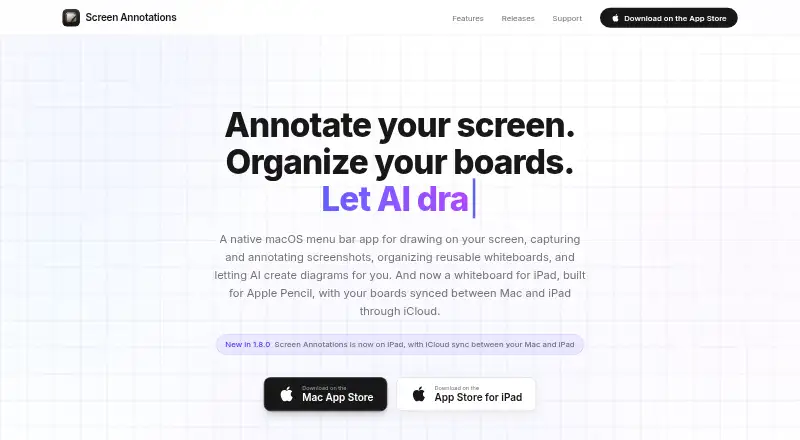
Screen Annotations is a native Mac app for drawing over applications, marking screenshots, building whiteboards, presenting scenes, and creating diagrams with AI. The Mac version includes 12 drawing tools and more than 135 shapes across 20 categories. Screenshot capture can target a region, window, full screen, or a previously used area, with a quick-access tray and editor. Whiteboards support reusable documents, tabs, sticky notes, editable tables, link cards, layout tools, and recoverable snapshots. Boards can be presented as scenes with transitions, cursor highlighting, spotlight, and keystroke display. The iPad whiteboard supports Apple Pencil and touch, while boards, scenes, and history can sync with Mac through the user’s iCloud. MCP integration supports Claude Code, Claude Desktop, Cursor, and Codex over HTTP or stdio. Exports include PNG and .screenannotation files. The maker says there are no accounts, analytics, telemetry, advertising, crash reporting, or personal-data collection. A one-time purchase of 14.99 USD covers Mac and iPad apps.
Who it suits
Screen Annotations suits people teaching, presenting, recording tutorials, building software, or explaining ideas visually. It is aimed at users working on Mac and iPad with Apple Pencil or touch support.
What it does well
- 12 drawing tools and over 135 shapes
- Captures regions, windows, or full screens
- Whiteboards include tabs and sticky notes
- MCP support for four named tools
- No accounts or analytics
What to know first
- Paid one-time purchase of 14.99 USD
- Requires macOS 15.0 or later
- Requires iPadOS 18.0 or later
- Mac requests Screen Recording permission
Plans
| Plan | Billed and limits | Price |
|---|---|---|
| App purchase | Mac app; product site says one purchase covers the Mac and iPad apps. | On request |
| Screen Annotations | One-time purchase; one purchase covers the Mac and iPad apps. · macOS 15.0 or later · iPadOS 18.0 or later | $14.99, paid once |
As screenannotations.com lists them, read 24 Sept 2026. The maker's own page has the final word.
Verdict
Screen Annotations combines screen markup, whiteboards, presentations, screenshots, and AI diagram support in one Mac-and-iPad purchase. Its platform requirements and Screen Recording permission should be checked before buying.
Facts from Screen Annotations's own pages
- AI integrations
- Its MCP integration supports Claude Code, Claude Desktop, Cursor, and Codex, with HTTP and stdio transports. · screenannotations.com, 12 Oct 2026
- Data storage
- Boards stay on the device or in the user's private iCloud database, and the maker says it cannot access or recover iCloud data. · screenannotations.com, 12 Oct 2026
- Drawing tools
- The Mac app includes 12 drawing tools and more than 135 shapes across 20 categories. · screenannotations.com, 12 Oct 2026
- Export formats
- PNG; .screenannotation · screenannotations.com, 24 Sept 2026
- Free plan
- No · screenannotations.com, 24 Sept 2026
- Intended users
- The maker presents it for teaching, presenting, recording tutorials, building software, and explaining ideas visually. · screenannotations.com, 12 Oct 2026
- iPad and sync
- The iPad whiteboard supports Apple Pencil and touch, and boards, scenes, and history can sync with Mac through the user's iCloud. · screenannotations.com, 12 Oct 2026
- Measurement tools
- Yes · screenannotations.com, 24 Sept 2026
- Network behavior
- The maker says the local MCP server binds only to localhost, while iCloud sync and fetching link-card previews are described network connections. · screenannotations.com, 12 Oct 2026
- Permissions
- On Mac, it requests Screen Recording for screenshot capture and local MCP screen viewing; it does not request Accessibility or Input Monitoring access. · screenannotations.com, 12 Oct 2026
- Presentations
- Boards can be presented as scenes with transitions, cursor highlighting, spotlight, and keystroke display. · screenannotations.com, 12 Oct 2026
- Privacy
- The maker says it collects no personal data and uses no accounts, analytics, telemetry, advertising, or crash reporting. · screenannotations.com, 12 Oct 2026
- Screenshots
- It captures regions, windows, full screens, or a previous area and includes a quick-access tray and screenshot editor. · screenannotations.com, 12 Oct 2026
- Support
- Support is available by email, with typical responses in 24 to 48 hours on business days; bug reports and feature requests use GitHub. · screenannotations.com, 12 Oct 2026
- What it does
- Screen Annotations is a native Mac app for drawing over apps, annotating screenshots, creating whiteboards, presenting scenes, and using AI to create diagrams. · screenannotations.com, 12 Oct 2026
- Whiteboards
- Boards support reusable documents, tabs, sticky notes, editable tables, link cards, layout tools, and recoverable snapshots. · screenannotations.com, 12 Oct 2026
Where Screen Annotations stands on Freedom251
- Screenshot Annotation Software#72 of 76