PDF Scanner by Flyingbee
What PDF Scanner by Flyingbee is
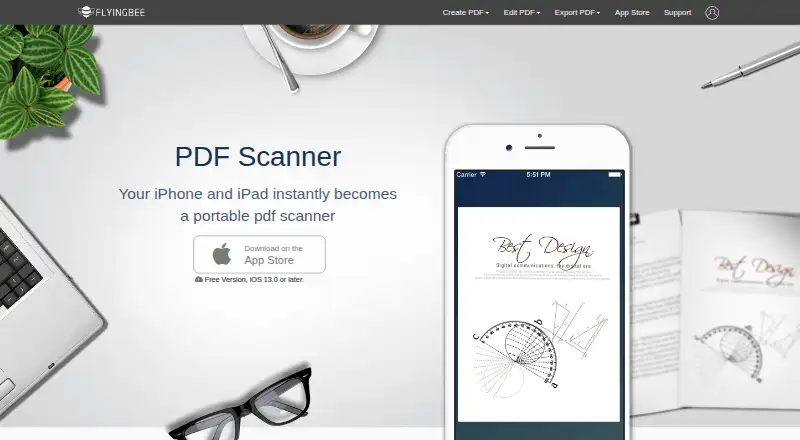
PDF Scanner by Flyingbee turns an iPhone or iPad into a scanner for documents, receipts, contracts, notes, and sketches. It detects page edges automatically and corrects perspective and page shape. Editing tools can brighten and enhance images, crop or rotate them, and apply grayscale or black-and-white filters. Scans can be combined into multi-page, industry-standard PDFs. A searchable document library helps locate saved files, and text files can be added for filling in forms on a phone. Scanned files can be shared over the internet or by email; the product information also mentions printing and faxing, including compatibility described for HP, Canon, Kodak, and other printers. Flyingbee lists iPhone and iPad support, with the free version requiring iOS 13.0 or later. The Free Version costs nothing. A Universal Pro upgrade is a $1.99, paid once in-app purchase, with no feature limits stated. Android is not supported.
Who it suits
PDF Scanner suits iPhone and iPad users who need mobile scanning, PDF creation, image cleanup, form filling, or document sharing. It is also relevant for users needing printing or faxing from scanned files.
What it does well
- Automatically detects and corrects page perspective
- Creates multi-page standard PDFs
- Includes searchable document library
- Supports printing and faxing
- Free version available for iOS 13.0 or later
What to know first
- No Android app
- Free version requires iOS 13.0 or later
- Only iPhone and iPad platforms are listed
Plans
| Plan | Billed and limits | Price |
|---|---|---|
| Free Version | Free version; requires iOS 13.0 or later | Free |
| Upgrade to Universal Pro Version | $1.99 · In-app purchase; App Store listing does not state feature limits | $1.99, paid once |
As flyingbee.com lists them, read 11 Oct 2026. The maker's own page has the final word.
Verdict
PDF Scanner by Flyingbee provides scanning, editing, PDF assembly, and sharing tools for Apple mobile devices. The free version covers the listed platform requirement, while the optional 1.99 USD upgrade has unspecified feature limits.
Facts from PDF Scanner by Flyingbee's own pages
- Android app
- No · flyingbee.com, 22 Sept 2026
- Document tools
- The app can search its document library and add text files for filling in forms on a mobile phone. · flyingbee.com, 11 Oct 2026
- Free plan
- Yes · flyingbee.com, 22 Sept 2026
- Image editing
- It can brighten and enhance images, crop, rotate, and apply grayscale or black-and-white filters. · flyingbee.com, 11 Oct 2026
- iOS app
- Yes · flyingbee.com, 22 Sept 2026
- Maker focus
- Flyingbee says it develops practical, economical apps about PDF, Office documents, and printing for iPhone, iPad, Mac, and Windows PC. · flyingbee.com, 11 Oct 2026
- Multipage PDF
- Yes · flyingbee.com, 22 Sept 2026
- Page detection
- The app automatically detects page edges and can correct perspective and shape. · flyingbee.com, 11 Oct 2026
- PDF output
- The product page says it creates industry-standard PDFs and supports scanning multi-page documents. · flyingbee.com, 11 Oct 2026
- Printer compatibility
- The App Store description says the app can print and fax with HP, Canon, Kodak, and other printers. · apps.apple.com, 11 Oct 2026
- Privacy disclosure
- Apple's App Store listing reports the developer's disclosure that the app does not collect data. · apps.apple.com, 11 Oct 2026
- Purpose
- PDF Scanner turns an iPhone or iPad into a portable scanner for documents, receipts, contracts, notes, and sketches. · flyingbee.com, 11 Oct 2026
- Sharing
- Scanned files can be shared over the internet or sent by email, and the product page also mentions printing and faxing. · flyingbee.com, 11 Oct 2026
- Support
- Flyingbee lists [email protected] and says it aims to respond to email within 48 hours. · flyingbee.com, 11 Oct 2026
- Supported devices
- Flyingbee lists iPhone and iPad support and says the free version requires iOS 13.0 or later. · flyingbee.com, 11 Oct 2026
Where PDF Scanner by Flyingbee stands on Freedom251
- Scanner apps#64 of 76
- Mobile Scanning Apps#65 of 76