Freedom251 › Minecraft Schematic Tools
Litematica Printer
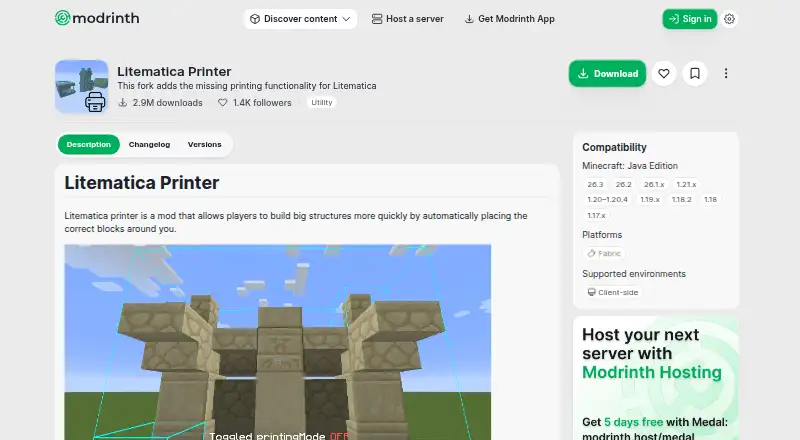
What Litematica Printer is
Litematica Printer is a free client-side mod for Minecraft Java Edition that automatically places the correct blocks around a player to help build large structures. It uses Fabric and requires Fabric API, Litematica and MaLiLib. Printing toggles with CAPS_LOCK by default, while holding V prints regardless of whether the toggle is on. Printing speed and range can be configured in Litematica's Generic settings, and the toggle can be rebound in Hotkeys. The printer skips grindstones, ground-placed skulls, signs, glow lichen, vines and entities such as item frames and armor stands. Its maker lists liquid placement, open-air printing and rail placement among broken or missing features. Automatic excavation and correction of incorrectly placed blocks are outside the mod's scope. Installation involves using Fabric, downloading the release for the relevant Minecraft version, adding the required mods and placing the JAR files in the mods folder. The listing identifies its license as AGPL-3.0-only. Its maker warns that server use may violate server rules and lead to a ban.
Who it suits
This mod suits Minecraft Java Edition players using Fabric who want help placing blocks for large builds. It is intended for in-game use, and its maker warns against use where server rules prohibit it.
What it does well
- Places correct blocks around the player automatically.
- Printing speed and range are configurable.
- Toggle can be rebound in Hotkeys.
- Free and licensed under AGPL-3.0-only.
What to know first
- Requires Fabric API, Litematica and MaLiLib.
- Skips several blocks and entities.
- Liquid, open-air and rail placement are limited.
- Server use may violate rules and risk a ban.
Limits
The mod skips grindstones, ground-placed skulls, signs, glow lichen, vines, item frames and armor stands. Liquid placement, open-air printing and rail placement have listed limitations; automatic excavation and correcting misplaced blocks are outside its scope.
Plans
| Plan | Billed and limits | Price |
|---|---|---|
| Litematica Printer | No price stated on the opened listing | Free |
As modrinth.com lists them, read 5 Oct 2026. The maker's own page has the final word.
Getting started
- Install Fabric.
- Download the release for your Minecraft version.
- Add Litematica, MaLiLib and Fabric API.
- Place the JAR files in the mods folder.
- In game, toggle printing with CAPS_LOCK or hold V to print.
Verdict
Litematica Printer can automate some block placement for Fabric-based builds, with configurable speed and range. Check its skipped blocks and listed limitations, and consider server rules before using it.
Questions
How much does Litematica Printer cost?
The listed plan is free.
What does the mod require?
It requires Fabric API, Litematica and MaLiLib, and the listing identifies Fabric as its platform.
How do I control printing?
CAPS_LOCK toggles printing by default. Holding V prints whether or not the toggle is on; speed and range are adjustable in Litematica’s Generic settings.
What platforms is it available on?
The listing identifies Fabric as its platform and desktop as its available platform. It is a client-side mod for Minecraft Java Edition.
What license does it use?
The Modrinth listing identifies the license as AGPL-3.0-only.
Can I use it on a server?
The maker warns that server use may violate server rules and could result in a ban.
Facts from Litematica Printer's own pages
- Controls
- Printing toggles with CAPS_LOCK by default, and holding V prints whether or not the toggle is on. · modrinth.com, 5 Oct 2026
- Installation
- The maker's GitHub README instructs users to install Fabric, download the release for their Minecraft version, add Litematica, MaLiLib, and Fabric API, then place the JAR files in the mods folder. · github.com, 5 Oct 2026
- Known limitations
- The maker's README lists liquid placement, unsupported printing in open air, and imperfect rail placement among broken or missing features. · github.com, 5 Oct 2026
- License
- The Modrinth listing identifies the license as AGPL-3.0-only. · modrinth.com, 5 Oct 2026
- Loader
- The listing identifies Fabric as its platform. · modrinth.com, 5 Oct 2026
- Product type
- Litematica Printer is a client-side Minecraft Java Edition mod. · modrinth.com, 5 Oct 2026
- Purpose
- The mod automatically places the correct blocks around a player to help build large structures more quickly. · modrinth.com, 5 Oct 2026
- Requirements
- The mod requires Fabric API, Litematica, and MaLiLib. · modrinth.com, 5 Oct 2026
- Scope
- The maker says automatic excavation and correction of incorrectly placed blocks are outside the mod's scope. · github.com, 5 Oct 2026
- Server use
- The listing warns that using the mod on a server may violate server rules and could result in a ban. · modrinth.com, 5 Oct 2026
- Settings
- Printing speed and range are configurable in Litematica's Generic settings, and the printing toggle can be rebound in Hotkeys. · modrinth.com, 5 Oct 2026
- Support
- The maker's README directs users to report bugs or request features through GitHub issues or Discord, and asks them not to contact Litematica's original creator about Printer issues. · github.com, 5 Oct 2026
- Unsupported blocks
- The listing says the printer skips grindstones, ground-placed skulls, signs, glow lichen, vines, and entities such as item frames and armor stands. · modrinth.com, 5 Oct 2026
Where Litematica Printer stands on Freedom251
- Minecraft Schematic Tools#13 of 42