Freedom251 › Screen Recording Software
Glideo
What Glideo is
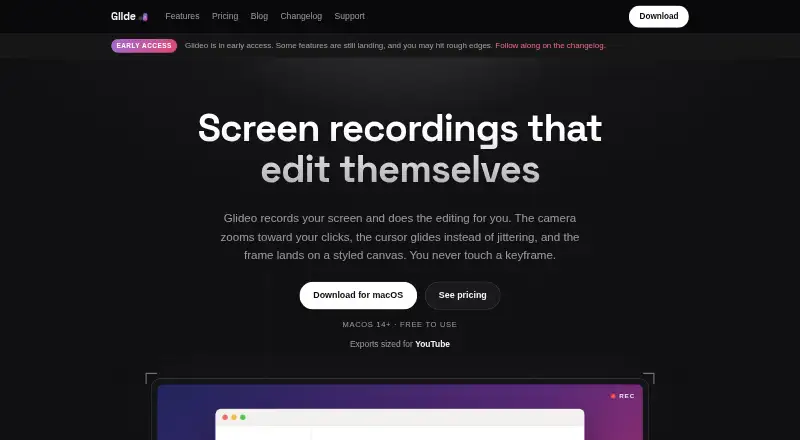
Glideo is a macOS screen recorder that turns captures into demo videos with zooms planned around mouse clicks. It automatically creates smooth zoom-ins, holds, and zoom-outs from recorded activity, while smoothing the cursor and placing footage on a styled canvas with padding, rounded corners, a shadow, and a gradient or wallpaper background. Projects retain the raw capture and event timeline in an open .glideo folder, so motion and styling can be edited and rendered again. Glideo records webcam, system audio, and microphone input, then exports 16:9 or 9:16 videos up to 4K without a watermark. Recording, planning, and rendering run locally on the Mac; the app says it has no telemetry, account system, or own cloud component. Optional AI editing is off by default and sends requested project data to the provider using the user’s API key. Individuals get unlimited recording free, while professional company use requires a commercial contract.
Who it suits
Glideo suits Mac users creating product demos, tutorials, documentation clips, developer-tool videos, or changelogs. It also fits individuals wanting local processing and editable motion timelines.
What it does well
- Automatic zooms follow mouse activity
- Exports vertical or widescreen video
- Supports webcam, system audio, and microphone
- Local recording, planning, and rendering
- Free Individual plan with unlimited recording
What to know first
- Requires macOS 14 or later
- Companies need a commercial contract
- Optional AI sends project data to a provider
- Requests Screen Recording and Input Monitoring permissions
Plans
| Plan | Billed and limits | Price |
|---|---|---|
| Individual | Unlimited recording · Automatic zoom and pan · Cursor smoothing · 16:9 and 9:16 export · 4K output · No watermark | Free |
| Enterprise | Commercial license · Written agreement and invoicing · Organization license key · Offline verification · Direct support contact | On request |
As glideo.app lists them, read 12 Oct 2026. The maker's own page has the final word.
Verdict
Glideo focuses on locally processed Mac recordings with automatic camera motion and editable projects. Individuals can use the free plan, while company deployment or professional use requires enterprise licensing.
Facts from Glideo's own pages
- Automatic camera motion
- It plans smooth zoom-ins, holds, and zoom-outs from recorded mouse activity, without requiring manual keyframes. · glideo.app, 12 Oct 2026
- Business-use limit
- Individuals can use Glideo for free, while companies using it professionally or deploying it across a team need a commercial contract. · glideo.app, 12 Oct 2026
- Cursor and canvas
- It smooths the cursor and places recordings on a styled canvas with padding, rounded corners, a shadow, and a gradient or wallpaper background. · glideo.app, 12 Oct 2026
- Download security
- The macOS DMG is signed with a Developer ID certificate, notarized by Apple, and ships with a SHA-256 checksum for verification. · glideo.app, 12 Oct 2026
- Editable projects
- Projects keep the raw capture and event timeline in an open .glideo folder so motion and styling can be changed and rendered again. · glideo.app, 12 Oct 2026
- Export formats
- Exports support 16:9 and 9:16 formats, up to 4K, without a watermark. · glideo.app, 12 Oct 2026
- Free plan
- Yes · glideo.app, 22 Sept 2026
- Intended users
- The maker describes Glideo for product demos, developer tools and changelogs, tutorials, and documentation clips. · glideo.app, 12 Oct 2026
- Local processing
- Recordings, planning, and rendering run locally on the Mac; the app says it has no telemetry, account system, or cloud component of its own. · glideo.app, 12 Oct 2026
- Microphone recording
- Yes · glideo.app, 22 Sept 2026
- Optional AI editing
- AI editing is off by default and uses a provider and API key supplied by the user; requested project data goes directly to that provider. · glideo.app, 12 Oct 2026
- Supported platforms
- macOS · glideo.app, 22 Sept 2026
- Support
- The maker provides FAQ support by email at [email protected] and offers enterprise customers a direct contact for questions. · glideo.app, 12 Oct 2026
- System audio
- Yes · glideo.app, 22 Sept 2026
- System requirements
- Glideo requires macOS 14 (Sonoma) or later and requests Screen Recording and Input Monitoring permissions. · glideo.app, 12 Oct 2026
- Maximum video quality
- 4k · glideo.app, 22 Sept 2026
- Webcam recording
- Yes · glideo.app, 22 Sept 2026
- What it does
- Glideo records your screen and automatically creates polished demo videos with zooms that follow your clicks. · glideo.app, 12 Oct 2026
Where Glideo stands on Freedom251
- Screen Recording Software#65 of 131