gImageReader
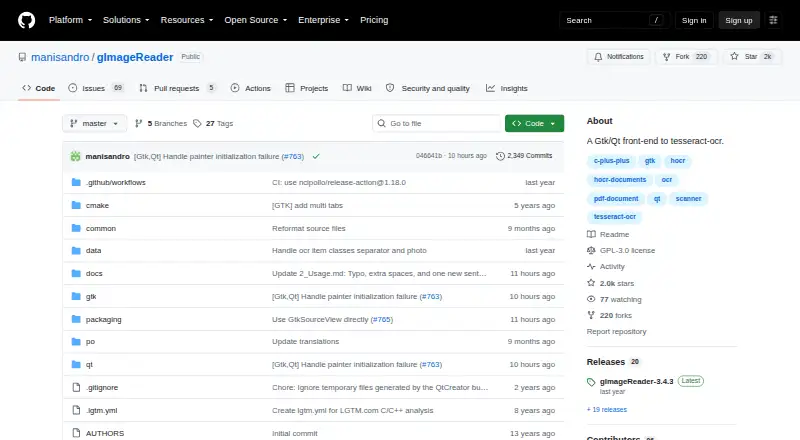
What gImageReader is
gImageReader is a free desktop front end to Tesseract OCR, available for Linux and Windows. It brings together document and image import, text recognition, and tools for reviewing the recognized text. You can open PDFs and images from disk, import from a scanning device or clipboard, or use screenshots. Multiple images and documents can be processed in one batch. Recognition areas can be selected manually or detected automatically. The recognized text appears beside its source image, where it can be post-processed, including with spellchecking. Results can be saved as plain text or hOCR documents, and gImageReader can create PDFs from hOCR documents. The project lists international language support; language definitions can be chosen in its integrated tessdata manager or installed manually. The Windows installer includes the required Tesseract files. The project is open source under GPL-3.0, and its Free plan costs nothing. For help, the project points users to its issue tracker, maintainer email, and FAQ.
Who it suits
gImageReader suits Linux and Windows users who need desktop OCR for PDFs or images, including batch processing and review of recognized text. It is also suitable for users who want an open-source GPL-3.0 application with multiple input routes.
What it does well
- Runs on Linux and Windows.
- Imports PDFs and images from disk, scanners, clipboard, and screenshots.
- Processes multiple images and documents in one go.
- Allows manual or automatic recognition areas.
- Supports plain text and hOCR output, plus PDF generation from hOCR.
- Open source under GPL-3.0.
What to know first
- Word export is not supported.
- Tesseract language data may need manual installation.
- GitHub reports no SECURITY.md policy and no published security advisories.
Plans
| Plan | Billed and limits | Price |
|---|---|---|
| Free | Gtk/Qt desktop OCR front-end · open-source GPL-3.0 | Free |
As github.com lists them, read 5 Oct 2026. The maker's own page has the final word.
Getting started
- Open the gImageReader project page on GitHub.
- Install the application for Linux or Windows.
- On Windows, use the installer that bundles the necessary Tesseract files.
- Select language definitions in the integrated tessdata manager or install them manually.
- Import PDFs or images from disk, a scanning device, the clipboard, or screenshots.
- Set recognition areas and review the text beside the source image.
Verdict
Choose gImageReader for free desktop OCR on Linux or Windows, especially if you need batch processing and several ways to import files. Look elsewhere if you need Word export or a project with a published security policy.
Questions
How much does gImageReader cost?
Its Free plan costs nothing.
Which platforms does it support?
It is available for Linux and Windows.
Is gImageReader open source?
Yes. The repository identifies its license as GPL-3.0.
Can it export recognized text to Word?
No. Word export is listed as unsupported. It can output plain text or hOCR documents and generate PDFs from hOCR documents.
What can I import?
It imports PDF documents and images from disk, scanning devices, the clipboard, and screenshots.
Where can I get help?
The project directs users to its issue tracker, maintainer email, and FAQ.
Facts from gImageReader's own pages
- Batch processing
- It can process multiple images and documents in one go. · github.com, 5 Oct 2026
- Free plan
- Yes · github.com, 23 Sept 2026
- Import sources
- It imports PDF documents and images from disk, scanning devices, clipboard, and screenshots. · github.com, 5 Oct 2026
- Supported inputs
- both · github.com, 23 Sept 2026
- Language data
- Tesseract language definitions can be selected through the integrated tessdata manager or installed manually. · github.com, 5 Oct 2026
- Language support
- The project lists international language support and links to Weblate for translations. · github.com, 5 Oct 2026
- License
- The repository identifies its license as GPL-3.0. · github.com, 5 Oct 2026
- Output formats
- It recognizes text to plain text or hOCR documents and can generate PDFs from hOCR documents. · github.com, 5 Oct 2026
- Primary platform
- desktop · github.com, 23 Sept 2026
- Platforms
- The project lists Windows downloads and Linux distribution packages, including Fedora, Debian, Ubuntu, openSUSE, and Arch Linux. · github.com, 5 Oct 2026
- Purpose
- gImageReader is a Gtk/Qt front-end to tesseract-ocr. · github.com, 5 Oct 2026
- Recognition areas
- Recognition areas can be defined manually or automatically. · github.com, 5 Oct 2026
- Searchable PDF
- Yes · github.com, 23 Sept 2026
- Security
- GitHub reports that the project has no SECURITY.md policy and no published security advisories. · github.com, 5 Oct 2026
- Support
- The project directs users to its issue tracker, maintainer email, and FAQ for help. · github.com, 5 Oct 2026
- Text tools
- Recognized text appears next to the image and can be post-processed, including spellchecking. · github.com, 5 Oct 2026
- Windows dependency
- The Windows installer bundles the necessary Tesseract files. · github.com, 5 Oct 2026
- Word export
- No · github.com, 23 Sept 2026
Where gImageReader stands on Freedom251
- OCR software#20 of 40