Freedom251 › Screen Capture Software
Gadwin PrintScreen
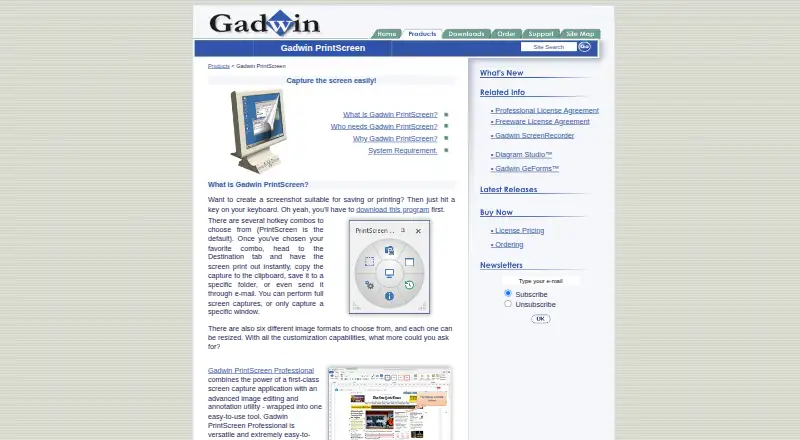
What Gadwin PrintScreen is
Gadwin PrintScreen is a Windows desktop utility for capturing screen images. Its free plan costs nothing and includes screen capture and basic image handling. Annotation tools let you mark up captured images, while export options include BMP, GIF, JPEG, PNG, and TIFF. The software is offered for Windows desktop use only. Gadwin PrintScreen does not provide OCR, a browser extension, or cloud sharing. This makes it suited to people who want to capture, annotate, and save images locally. The free plan provides a way to begin with basic capture and handling before considering the additional functions described for Professional.
Who it suits
It suits Windows users who need local screen capture, basic image handling, annotations, and common image-file exports.
What it does well
- Free plan includes screen capture
- Annotation tools are available
- Exports BMP, GIF, JPEG, PNG, TIFF
- Professional option adds editing features
What to know first
- Windows desktop only
- No OCR support
- No browser extension
- No cloud sharing
Plans
| Plan | Billed and limits | Price |
|---|---|---|
| Free | Screen capture · Basic image handling | Free |
| Professional | Advanced screen capture · Image editing and annotation | On request |
As gadwin.com lists them, read 23 Sept 2026. The maker's own page has the final word.
Verdict
Gadwin PrintScreen covers straightforward Windows capture with annotation and several export formats. Its free plan handles basic needs, while advanced editing is described under a Professional option with no listed price.
Where Gadwin PrintScreen stands on Freedom251
- Screen Capture Software#46 of 61