Freedom251 › Disk Space Analyzers
Drive Sonar
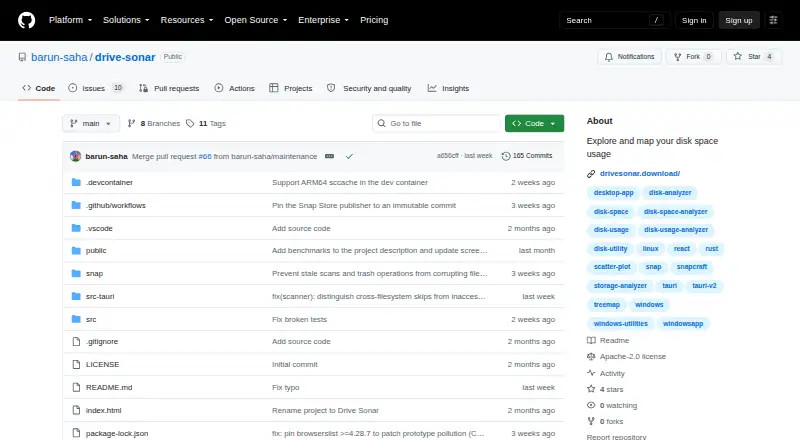
What Drive Sonar is
Drive Sonar is a free, open-source desktop disk usage explorer for Windows, macOS and Linux. It helps users inspect how storage is being used through a treemap, a breakdown of the largest file extensions by storage use, and a scatter plot comparing file size with age. Scans can cover selected files or folders. Windows uses native fast-path scanning, while macOS and Linux use a multithreaded fallback. From the results, users can open files or folders in their operating system's file manager or move items to system trash; trash actions include confirmation and additional background safety checks. Scan reports can be printed or exported for later reference. The app runs in user mode, and its project says scanning protected disk areas does not require administrator or elevated privileges. Listed safeguards include path canonicalization, a strict Content Security Policy and protection against deleting the system root. The software is released under the Apache 2.0 license, and prebuilt installers are available through GitHub Releases. Windows requires version 10 build 1709 or later; the README gives no additional version requirement for macOS or Linux.
Who it suits
Drive Sonar suits desktop users who want a graphical view of disk usage and prefer not to need administrator privileges for scans. It is also a fit for people seeking a free, Apache 2.0-licensed alternative to command-line disk usage exploration.
What it does well
- Treemap and file-extension breakdown show storage use.
- Scatter plot compares file size with age.
- Reports can be printed or exported.
- Runs in user mode without elevated scan privileges.
- Installers are available for all three desktop platforms.
What to know first
- Windows requires version 10 build 1709 or later.
- The Windows installer is not yet code-signed and may show a SmartScreen warning.
- The project lists no third-party integrations.
Plans
| Plan | Billed and limits | Price |
|---|---|---|
| Drive Sonar | Open-source desktop disk analyzer · Apache 2.0 | Free |
As github.com lists them, read 12 Oct 2026. The maker's own page has the final word.
Getting started
- Visit https://github.com/barun-saha/drive-sonar.
- Open the project's GitHub Releases page.
- Download the installer for Windows, macOS or Linux.
- On Windows, use version 10 build 1709 or later.
Verdict
Choose Drive Sonar if you want a free desktop tool to map storage and inspect files by type and age. Look elsewhere if you need third-party integrations or require a code-signed Windows installer.
Questions
Is Drive Sonar free?
Yes. The project lists it as free and open source under the Apache 2.0 license.
Which operating systems does it support?
Drive Sonar supports Windows, macOS and Linux. Windows requires version 10 build 1709 or later; the README gives no additional version requirement for macOS or Linux.
Where can I download it?
Prebuilt installers are available through GitHub Releases. The v0.9.0 release lists Windows EXE and MSI, macOS DMG, and Linux AppImage, DEB and RPM files.
Does Drive Sonar require administrator privileges?
The app runs in user mode and says it does not require administrator or elevated privileges to scan protected disk areas.
What does Drive Sonar show about disk usage?
It provides a treemap, a breakdown of storage by file extension, and a scatter plot of file size versus age.
Is the Windows installer signed?
The README says the Windows installer is not yet code-signed and may show a SmartScreen warning on first run.
Facts from Drive Sonar's own pages
- Downloads
- The project offers prebuilt platform installers through its GitHub Releases page. · github.com, 12 Oct 2026
- File actions
- Users can open files or folders in native file managers or move items to system trash, with confirmation and additional background safety checks for trash actions. · github.com, 12 Oct 2026
- File-type breakdown
- Yes · github.com, 22 Sept 2026
- Integrations
- The README describes opening items through native operating system file managers and moving them to the system trash; it does not list third-party integrations. · github.com, 12 Oct 2026
- Intended use
- The maker describes it as a GUI alternative inspired by ncdu for people who want a fast, minimal view of disk usage without needing admin rights. · github.com, 12 Oct 2026
- License
- Drive Sonar is open-source software released under the Apache 2.0 license. · github.com, 12 Oct 2026
- Permissions
- The app runs in user mode and says it does not require administrator or elevated privileges to scan protected disk areas. · github.com, 12 Oct 2026
- Desktop platforms
- windows,macos,linux · github.com, 22 Sept 2026
- Purpose
- Drive Sonar is a desktop disk usage explorer and analyzer for exploring and mapping disk space. · github.com, 12 Oct 2026
- Release formats
- The v0.9.0 release lists Windows EXE and MSI installers, macOS DMG files, and Linux AppImage, DEB, and RPM assets. · github.com, 12 Oct 2026
- Reports
- Users can print a scan report and export it for future reference. · github.com, 12 Oct 2026
- Scanning
- It uses native fast-path scanning on Windows and a multithreaded fallback on other platforms. · github.com, 12 Oct 2026
- Scan scope
- files_folders · github.com, 22 Sept 2026
- Security
- The project lists path canonicalization against relative traversal, a strict Content Security Policy, and protection against deleting the system root. · github.com, 12 Oct 2026
- Treemap view
- Yes · github.com, 22 Sept 2026
- Visualizations
- It provides a storage treemap, a breakdown of top file extensions by storage use, and a scatter plot of file size versus age. · github.com, 12 Oct 2026
- Windows requirement
- Windows requires version 10 build 1709 (October 2017 Update) or later; the README says macOS and Linux have no additional version requirement. · github.com, 12 Oct 2026
- Windows signing
- The README says the Windows installer is not yet code-signed and may show a SmartScreen warning on first run. · github.com, 12 Oct 2026
Where Drive Sonar stands on Freedom251
- Disk Space Analyzers#8 of 105