Freedom251 › Website Accessibility Tools
CWAC
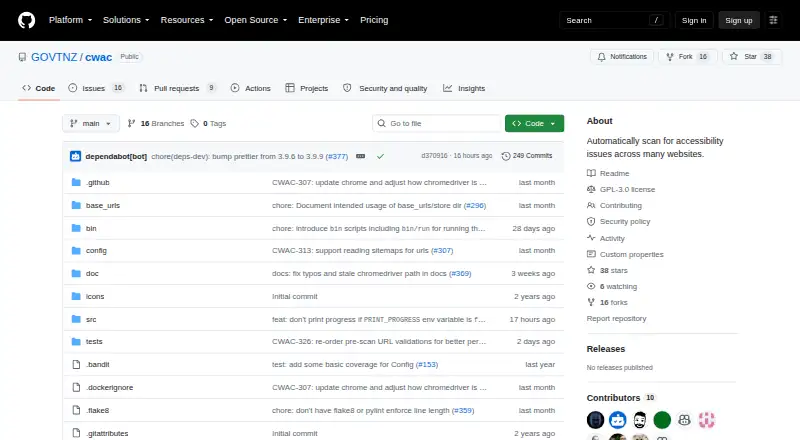
What CWAC is
CWAC is a free, GPL-3.0 open-source accessibility scanner for Linux and self-hosted use. It can scan hundreds of websites, crawl additional pages up to a configured maximum, and save findings in CSV files with logs, configuration and generated screenshots. Audits include axe-core checks, element and title checks, focus indicators, language readability, reflow and screenshots. The tool is intended to monitor New Zealand Government websites against minimum accessibility standards and guidelines, including WCAG 2.2 Level AA. A scan requires a JSON configuration file and a CSV of base URLs containing organisation, url and sector columns. CWAC uses Python 3, Selenium, axe-core and Chrome for Testing. Audit plugins can be implemented and enabled through configuration. The project recommends Docker with the bin/run script. Documentation warns that some audits may fail without Docker or on operating systems other than Linux, and that the Reflow audit cannot run on macOS with the stated Chrome version.
Who it suits
CWAC suits teams monitoring website accessibility, especially New Zealand Government sites, that can operate Linux or self-hosted tools.
What it does well
- Free GPL-3.0 open-source license
- Scans many websites and saves CSV findings
- Supports WCAG 2.2 Level AA monitoring
- Plugins can extend audit coverage
- Crawling respects robots.txt and server signals
What to know first
- Some audits may fail without Docker
- Non-Linux operating systems can cause failures
- Reflow cannot run on stated macOS Chrome
- Requires JSON and CSV configuration files
Plans
| Plan | Billed and limits | Price |
|---|---|---|
| CWAC | GPL-3.0 licensed open-source tool; no commercial plan or price stated | Free |
As github.com lists them, read 12 Oct 2026. The maker's own page has the final word.
Verdict
CWAC provides configurable, extensible website accessibility scans without a commercial price. Plan for Docker and Linux deployment to avoid documented audit limitations.
Facts from CWAC's own pages
- Audit types
- Available audits include axe-core accessibility checks, element and focus indicator checks, English readability, 320px reflow, screenshots, and page titles. · github.com, 12 Oct 2026
- Configuration
- A scan requires a JSON configuration file and a CSV file of base URLs; the URL CSV must include organisation, url, and sector columns. · github.com, 12 Oct 2026
- Crawling
- It can crawl pages to discover additional pages up to a configured maximum and respects robots.txt and server signals while crawling. · github.com, 12 Oct 2026
- Deployment
- The maker recommends running CWAC with Docker. · github.com, 12 Oct 2026
- Extensibility
- CWAC supports audit plugins, and users can add plugins by implementing them and enabling them in the configuration. · github.com, 5 Oct 2026
- Extensible audits
- CWAC supports audit plugins that can be enabled and configured, and the documentation describes adding new plugins. · github.com, 12 Oct 2026
- Government use
- The tool can monitor New Zealand Government websites against minimum accessibility standards and guidelines, including WCAG 2.2 Level AA. · github.com, 5 Oct 2026
- Intended use
- CWAC can monitor New Zealand Government websites against minimum accessibility standards and guidelines. · github.com, 12 Oct 2026
- License
- The repository lists CWAC under the GPL-3.0 license. · github.com, 12 Oct 2026
- Maker
- CWAC is designed and developed by the Web Standards team at Te Pūnaha Matihiko, the Government Digital Delivery Agency of the New Zealand Government. · github.com, 12 Oct 2026
- Platform limitation
- The maker notes that on macOS the current Chrome for Testing version has a 500px minimum screen width, preventing the Reflow audit from running on that OS. · github.com, 12 Oct 2026
- Purpose
- CWAC automatically scans many websites for accessibility issues and saves findings to a CSV file. · github.com, 12 Oct 2026
- Results
- Scan outputs include CSV audit findings and may include screenshots, scan logs, and the configuration used. · github.com, 12 Oct 2026
- Run method
- The project recommends running CWAC with Docker using the bin/run script. · github.com, 5 Oct 2026
- Scan scope
- site · github.com, 22 Sept 2026
- Security reporting
- The security policy asks reporters to contact [email protected] privately and describes a coordinated disclosure approach. · github.com, 12 Oct 2026
- Technology
- CWAC uses Python, Selenium, axe-core, and Chrome for Testing. · github.com, 12 Oct 2026
- WCAG version
- wcag 2.2 · github.com, 22 Sept 2026
Where CWAC stands on Freedom251
- Website Accessibility Tools#67 of 133