Freedom251 › Managed Service Provider Software

ConnectWise RMM
What ConnectWise RMM is
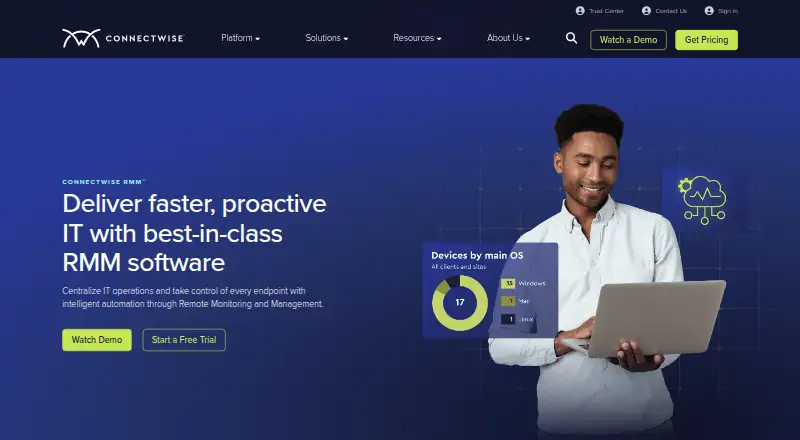
ConnectWise RMM is a cloud-based remote monitoring and management service for teams supporting Windows, macOS, and Linux systems. It provides multi-tenant management, patch management, unattended remote access, and script automation. The service is accessed on the web, and its plans are Essentials, Pro, and Premium. Essentials includes 500 intelligent alerts; Pro includes over 1,000 intelligent alerts. Premium includes everything in Pro, plus unlimited ScreenConnect Remote Access agents, ScreenConnect Remote Support, cloud monitoring, and Microsoft 365 SaaS backup. These plan details distinguish the available alert volumes and additional Premium services. ConnectWise RMM is paid, with pricing available on request. Its cloud deployment and multi-tenant management suit teams overseeing systems across multiple customer environments. ConnectWise is headquartered in Tampa, Florida, USA. The listed operating system coverage spans Windows, macOS, and Linux, while the management tools include patching, unattended access, and script automation.
Who it suits
ConnectWise RMM suits teams that manage Windows, macOS, or Linux systems across multiple tenants. It is particularly relevant to service teams looking for patch management, unattended remote access, and script automation, with plan choices that differ by alert volume and Premium services.
What it does well
- Manages multiple tenants.
- Supports Windows, macOS, and Linux.
- Includes patch management and unattended remote access.
- Automates scripts.
- Premium adds cloud monitoring and Microsoft 365 SaaS backup.
What to know first
- Pricing is available on request.
- The Essentials plan includes 500 intelligent alerts.
Limits
Essentials includes 500 intelligent alerts, while Pro includes over 1,000. Premium includes everything in Pro, plus unlimited ScreenConnect Remote Access agents, ScreenConnect Remote Support, cloud monitoring, and Microsoft 365 SaaS backup.
Plans
| Plan | Billed and limits | Price |
|---|---|---|
| Essentials | 500 intelligent alerts | On request |
| Pro | Over 1K intelligent alerts | On request |
| Premium | Everything in Pro · Unlimited ScreenConnect Remote Access agents · ScreenConnect Remote Support · Cloud monitoring · Microsoft 365 SaaS backup | On request |
As connectwise.com lists them, read 20 Sept 2026. The maker's own page has the final word.
Getting started
- Visit the ConnectWise RMM website.
- Request pricing from ConnectWise.
- Choose Essentials, Pro, or Premium based on the listed plan inclusions.
- Access the cloud service on the web.
Verdict
Choose ConnectWise RMM if you need web-based management across multiple tenants, with patching, unattended access, and script automation. Compare Pro and Premium if Essentials' 500-alert allowance is insufficient or you need Premium's additional services.
Questions
How much does ConnectWise RMM cost?
Pricing is available on request.
What plans are available?
The plans are Essentials, Pro, and Premium.
How many intelligent alerts are included?
Essentials includes 500 intelligent alerts. Pro includes over 1,000, and Premium includes everything in Pro.
Which operating systems does it support?
ConnectWise RMM lists support for Windows, macOS, and Linux.
What does Premium add?
Premium includes unlimited ScreenConnect Remote Access agents, ScreenConnect Remote Support, cloud monitoring, and Microsoft 365 SaaS backup, in addition to everything in Pro.
How is ConnectWise RMM deployed and accessed?
It is cloud-deployed and accessed on the web.
Facts from ConnectWise RMM's own pages
- Headquarters
- Tampa, Florida, USA · connectwise.com, 4 Oct 2026