Freedom251 › RGB Lighting Software
Aurora RGB
What Aurora RGB is
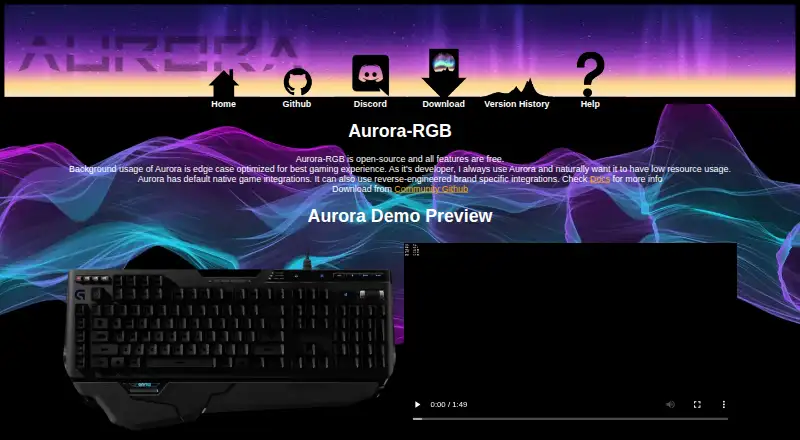
Aurora RGB is a free Windows app for coordinating RGB lighting devices across brands and adding or improving lighting support for games. Listed device types include keyboards, mice, mousepads, fans, and WiFi lights, with integrations for Logitech Lightsync, Razer Chroma, and Corsair iCUE. Aurora lists native game integrations such as CS2, Dota 2, and League of Legends. Its lighting effects can respond to game events, including health, ammo, and cooldowns. Users can create layered effects and gradients, set interactive keyboard effects, or script lighting effects and devices. The app supports importing and exporting profile settings and includes an automatic updater. The project describes Aurora as optimized for low background resource use while gaming. Installation instructions offer an installer download from GitHub and a manual archive option. Builds marked “Prerelease” may include breaking changes; manually installing one means receiving prerelease updates until switching to a full release build. For issues and feature discussions, the project directs users to Discord and GitHub issues.
Who it suits
Aurora RGB suits Windows users who want to coordinate supported RGB devices and link lighting effects to supported games. It may also suit users who want to create or script custom lighting effects and profiles.
What it does well
- Coordinates lighting devices across brands.
- Lists Logitech, Razer, and Corsair integrations.
- Effects can respond to game events.
- Supports profile import and export.
- Includes an automatic updater.
What to know first
- Available for Windows.
- Prerelease builds may have breaking changes.
- Manually installing a prerelease keeps updates on prerelease builds until switching.
Plans
| Plan | Billed and limits | Price |
|---|---|---|
| Aurora-RGB | All features are free · Open-source | Free |
As project-aurora.com lists them, read 2 Oct 2026. The maker's own page has the final word.
Getting started
- Visit the Aurora RGB website.
- Download the installer from GitHub and run it.
- Alternatively, follow the manual archive installation path.
- Use the project’s Discord server or GitHub issues for support.
Verdict
Aurora RGB offers device coordination, game-aware effects, and custom lighting tools at no cost. Users should be aware that prerelease builds may break, and manually installing one affects which updates arrive until switching to a full release.
Questions
Is Aurora RGB free?
Yes. The Aurora-RGB plan is listed as free, and all features are free.
Is Aurora RGB open-source?
Yes. The plan facts describe it as open-source.
Which platform does it support?
Aurora RGB is listed for Windows.
Which devices and brands are listed?
Supported device types include keyboards, mice, mousepads, fans, and WiFi lights. Listed integrations include Logitech Lightsync, Razer Chroma, and Corsair iCUE.
How do I install it?
The instructions offer an installer download from GitHub or a manual archive installation path.
What happens if I install a prerelease build?
Prerelease builds may have breaking changes. A manual prerelease installation continues to receive prerelease updates until you switch to a full release build.
Facts from Aurora RGB's own pages
- Brand integrations
- Aurora lists Logitech Lightsync, Razer Chroma, and Corsair iCUE among its brand-specific integrations. · project-aurora.com, 2 Oct 2026
- Custom effects
- Features include layered effects, custom gradients, interactive keyboard effects, and scripting for custom lighting effects and devices. · project-aurora.com, 2 Oct 2026
- Device support
- The site lists RGB keyboards, mice, mousepads, fans, and WiFi lights among supported device types. · project-aurora.com, 2 Oct 2026
- Game-aware lighting
- The site describes effects that respond to game state, including health, ammo, cooldowns, and other game events. · project-aurora.com, 2 Oct 2026
- Game support
- The site lists native integrations for games including CS2, Dota 2, and League of Legends. · project-aurora.com, 2 Oct 2026
- Installer
- Installation instructions say to download the installer from GitHub and run it; the maker also provides a manual archive installation path. · project-aurora.com, 2 Oct 2026
- Low resource use
- The maker says Aurora is optimized for low background resource usage for gaming. · project-aurora.com, 2 Oct 2026
- Prereleases
- The documentation says builds tagged “Prerelease” may have breaking changes and manually installing one results in prerelease updates until switching to a full release build. · project-aurora.com, 2 Oct 2026
- Profiles
- Aurora supports importing and exporting profile settings. · project-aurora.com, 2 Oct 2026
- Purpose
- Aurora unifies RGB lighting devices across brands and adds or improves RGB lighting support for games. · github.com, 2 Oct 2026
- Security
- The pages reviewed did not state security certifications or compliance claims. · project-aurora.com, 2 Oct 2026
- Support
- The project directs users with issues or feature discussions to its Discord server and GitHub issues. · github.com, 2 Oct 2026
- Updates
- The feature list includes an automatic updater. · project-aurora.com, 2 Oct 2026
Where Aurora RGB stands on Freedom251
- RGB Lighting Software#4 of 33