Smart Logo Maker
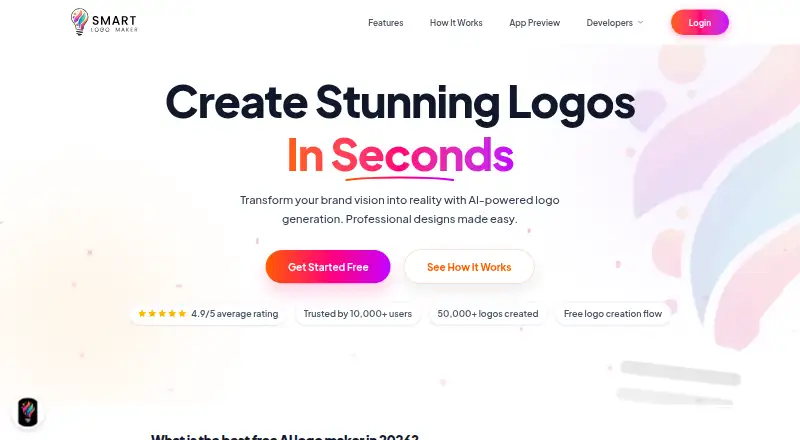
What Smart Logo Maker is
Smart Logo Maker is an AI-powered tool for creating logos and brand designs. It generates several logo options from a business name, with an optional slogan and choices for category, style, and colors. Users can refine the results by changing colors, fonts, and layouts, or start from professionally designed templates in multiple categories.
The editor is available on the web, which the site describes as desktop friendly, and an Android app is linked from the homepage. Users can create logos without signing up, and the site says exports have no watermark. Available formats include SVG, PNG, JPG, WebP, and PDF; transparent export and a brand kit are also listed. Work can be saved and edited later.
The Free plan costs nothing and includes logo creation and SVG, PNG, and other exports, without a watermark or signup requirement. Smart Logo Maker is aimed at startups, creators, and small businesses. Support options listed by the service include email at [email protected] and chat from 09:00 am to 10:00 pm.
Who it suits
Smart Logo Maker suits startups, creators, and small businesses that want to generate logo options from a business name and refine them in an editor. It may also fit people who need exports in several formats or want to work on the web or Android.
What it does well
- Generates multiple logo variations from business details and preferences
- Editor allows changes to colors, fonts, and layouts
- Templates span multiple categories
- Exports include SVG, PNG, JPG, WebP, and PDF
- Create without a watermark or signup
- Work can be saved for later editing
What to know first
- Web and Android are the listed platforms
- The free plan is the only listed plan
Plans
| Plan | Billed and limits | Price |
|---|---|---|
| Free | Free logo creation · SVG, PNG and other exports · no watermark · no signup required | Free |
As smart-logomaker.com lists them, read 11 Oct 2026. The maker's own page has the final word.
Getting started
- Open the Smart Logo Maker website or download its Android app from the Google Play link on the homepage.
- Enter a business name and optionally add a slogan.
- Choose a category, style, and color preferences to generate logo variations.
- Adjust the colors, fonts, or layout, or start from a template.
- Save the work to continue editing later, then export in a supported format.
Verdict
Choose Smart Logo Maker if you want a free logo tool with editable variations, templates, and several export formats. Consider another option if you need a platform beyond web or Android.
Questions
How much does Smart Logo Maker cost?
Its Free plan is listed as free.
Do I need to sign up to create a logo?
The site says users can create logos without signing up.
Which platforms are available?
Smart Logo Maker is available on the web and Android.
What file formats can I export?
Listed formats are SVG, PNG, JPG, WebP, and PDF. Transparent export is also available.
Does it include a brand kit?
Yes, a brand kit is listed.
How can I contact support?
The support email is [email protected]. Chat support is listed as active from 09:00 am to 10:00 pm.
Facts from Smart Logo Maker's own pages
- Android app
- The homepage links to a Google Play download for its mobile app. · smart-logomaker.com, 11 Oct 2026
- Chat support hours
- The contact page lists chat support as active from 09:00 am to 10:00 pm. · smart-logomaker.com, 11 Oct 2026
- Editor
- The editor lets users adjust logo colors, fonts, and layouts. · smart-logomaker.com, 11 Oct 2026
- Exports
- The product page lists high-resolution PNG, SVG, and other export formats; its workflow guide also lists JPG, WebP, and PDF. · smart-logomaker.com, 11 Oct 2026
- Generation
- The product generates multiple logo variations based on a business name, optional slogan, category, style, and color preferences. · smart-logomaker.com, 11 Oct 2026
- Product
- Smart Logo Maker describes itself as an AI-powered platform for creating logos and brand designs. · smart-logomaker.com, 11 Oct 2026
- Saving
- The workflow guide says users can save their work and continue editing it later. · smart-logomaker.com, 11 Oct 2026
- Support contact
- The contact page lists [email protected] as its support email. · smart-logomaker.com, 11 Oct 2026
- Templates
- The site says users can access professionally designed templates across multiple categories. · smart-logomaker.com, 11 Oct 2026
- Watermarks and signup
- The site says users can create logos without a watermark and without signing up. · smart-logomaker.com, 11 Oct 2026
- Web access
- The site offers a web editor and describes it as desktop friendly. · smart-logomaker.com, 11 Oct 2026
- Who it is for
- The site says the tool is intended for startups, creators, and small businesses. · smart-logomaker.com, 11 Oct 2026
Where Smart Logo Maker stands on Freedom251
- AI Logo Makers#43 of 65