
Puffin Secure Browser
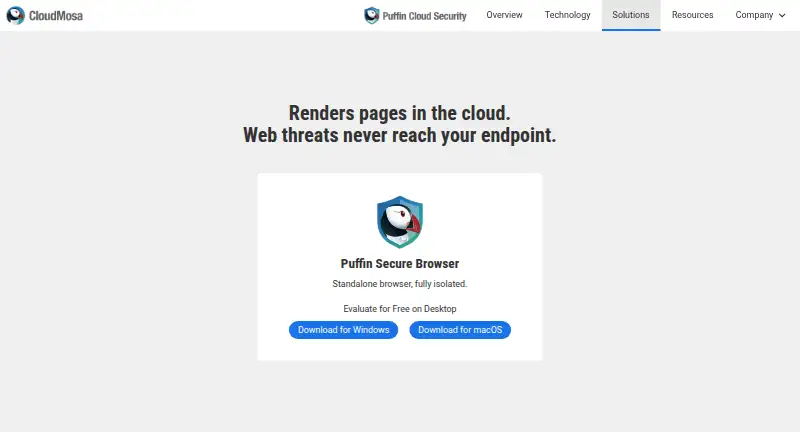
What Puffin Secure Browser is
Puffin Secure Browser is a standalone desktop browser for Windows and macOS that isolates web browsing through cloud rendering. Its Split-Browser technology renders HTML in the cloud while the device receives lightweight display rasterization; the maker says HTML rendering does not occur on the end-user device. Puffin Cloud Security runs the risky part of browsing in the cloud. The browser uses Chromium and includes built-in ad blocking. Downloads can go to Google Drive, Dropbox, OneDrive, or local storage, with a default 2GB maximum that administrators can change. Enterprise administrators can control certificate verification, clipboard, file uploads and downloads, and document previews. Enterprise subscribers receive automatic virus scanning for downloaded files. Puffin offers free desktop evaluation installers and a no-cost initial 30-day evaluation. Listed Puffin 365 plans range from $1/month Education to $5/month Family or Business, with annual plans from $10/year to $50/year.
Who it suits
Puffin Secure Browser suits desktop users, prosumers, businesses, and education organizations seeking cloud-isolated browsing. Enterprise administrators can configure browser and file-handling controls.
What it does well
- Cloud-based HTML rendering isolates browsing
- Chromium engine with built-in ad blocking
- Supports Windows and macOS desktops
- Downloads connect to major cloud storage services
- Enterprise controls cover browser and file settings
What to know first
- Default download limit is 2GB
- Enterprise download scanning is limited to subscribers
Plans
| Plan | Billed and limits | Price |
|---|---|---|
| Puffin 365 Education (monthly) | $1/Month · Activated Apps = Users · 20+ Users | $1 a month |
| Puffin 365 Education (yearly) | $10/Year · Activated Apps = Users · 20+ Users | $10 a year |
| Puffin 365 Personal (monthly) | $2/Month · 3 Activated Apps · 1 User | $2 a month |
| Puffin 365 Personal (yearly) | $20/Year · 3 Activated Apps · 1 User | $20 a year |
| Puffin 365 Family (monthly) | $5/Month · 10 Activated Apps · 1 User | $5 a month |
| Puffin 365 Business (monthly) | $5/Month · 5 Activated Apps per User · 5+ Users | $5 a month |
| Puffin 365 Business (yearly) | $50/Year · 5 Activated Apps per User · 5+ Users | $50 a year |
| Puffin 365 Family (yearly) | $50/Year · 10 Activated Apps · 1 User | $50 a year |
The first 8 of 9 plans, as puffin.com lists them, read 12 Oct 2026. The maker's own page has the final word. Every plan
Verdict
Puffin Secure Browser centers on remote browser isolation, with cloud rendering and controls for enterprise use. It offers free evaluation access plus paid personal, family, education, and business plans.
Facts from Puffin Secure Browser's own pages
- Business and education
- CloudMosa describes Puffin Cloud Security as intended for desktop users including prosumers and enterprise users. · cloudmosa.com, 12 Oct 2026
- Cloud downloads
- Puffin Secure Browser supports downloads to Google Drive, Dropbox, OneDrive, and local storage. · support.puffin.com, 12 Oct 2026
- Cloud rendering
- Puffin's Split-Browser technology performs HTML rendering in the cloud and lightweight display rasterization on the user's device. · cloudmosa.com, 12 Oct 2026
- Desktop availability
- The product page offers Windows and macOS downloads and a free desktop evaluation. · cloudmosa.com, 12 Oct 2026
- Download scanning
- The support guide says downloaded files are automatically virus-scanned for Enterprise subscribers. · support.puffin.com, 12 Oct 2026
- Early access
- The Puffin Secure Browser page offers free Windows and macOS installers for its Modern Early Access version. · puffin.com, 12 Oct 2026
- Enterprise controls
- Enterprise administrators can configure certificate verification, clipboard, file upload, file download, and document preview settings. · support.puffin.com, 12 Oct 2026
- Evaluation period
- Puffin 365 is available at no cost during an initial 30-day evaluation period, according to its billing help page. · support.puffin.com, 12 Oct 2026
- File size limit
- The default maximum allowed download size is 2GB, and the support guide says administrators can change it. · support.puffin.com, 12 Oct 2026
- Founded
- 2009 · puffin.com, 28 Sept 2026
- Isolation
- The maker says no HTML rendering occurs on the end-user device, which it describes as native remote browser isolation by design. · cloudmosa.com, 12 Oct 2026
- Product
- Puffin Secure Browser is described as a standalone browser that is fully isolated. · cloudmosa.com, 12 Oct 2026
- Security approach
- CloudMosa says Puffin Cloud Security runs the risky portion of web browsing in the cloud so it does not reach the device. · cloudmosa.com, 12 Oct 2026
- Support
- The Puffin Secure Browser Support Center includes guides for setup, browser features, connection problems, and security and privacy topics. · support.puffin.com, 12 Oct 2026
Where Puffin Secure Browser stands on Freedom251
- Web browsers#140 of 154