PDF Viewer Editor
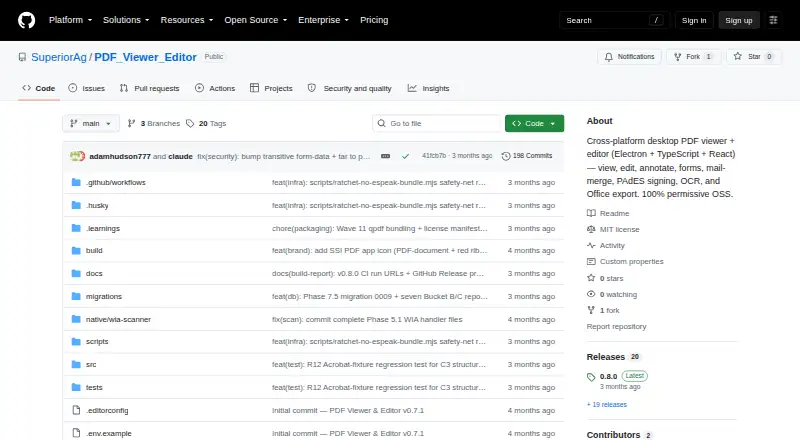
What PDF Viewer Editor is
PDF Viewer Editor is a free desktop application for viewing and editing PDF files on Windows, macOS, and Linux. It supports text editing and page operations including extracting, splitting, replacing, cropping, combining, inserting, and rotating pages. Users can annotate documents, add visual signatures, and create PAdES cryptographic signatures. It can fill and design AcroForm fields, run mail merge from CSV or XLSX data, and export PDFs to Word, Excel, PowerPoint, and image formats. Security tools include password encryption using bundled qpdf, document redaction, and removal of hidden information. The project says Windows x64 is the only platform verified to run; macOS and Linux build configurations exist but have not been tested on real hardware. On Windows, the app can scan through a connected WIA scanner, while scanning is unavailable on macOS and Linux. Telemetry is off by default. If enabled, anonymous feature-use counts remain in an inspectable in-memory buffer, and the project says nothing leaves the machine. Accessibility support covers critical paths, keyboard navigation, and Windows Narrator, alongside documented pointer-centric gaps.
Who it suits
This may suit users looking for a free desktop PDF editor with page tools, signatures, forms, and document export. Windows x64 is the only platform the project says is verified to run.
What it does well
- Includes text editing, annotations, OCR, and conversion.
- Supports visual and PAdES cryptographic signatures.
- Can redact PDFs and remove hidden information.
- Telemetry is off by default.
What to know first
- Only Windows x64 is verified to run.
- Scanning is unavailable on macOS and Linux.
- Preflight and accessibility checks cover only subsets.
Plans
| Plan | Billed and limits | Price |
|---|---|---|
| PDF Viewer Editor | MIT-licensed open-source desktop PDF viewer and editor | Free |
As github.com lists them, read 11 Oct 2026. The maker's own page has the final word.
Verdict
PDF Viewer Editor offers a wide set of editing, signing, form, and export tools at no cost. Its stated platform verification is limited to Windows x64, so users on macOS or Linux should account for that uncertainty.
Facts from PDF Viewer Editor's own pages
- Accessibility
- The project says critical paths support WCAG 2.1 AA, keyboard navigation, and Windows Narrator, while also documenting pointer-centric gaps. · github.com, 11 Oct 2026
- Annotations and signing
- It supports annotations, visual signatures, and PAdES cryptographic signatures. · github.com, 11 Oct 2026
- Annotation tools
- Yes · github.com, 20 Sept 2026
- Editing
- It supports page operations including extracting, splitting, replacing, cropping, combining, inserting, and rotating pages. · github.com, 11 Oct 2026
- Export
- It exports PDFs to Word, Excel, PowerPoint, and image formats. · github.com, 11 Oct 2026
- Form creation
- Yes · github.com, 20 Sept 2026
- Forms and mail merge
- It supports filling and designing AcroForm fields and mail merge using CSV or XLSX data sources. · github.com, 11 Oct 2026
- Free plan
- Yes · github.com, 20 Sept 2026
- License
- The project states that it is licensed under MIT. · github.com, 11 Oct 2026
- macOS and Linux support
- Build configurations exist for macOS and Linux, but the project says those builds have not been verified on real hardware. · github.com, 11 Oct 2026
- Notable limits
- The built-in Preflight and Accessibility Checker cover subsets of their respective standards, and the project documents deferred or unavailable checks. · github.com, 11 Oct 2026
- OCR
- It runs local OCR using Tesseract.js, with English bundled and nine additional language packs available for download. · github.com, 11 Oct 2026
- PDF conversion
- Yes · github.com, 20 Sept 2026
- Privacy
- Telemetry is off by default; when enabled, it records anonymous feature-usage counts in an inspectable in-memory buffer, and the project says nothing leaves the machine. · github.com, 11 Oct 2026
- Purpose
- PDF Viewer Editor is a desktop application for viewing and editing PDF files. · github.com, 11 Oct 2026
- Scanning
- Scanning through a connected WIA scanner is supported on Windows; the scanner feature is unavailable on macOS and Linux. · github.com, 11 Oct 2026
- Security features
- It includes password encryption using bundled qpdf and tools to redact documents or remove hidden information. · github.com, 11 Oct 2026
- Supported platforms
- windows,macos,linux · github.com, 20 Sept 2026
- Text editing
- Yes · github.com, 20 Sept 2026
- Windows support
- Windows x64 is the only platform the project says is verified to run. · github.com, 11 Oct 2026
Where PDF Viewer Editor stands on Freedom251
- PDF editors#34 of 102