Freedom251 › Desktop Widget Software
pcGauge
What pcGauge is
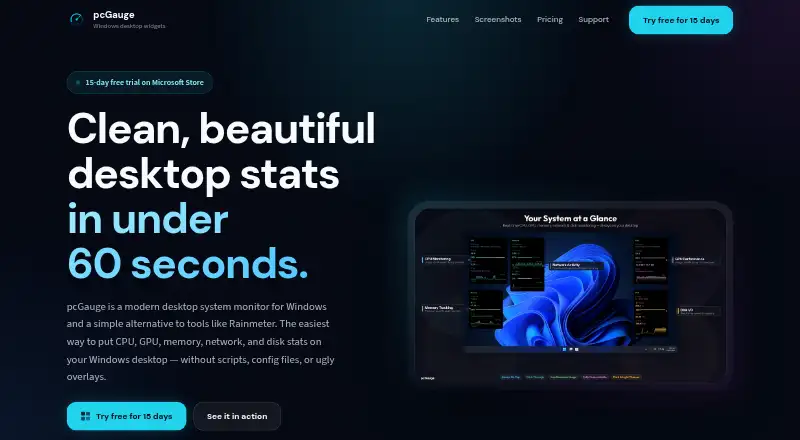
pcGauge is a Windows desktop monitor for CPU, GPU, memory, network, and disk statistics. Its widgets remain above other windows without appearing in the taskbar or Alt+Tab switcher. You can create any number of widgets, combine metric tiles, and place them anywhere on screen. CPU, GPU, and memory tiles show 60-second sparklines and session peaks. Click-through mode passes mouse clicks through widgets to the content behind them. pcGauge installs from the Microsoft Store and requires no configuration files or drivers. It supports Windows 10 and Windows 11. A 15-day free trial is available through the Microsoft Store. The pricing note says from $9.99 one-time, while the listed plan costs 10.00 CHF as a one-time purchase, with no subscription and no ads. Joycode is the listed publisher. Support accepts bug reports, feature requests, and questions by email or feedback form, though reply times are not guaranteed.
Who it suits
pcGauge suits Windows users who want configurable on-screen system metrics. It is useful for people who prefer persistent widgets, short activity histories, and a Microsoft Store installation.
What it does well
- Monitors CPU, GPU, memory, network, and disk
- Unlimited widget creation
- 60-second sparklines and session peaks
- Click-through widget mode
- 15-day free trial
What to know first
- Windows only
- No free plan
- One-time price is listed in different currencies
- Support reply times are not guaranteed
Plans
| Plan | Billed and limits | Price |
|---|---|---|
| pcGauge | One-time purchase · No subscription · No ads | 10 CHF, paid once |
As pcgauge.com lists them, read 7 Oct 2026. The maker's own page has the final word.
Verdict
pcGauge focuses on customizable desktop monitoring with lightweight history views and unobtrusive widgets. The trial lets Windows 10 and 11 users try it before the one-time purchase.
Facts from pcGauge's own pages
- Ads
- The one-time purchase listing says it has no ads. · pcgauge.com, 7 Oct 2026
- Click-through
- Click-through mode lets mouse clicks pass through widgets to the content behind them. · pcgauge.com, 7 Oct 2026
- Custom layouts
- Users can create any number of widgets, mix metric tiles, and position widgets anywhere on screen. · pcgauge.com, 7 Oct 2026
- History
- CPU, GPU, and memory tiles include 60-second sparklines and session peaks. · pcgauge.com, 7 Oct 2026
- Install
- The site says pcGauge installs from the Microsoft Store and requires no config files or drivers. · pcgauge.com, 7 Oct 2026
- Integrations
- The site describes system metrics and Microsoft Store distribution but does not state integrations with other services. · pcgauge.com, 7 Oct 2026
- Product
- pcGauge is a Windows desktop system monitor for CPU, GPU, memory, network, and disk stats. · pcgauge.com, 7 Oct 2026
- Publisher
- The site lists Joycode as the publisher. · pcgauge.com, 7 Oct 2026
- Support
- Support accepts bug reports, feature requests, and questions by email and feedback form; reply times are not guaranteed. · pcgauge.com, 7 Oct 2026
- Supported Windows
- The site lists availability for Windows 10 and Windows 11. · pcgauge.com, 7 Oct 2026
- Trial
- The site offers a 15-day free trial through the Microsoft Store. · pcgauge.com, 7 Oct 2026
- Widgets
- Widgets stay on top and do not appear in the taskbar or Alt+Tab switcher. · pcgauge.com, 7 Oct 2026
Where pcGauge stands on Freedom251
- Desktop Widget Software#27 of 29