Freedom251 › Window Management Software
Magnet
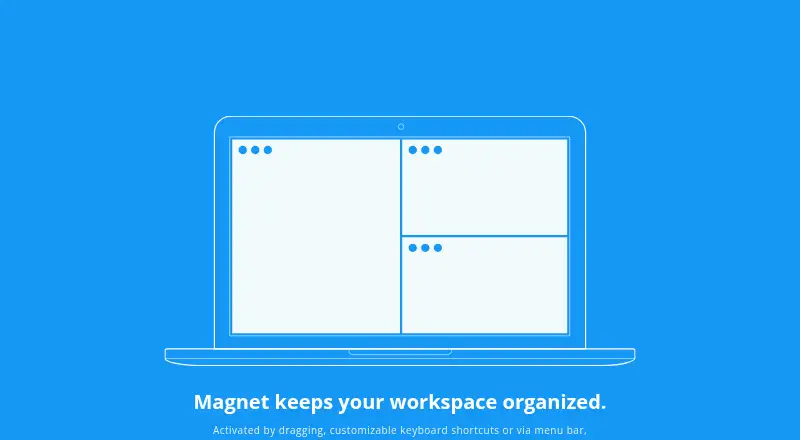
What Magnet is
Magnet is a macOS window-tiling utility for keeping multiple applications visible. Windows can be positioned by dragging, menu-bar commands, or customizable keyboard shortcuts. Dragging to corners creates quarters, side edges create halves, and the bottom edge creates thirds; fullscreen layouts are also available. Magnet supports arrangements across up to six external displays, including layouts adapted for vertical screens. It can organize windows on any active Spaces screen, but not across different Spaces. The app handles standard resizable OS X windows, while some nonstandard windows cannot be resized, including Adobe Creative Suite and Creative Cloud applications released before 2017. Magnet requires macOS 13 Ventura or later and is distributed through the Mac App Store with free updates. The maker says it does not collect personal data. A perpetual Mac-only license costs $4.99, paid once, with no subscription.
Who it suits
Magnet suits Mac users who want keyboard, menu-bar, or edge-based window layouts while multitasking. It is useful for setups with several displays or vertical screens.
What it does well
- Supports up to six external displays
- Offers fullscreen, half, quarter, and third layouts
- Customizable keyboard shortcuts
- No subscription
- Maker says it collects no personal data
What to know first
- Mac-only
- Requires macOS 13 Ventura or later
- Cannot arrange windows across Spaces
- Some nonstandard windows are unsupported
Plans
| Plan | Billed and limits | Price |
|---|---|---|
| Magnet | Perpetual license; no subscription · Mac only · macOS 13 Ventura or later | $4.99, paid once |
As magnet.crowdcafe.com lists them, read 11 Oct 2026. The maker's own page has the final word.
Verdict
Magnet provides direct window snapping through edges, shortcuts, and the menu bar. Its perpetual license and multi-display layouts are useful, provided your Mac and applications meet the compatibility limits.
Facts from Magnet's own pages
- Activation
- Users can arrange windows by dragging, using customizable keyboard shortcuts, or through the menu bar. · magnet.crowdcafe.com, 11 Oct 2026
- Compatibility
- Magnet is compatible with macOS 13 Ventura or later. · magnet.crowdcafe.com, 11 Oct 2026
- Distribution
- The maker directs users to download Magnet from the Mac App Store and says updates are free. · magnet.crowdcafe.com, 11 Oct 2026
- Layouts
- Magnet supports fullscreen, halves, quarters, and thirds, with up to six external displays. · magnet.crowdcafe.com, 11 Oct 2026
- Privacy
- The maker says Magnet does not collect personal data. · magnet.crowdcafe.com, 11 Oct 2026
- Product
- Magnet organizes Mac windows into tiles to help users keep multiple apps visible and multitask. · magnet.crowdcafe.com, 11 Oct 2026
- Screen edges
- Dragging windows to screen corners snaps them into quarters, side edges arrange halves, and the bottom edge creates thirds. · magnet.crowdcafe.com, 11 Oct 2026
- Spaces
- Magnet can arrange windows within any active Spaces screen but cannot arrange them across different Spaces. · magnet.crowdcafe.com, 11 Oct 2026
- Support
- The maker invites questions, comments, and bug reports through its contact form. · magnet.crowdcafe.com, 11 Oct 2026
- Vertical displays
- On vertical displays, Magnet creates thirds along the sides, with quarters and halves in the corners and on the bottom edge. · magnet.crowdcafe.com, 11 Oct 2026
- Window support
- Magnet handles standard resizable OS X windows but cannot resize some nonstandard windows; older Adobe Creative Suite and Creative Cloud apps from before 2017 are specifically unsupported. · magnet.crowdcafe.com, 11 Oct 2026
Where Magnet stands on Freedom251
- Window Management Software#61 of 65