Freedom251 › Task Automation Software
Keyboard Maestro
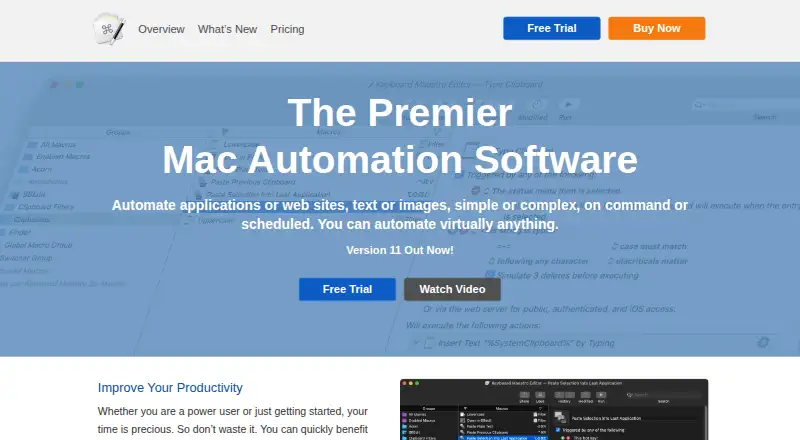
What Keyboard Maestro is
Keyboard Maestro is a macOS automation application from Keyboard Maestro, a maker founded in 1995 and headquartered in Perth, Western Australia. It lets users automate Mac applications, websites, text, and images when a command is triggered or a schedule arrives. Workflows are built as macros that combine triggers and actions; shortcuts can be recorded or designed. Hundreds of built-in actions cover flow control, conditions, and loops, while per-app profiles connect macros with specific applications. Clipboard tools provide history and unlimited saved named clipboards. Macros can sync across Macs through Dropbox and other file-sharing systems. Actions include Safari and Chrome controls, AppleScript, shell scripts, JavaScript, MIDI, and Stream Deck devices. Version 11 requires macOS 10.13 High Sierra or later and runs natively on Apple Silicon/M1. A fully functional trial is available. The license covers one user on up to five Macs. Keyboard Maestro 11 is listed at $36 a month; an upgrade is 25.00 USD one-time.
Who it suits
It suits Mac users who want command-based or scheduled automation across applications, browsers, text, files, and devices. It also fits users needing clipboard history, per-app profiles, or scriptable workflows.
What it does well
- Hundreds of built-in actions
- Unlimited named clipboards
- Supports AppleScript, shell scripts, and JavaScript
- Works with Safari and Chrome
- One license covers up to five Macs
What to know first
- macOS only
- No free plan
- Keyboard Maestro 11 listed at $36 a month
- Requires macOS 10.13 or later
Plans
| Plan | Billed and limits | Price |
|---|---|---|
| Upgrade to Keyboard Maestro 11 | One-time upgrade; applicable to previous versions · Purchases since 1 March 2023 receive a free upgrade to version 11 | $25, paid once |
| Keyboard Maestro 11 | One-time purchase; use version 11 indefinitely · Per-user license · up to five Macs per user · macOS 10.13 or later | $36, paid once |
As keyboardmaestro.com lists them, read 7 Oct 2026. The maker's own page has the final word.
Verdict
Keyboard Maestro combines macro building, scripting, clipboard management, and device controls in a Mac-only package. Its trial allows evaluation before choosing the paid license or upgrade.
Facts from Keyboard Maestro's own pages
- Built-in actions
- The product includes hundreds of built-in actions, including flow control, conditions, and looping. · keyboardmaestro.com, 7 Oct 2026
- Clipboard
- It provides clipboard history and an unlimited number of saved named clipboards. · wiki.keyboardmaestro.com, 7 Oct 2026
- Founded
- 1995 · keyboardmaestro.com, 28 Sept 2026
- Free plan
- No · keyboardmaestro.com, 20 Sept 2026
- Headquarters
- Perth, Western Australia · keyboardmaestro.com, 28 Sept 2026
- Integrations
- The feature list names Dropbox and other file-sharing systems for syncing macros across Macs, and includes Safari and Chrome actions. · wiki.keyboardmaestro.com, 7 Oct 2026
- License limit
- A per-user license allows each individual user to use Keyboard Maestro on up to five Macs. · purchase.keyboardmaestro.com, 7 Oct 2026
- Macro capabilities
- Users create macros from triggers and actions, and can record or design macro shortcuts. · wiki.keyboardmaestro.com, 7 Oct 2026
- Macro support
- Yes · keyboardmaestro.com, 20 Sept 2026
- Maker
- Stairways Software was founded in April 1995 by Peter N Lewis and is based in Perth, Western Australia. · stairways.com, 7 Oct 2026
- Per-app profiles
- Yes · keyboardmaestro.com, 20 Sept 2026
- Privacy
- The maker says it does not sell or trade customer records and limits stored customer data primarily to name, email, and purchase and program details. · stairways.com, 7 Oct 2026
- Purpose
- Keyboard Maestro automates Mac applications, websites, text, and images, either on command or on a schedule. · keyboardmaestro.com, 7 Oct 2026
- Scripts and devices
- Actions can execute AppleScript, shell scripts, and JavaScript, and include MIDI and Stream Deck controls. · wiki.keyboardmaestro.com, 7 Oct 2026
- Security permissions
- Version 11 includes a Security Settings pane that shows the status of system permissions Keyboard Maestro uses. · keyboardmaestro.com, 7 Oct 2026
- Paid from
- 36 · keyboardmaestro.com, 20 Sept 2026
- Support
- Support is available by email, online documentation, and a forum where developers and users help with specific macros. · wiki.keyboardmaestro.com, 7 Oct 2026
- Supported operating systems
- macos · keyboardmaestro.com, 20 Sept 2026
- System requirements
- Keyboard Maestro 11 requires macOS 10.13 High Sierra or later and is native on Apple Silicon/M1. · keyboardmaestro.com, 7 Oct 2026
- Trial
- A fully functional trial version is available for download; the page does not state its duration. · wiki.keyboardmaestro.com, 7 Oct 2026
Where Keyboard Maestro stands on Freedom251
- Task Automation Software#31 of 35
- Keyboard and Mouse Customization Software#94 of 105