Flow
What Flow is
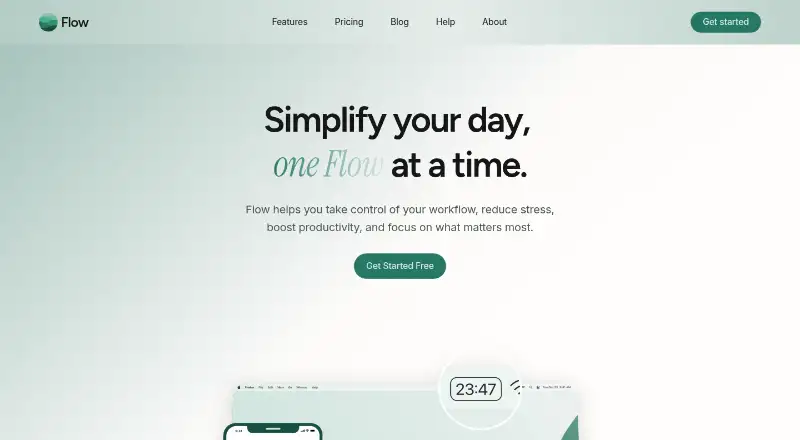
Flow is a focus timer for macOS, iOS and iPadOS, built around timed work intervals and breaks. Its Free plan includes interval-based timing, duration choices, statistics and graphs, reminders for short breaks, and iCloud syncing for statistics. You can set custom breaks, label sessions by subject or task, and review progress statistics. Pro adds timer syncing, custom session titles, advanced session controls, and settings for session durations and cycles. It also includes app and web blocking, plus Apple Calendar syncing. The Free plan costs nothing, billed monthly; Pro costs $1.49 a month, billed monthly. Flow uses a freemium model, so its basic timer and progress features are available without a paid plan, while the Pro tier adds session controls, blocking, and calendar support. Flow was founded in 2018 and is headquartered in Germany.
Who it suits
Flow suits people who want timed focus intervals, break reminders, and statistics across Apple devices. Pro is aimed at users who also want timer syncing, session customization, app and web blocking, or Apple Calendar syncing.
What it does well
- Free plan includes interval timing and duration choices
- Statistics, graphs, and progress tracking are available
- Custom breaks and subject or task labels are supported
- Pro includes app and web blocking
- Pro syncs with Apple Calendar
What to know first
- Pro costs $1.49 a month, billed monthly
- Supported platforms are limited to macOS, iOS, and iPadOS
Plans
| Plan | Billed and limits | Price |
|---|---|---|
| Free | billed monthly · Interval-based focus timer · Duration options · Statistics and graphs · Short-break reminders · iCloud sync of statistics | Free |
| Pro | billed monthly · Timer sync · Custom session title · Advanced session controls · Customizable durations and session cycles · App and web blocking · Apple Calendar sync | $1.49 a month |
As flow.app lists them, read 24 Sept 2026. The maker's own page has the final word.
Getting started
- Visit the Flow website
- Choose the Free plan or Pro at $1.49 a month, billed monthly
- Use Flow on macOS, iOS, or iPadOS
Verdict
Choose Flow for a focus timer with progress tracking on Apple platforms, with a useful free tier for interval timing and break reminders. Consider Pro if you need app or web blocking, timer syncing, or Apple Calendar support; it costs $1.49 a month, billed monthly.
Questions
Does Flow have a free plan?
Yes. Free costs nothing, billed monthly, and includes interval timing, duration options, statistics and graphs, short-break reminders, and iCloud sync of statistics.
How much does Pro cost?
Pro costs $1.49 a month, billed monthly.
Which platforms does Flow support?
Flow supports macOS, iOS, and iPadOS.
What does Pro add?
Pro adds timer syncing, custom session titles, advanced session controls, customizable durations and session cycles, app and web blocking, and Apple Calendar syncing.
Can I label sessions or set custom breaks?
Yes. Flow supports subject or task labels and custom break settings.
Facts from Flow's own pages
Where Flow stands on Freedom251
- Study Timer Apps#28 of 43