Freedom251 › PC Benchmark Software
Filebench
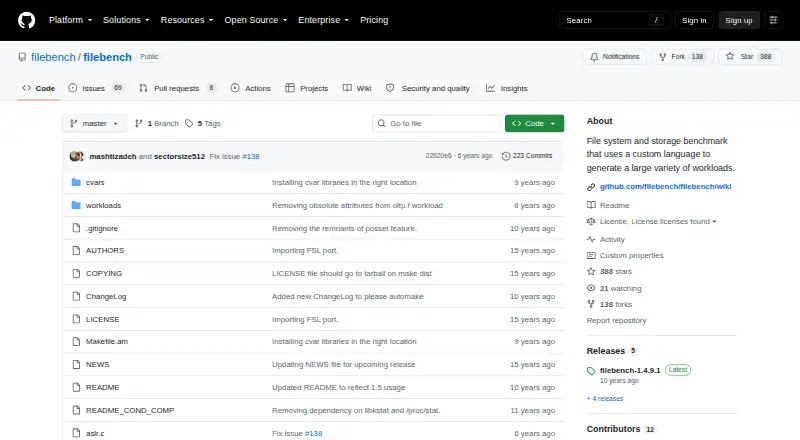
What Filebench is
Filebench is a Linux tool for benchmarking file systems and storage by generating workloads that represent application I/O behavior. It supports micro- and macro-benchmarking, with random and sequential tests, IOPS measurement, and latency measurement. Users can define custom workloads in Workload Model Language (WML), specifying filesets, processes, threads, and flow operations. Built-in workload personalities cover mail, web, file, and database server scenarios, and the documentation names webserver, fileserver, and mailserver examples. Shipped workloads may not match the size of a particular system, so the documentation recommends copying and adjusting them. Filebench is free, with a listed price of $0 and no usage limits stated. It provides a command-line interface. The README describes compiling and installing it with configure, make, and sudo make install; yacc and lex are required. The project directs questions, bug reports, and feature requests to GitHub Issues. Its repository license is the Common Development and Distribution License, Version 1.0.
Who it suits
Filebench suits Linux users who need to generate or customize storage workloads for benchmarking. Its command-line installation and workload definitions are aimed at users comfortable with build tools and configuration.
What it does well
- Supports both micro- and macro-benchmarking.
- Custom workloads can define filesets, processes, threads, and flows.
- Includes mail, web, file, and database workload personalities.
- Measures IOPS and latency.
- Free, with no usage limits stated.
What to know first
- Runs on Linux only.
- Installation requires yacc and lex.
- Shipped workloads may need resizing for a particular system.
Plans
| Plan | Billed and limits | Price |
|---|---|---|
| Filebench | No price or usage limits stated | Free |
As github.com lists them, read 3 Oct 2026. The maker's own page has the final word.
Getting started
- Open the Filebench project on GitHub.
- Install yacc and lex.
- Compile the project with configure and make.
- Install it with sudo make install.
- Choose a predefined workload or describe one in WML, adjusting shipped workloads for your system as needed.
Verdict
Filebench offers configurable storage workloads and several benchmark types at no cost. Account for its Linux-only support, build requirements, and the need to adjust shipped workloads to fit a system.
Questions
What does Filebench cost?
Filebench is free. Its listed plan is free, with no usage limits stated.
Which platforms does Filebench support?
Filebench supports Linux.
What kinds of benchmarks can it run?
It supports micro- and macro-benchmarking, random and sequential I/O tests, IOPS measurement, and latency measurement.
Can I create custom workloads?
Yes. WML describes application I/O behavior using filesets, processes, threads, and flow operations.
What license does Filebench use?
The repository identifies the license as the Common Development and Distribution License (CDDL), Version 1.0.
How do I get help with Filebench?
The project directs questions, bug reports, and feature requests to GitHub Issues.
Facts from Filebench's own pages
- Benchmark types
- The README says Filebench supports both micro- and macro-benchmarking. · github.com, 3 Oct 2026
- Built-in workloads
- The project includes workload personalities such as mail, web, file, and database server workloads. · github.com, 3 Oct 2026
- Custom workloads
- Users can describe application I/O behavior with Filebench’s Workload Model Language (WML). · github.com, 3 Oct 2026
- Free plan
- Yes · github.com, 20 Sept 2026
- Installation
- The README describes compiling and installing Filebench with configure, make, and sudo make install, with yacc and lex required. · github.com, 3 Oct 2026
- License
- The repository’s LICENSE file identifies the Common Development and Distribution License (CDDL), Version 1.0. · github.com, 3 Oct 2026
- Predefined examples
- The documentation names webserver, fileserver, and mailserver as predefined workloads. · github.com, 3 Oct 2026
- Purpose
- Filebench is a file system and storage benchmark that generates a variety of workloads. · github.com, 3 Oct 2026
- Support
- The project directs questions, bug reports, and feature requests to GitHub Issues. · github.com, 3 Oct 2026
- Workload sizing
- The documentation cautions that shipped workloads may not be sized for a particular system and recommends copying and adjusting them. · github.com, 3 Oct 2026
- Workload structure
- Filebench workloads can define filesets, processes, threads, and flow operations. · github.com, 3 Oct 2026
Where Filebench stands on Freedom251
- PC Benchmark Software#30 of 73
- Disk Benchmark Software#18 of 29
- PC benchmark tools#50 of 70