Freedom251 › Duplicate File Finders
dupeGuru
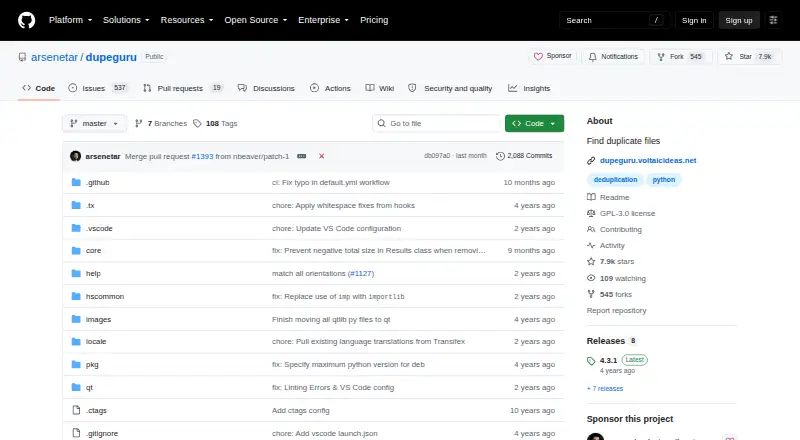
What dupeGuru is
dupeGuru is a free desktop utility for locating duplicate files on Linux, macOS, and Windows. You choose the folders to scan and can label each as normal, reference, or excluded. The matching system compares file contents through size grouping and MD5 hashes, and it can also match filenames or words in music tags. Automatic selection helps mark detected duplicates for action. Chosen files can be sent to the system Recycle Bin or Trash, and folder exclusions keep selected locations out of scans. dupeGuru does not provide file preview, so reviewing results depends on the information shown by its scan and the available selection controls. Its cross-platform coverage makes it usable across the three listed desktop systems, while the free plan provides the duplicate-finding workflow without a stated subscription charge.
Who it suits
It suits people who need to find duplicates in selected computer folders across Linux, macOS, or Windows. It is useful when content, filename, or music-tag matching is needed.
What it does well
- Free plan
- Runs on Linux, macOS, and Windows
- MD5 and size-based content matching
- Filename and music-tag matching
- Recycle Bin or Trash handling
What to know first
- No file preview
- Scans only folders you select
- Automatic selection still requires review
Getting started
- Visit the dupeGuru website on GitHub.
- Choose the version for Linux, macOS, or Windows.
- Select folders for scanning and assign them as normal, reference, or excluded.
- Run a scan using content, filename, or music-tag matching.
- Review the results and use automatic selection or the Recycle Bin or Trash option.
Verdict
dupeGuru offers straightforward duplicate detection with several matching methods and deletion safeguards. The lack of preview means you should review scan results carefully before removing files.
Questions
Is dupeGuru free?
Yes. dupeGuru has a free plan.
Which platforms does dupeGuru support?
It is available for Linux, macOS, and Windows.
How does dupeGuru find duplicates?
It can compare file contents using size grouping and MD5 hashes, or match by filename or music-tag words.
Can I exclude folders from a scan?
Yes. Selected folders can be marked as excluded; folders can also be set as normal or reference.
Does dupeGuru preview files?
No, file preview is not available.
Where dupeGuru stands on Freedom251
- Duplicate File Finders#23 of 38