Freedom251 › Duplicate File Finders
EaseUS DupFiles Cleaner
What EaseUS DupFiles Cleaner is
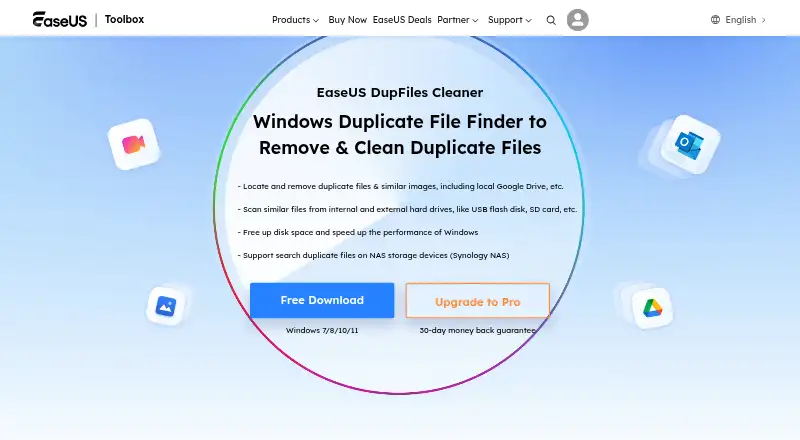
EaseUS DupFiles Cleaner is a Windows app for finding and reviewing duplicate files on selected folders and drives. Its free plan can scan for duplicates, let you customize the scanning mode, and compare and preview matching files. The product can also scan local copies downloaded from Google Drive or Dropbox. You can configure its duplicate-file comparison method, review file previews, and use automatic selection when deciding which items to handle. Recycle Bin support is available. EaseUS offers three yearly Pro plans, each with one year of free upgrades: Pro 1PC covers one PC for $59.95 per year, Pro 3PC covers three PCs for $119.95 per year, and Pro 5PC covers five PCs for $169.95 per year. The free plan costs nothing and provides scanning, scan-mode customization, comparison, and preview. The listed platform is Windows, and EaseUS provides the product through its website.
Who it suits
It suits Windows users who want to scan selected folders or drives and inspect duplicate files before handling them. The free plan covers scanning and review, while the yearly Pro options define coverage for one, three, or five PCs.
What it does well
- Free plan includes duplicate scanning and preview.
- Scanning mode can be customized.
- Can scan local copies downloaded from Google Drive or Dropbox.
- Duplicate-file comparison method is configurable.
- Automatic selection and Recycle Bin support are available.
What to know first
- Listed platform coverage is Windows only.
- Pro plans require yearly payment, starting at $59.95 per year.
Limits
The free plan covers scanning, scan-mode customization, and comparison and preview. The Pro plans are billed yearly and cover one, three, or five PCs.
Plans
| Plan | Billed and limits | Price |
|---|---|---|
| Free | Scan duplicate files · Customize scanning mode · Compare and preview duplicates | Free |
| Pro 1PC — Yearly | Yearly; 1-year free upgrades · 1 PC | $59.95 a year |
| Pro 3PC — Yearly | Yearly; 1-year free upgrades · 3 PCs | $119.95 a year |
| Pro 5PC — Yearly | Yearly; 1-year free upgrades · 5 PCs | $169.95 a year |
As toolbox.easeus.com lists them, read 24 Sept 2026. The maker's own page has the final word.
Getting started
- Open the EaseUS DupFiles Cleaner website.
- Use a Windows computer.
- Choose the free plan or a yearly Pro plan for one, three, or five PCs.
- Select folders or drives to scan, including local copies downloaded from Google Drive or Dropbox.
- Customize the scanning mode, then compare and preview the duplicates.
Verdict
Choose EaseUS DupFiles Cleaner if you use Windows and want to scan selected locations, compare and preview duplicates, and optionally use automatic selection. The free plan covers scanning and review; look to a paid yearly plan if you need a defined allowance for one, three, or five PCs and one year of free upgrades.
Questions
Is EaseUS DupFiles Cleaner free?
Yes. The Free plan is listed as free and includes duplicate scanning, scanning-mode customization, comparison, and preview.
What do the paid plans cost?
Pro 1PC costs $59.95 per year, Pro 3PC costs $119.95 per year, and Pro 5PC costs $169.95 per year. Each includes one year of free upgrades.
Which computers does it support?
The listed platform is Windows.
Can it scan Google Drive or Dropbox?
It can scan local copies downloaded from Google Drive or Dropbox, as well as selected folders and drives on the computer.
Can I review duplicates before handling them?
Yes. The free plan includes comparing and previewing duplicates. Automatic selection and Recycle Bin support are also available.
Where EaseUS DupFiles Cleaner stands on Freedom251
- Duplicate File Finders#25 of 38