Freedom251 › Disk Space Analyzers
dumap
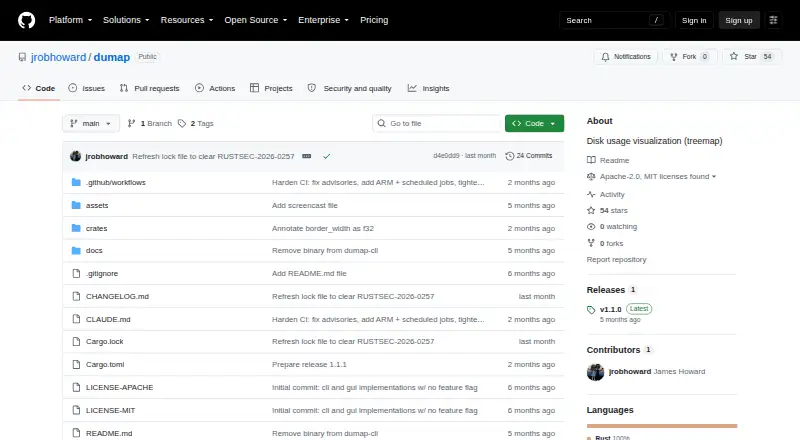
What dumap is
dumap is a free, open-source disk usage visualizer for Linux, macOS, and Windows. It scans files and folders and turns their sizes into an interactive treemap, with a native GUI viewer or a self-contained HTML export that has no external dependencies. The GUI supports click-to-zoom, right-click or scroll zoom-out, a depth slider, and breadcrumb navigation. Files are color-coded into categories such as code, images, video, audio, archives, documents, databases, executables, fonts, configuration, and data. Scans default to the user’s home directory and include hidden files and directories unless excluded. dumap reports disk usage by default, while --apparent-size reports logical file sizes. HTML export allows visible-depth, maximum-scan-depth, and output-path settings, plus opening the result in the default browser. Installation uses Cargo, and Rust 1.88.0 or later is required. It is made by James Howard and licensed under MIT OR Apache-2.0.
Who it suits
dumap suits users who want a visual view of directory storage on desktop operating systems. It is also useful for people who need an exportable HTML treemap or file-category breakdown.
What it does well
- Free and open source
- Native GUI for three desktop platforms
- Self-contained HTML treemap export
- Color-coded file categories
- Adjustable scan and display depth
What to know first
- Requires Rust 1.88.0 or later
- Hidden files included by default
- Cargo installation or source build required
Plans
| Plan | Billed and limits | Price |
|---|---|---|
| dumap | Open-source disk usage visualizer; install with Cargo or build from source | Free |
As github.com lists them, read 12 Oct 2026. The maker's own page has the final word.
Verdict
dumap combines treemap navigation, category coloring, and configurable HTML export for desktop disk-usage reviews. Its Rust requirement and developer-oriented installation process matter when setting it up.
Facts from dumap's own pages
- Export controls
- HTML export supports a configurable visible depth, maximum scan depth, output path, and an option to open the result in the default browser. · github.com, 12 Oct 2026
- Exportable reports
- Yes · github.com, 23 Sept 2026
- File categories
- Files are color-coded into categories including code, images, video, audio, archives, documents, databases, executables, fonts, configuration, and data. · github.com, 12 Oct 2026
- File-type breakdown
- Yes · github.com, 23 Sept 2026
- GUI navigation
- The GUI supports click-to-zoom, right-click or scroll to zoom out, a depth slider, and breadcrumb navigation. · github.com, 12 Oct 2026
- HTML output
- The exported HTML file is self-contained and has no external dependencies. · github.com, 12 Oct 2026
- Installation
- The project documents installation with cargo install dumap and a source build using Cargo. · github.com, 12 Oct 2026
- License
- dumap is licensed under MIT OR Apache-2.0. · github.com, 12 Oct 2026
- Maker
- The GitHub account identifies the maker as James Howard. · github.com, 12 Oct 2026
- Desktop platforms
- windows,macos,linux · github.com, 23 Sept 2026
- Purpose
- dumap scans directories and creates interactive disk usage treemap visualizations. · github.com, 12 Oct 2026
- Requirements
- The project requires Rust 1.88.0 or later, and GUI support is listed for Linux, macOS, and Windows. · github.com, 12 Oct 2026
- Scan defaults
- The scan path defaults to the user's home directory, and hidden files and directories are included unless excluded with an option. · github.com, 12 Oct 2026
- Scan scope
- files_folders · github.com, 23 Sept 2026
- Size reporting
- By default, dumap reports disk usage; the --apparent-size option reports logical file sizes instead. · github.com, 12 Oct 2026
- Treemap view
- Yes · github.com, 23 Sept 2026
- Viewing modes
- It offers a native GUI viewer and an option to export a self-contained interactive HTML treemap. · github.com, 12 Oct 2026
Where dumap stands on Freedom251
- Disk Space Analyzers#14 of 105