Freedom251 › Disk Space Analyzers
DiskDive
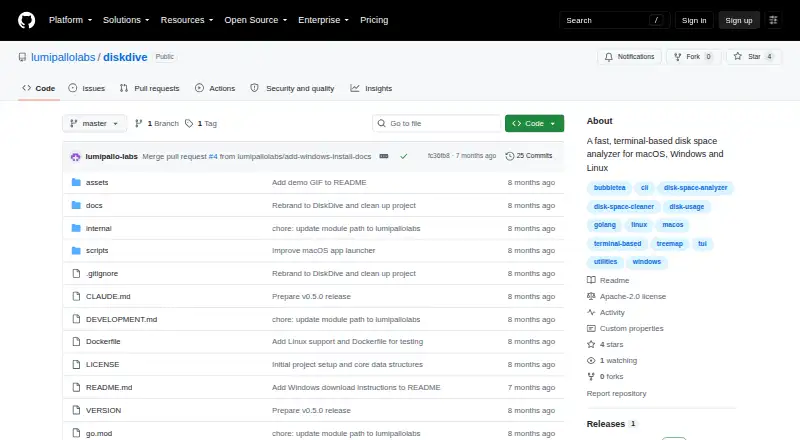
What DiskDive is
DiskDive is a free, terminal-based disk space analyzer for macOS, Windows, and Linux. It scans files and folders and displays their relative sizes in a treemap, using proportional blocks to show which items occupy the most space. The project describes parallel scanning for large drives. Deletions are tracked in real time, with freed space updated as you work. You can select a drive interactively or scan a specified directory. Keyboard navigation includes Vim-style hjkl keys. Listed actions include previewing files, opening items in the file manager, and rescanning. The README offers a universal macOS app for Intel and Apple Silicon and a Windows ZIP containing diskdive.exe. Requirements are macOS 12 or later, Windows 10 or later, or Linux. The documented Go installation route requires Go 1.21 or later, and the project also describes building from source. DiskDive is distributed under the Apache License 2.0. Its GitHub organization is Lumipallo Labs, which lists Andorra as its location.
Who it suits
DiskDive suits users who prefer terminal tools for locating large files and folders. It is also aimed at people on macOS, Windows, or Linux who want treemap visualization and live deletion updates.
What it does well
- Free under the Apache License 2.0
- Treemap highlights large space users
- Parallel scanning for large drives
- Live updates after deletions
- Works on macOS, Windows, and Linux
What to know first
- Terminal-based interface
- macOS requires version 12 or later
- Go installation requires Go 1.21 or later
Plans
| Plan | Billed and limits | Price |
|---|---|---|
| Free | Apache License 2.0 · macOS, Windows, Linux · Go 1.21+ for Go installation | Free |
As github.com lists them, read 12 Oct 2026. The maker's own page has the final word.
Verdict
DiskDive focuses on fast, keyboard-driven disk analysis with a clear treemap and live space updates. It is a practical fit when you want a free tool that scans files and folders from a terminal.
Facts from DiskDive's own pages
- Deletion tracking
- DiskDive tracks deletions in real time and updates freed space live. · github.com, 12 Oct 2026
- Downloads
- The README offers a universal macOS app for Intel and Apple Silicon and a Windows ZIP containing diskdive.exe. · github.com, 12 Oct 2026
- Drive selection
- Users can launch an interactive drive selector or scan a specified directory. · github.com, 12 Oct 2026
- File actions
- The README lists file preview, opening items in the file manager, and rescanning as actions. · github.com, 12 Oct 2026
- Free plan
- Yes · github.com, 22 Sept 2026
- Install options
- The README documents installation with Go 1.21+ and building from source. · github.com, 12 Oct 2026
- Integrations
- The project README does not list integrations. · github.com, 12 Oct 2026
- License
- The repository distributes DiskDive under the Apache License 2.0. · github.com, 12 Oct 2026
- Maker
- The GitHub organization is named Lumipallo Labs and lists Andorra as its location. · github.com, 12 Oct 2026
- Navigation
- The interface supports keyboard navigation, including Vim-style hjkl keys. · github.com, 12 Oct 2026
- Desktop platforms
- macos,windows,linux · github.com, 22 Sept 2026
- Purpose
- DiskDive is a terminal-based disk space analyzer with treemap visualization. · github.com, 12 Oct 2026
- Requirements
- The stated requirements are macOS 12 or later, Windows 10 or later, or Linux. · github.com, 12 Oct 2026
- Scanning
- The project describes parallel scanning for analyzing large drives. · github.com, 12 Oct 2026
- Scan scope
- files_folders · github.com, 22 Sept 2026
- Treemap
- Its treemap uses proportional blocks to highlight large space users. · github.com, 12 Oct 2026
- Treemap view
- Yes · github.com, 22 Sept 2026
Where DiskDive stands on Freedom251
- Disk Space Analyzers#39 of 105