CAPPDF
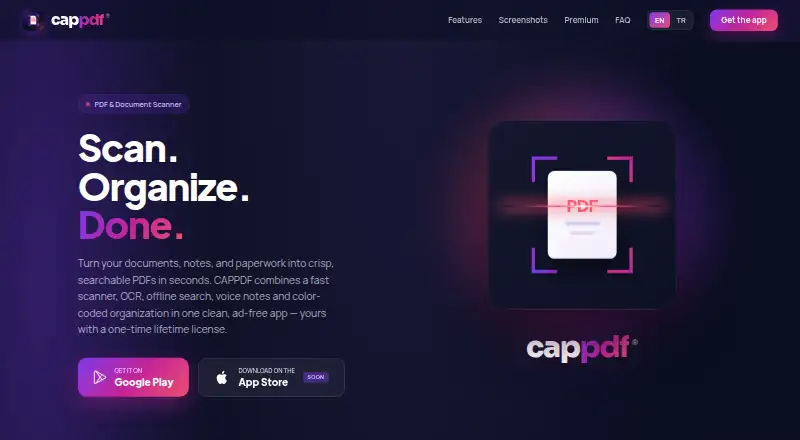
What CAPPDF is
CAPPDF is an Android document scanner that turns paper documents into searchable PDFs. Its scanner detects page edges, corrects perspective, creates crisp multi-page files, and does so without a watermark. OCR enables full-text searching inside scans, including offline, while PDF compression reduces file size. Users can attach voice notes, organize receipts, IDs, and contracts with color-coded groups, set reminders for birthdays, renewals, and deadlines, and count objects in photos on the device. The app does not require account registration and says files remain on the device; PDF processing is local unless a future cloud-sync feature is enabled. The Free plan costs nothing and allows 20 scans. After that, new scanning is locked, but existing files, search, and export remain available. Premium is listed at $9.99 a month and describes a one-time lifetime purchase with unlimited scans and added features.
Who it suits
CAPPDF suits Android users who need searchable, offline document scans and local processing. It is also relevant for people organizing receipts, IDs, contracts, reminders, or voice notes.
What it does well
- Offline OCR search
- Automatic edge detection and perspective correction
- Multi-page PDFs without watermarks
- Local PDF processing
- Voice notes and reminders
What to know first
- Android app only
- Free version limited to 20 scans
- No free trial
- AI assistant planned for a future update
Plans
| Plan | Billed and limits | Price |
|---|---|---|
| Free | 20 scans | Free |
| Premium | one-time · lifetime · Unlimited scans · PDF compression · OCR text recognition · voice notes · smart organization · lifetime license | $9.99, paid once |
As cappdf.com lists them, read 22 Sept 2026. The maker's own page has the final word.
Verdict
CAPPDF combines scanning, OCR, organization, and offline search in an Android app. The free scan quota is limited, while the listed Premium option adds unlimited scanning and other capabilities.
Facts from CAPPDF's own pages
- Advertising
- CAPPDF says it does not use advertising SDKs and does not sell, rent or use submitted information for advertising. · cappdf.com, 28 Sept 2026
- AI assistant
- A cloud-powered AI assistant for summarizing, translating and asking questions about documents is planned for a future update. · cappdf.com, 28 Sept 2026
- Android app
- Yes · cappdf.com, 22 Sept 2026
- Auto capture
- Yes · cappdf.com, 22 Sept 2026
- Free limit
- The free version includes 20 scans; after that, creating new scans is locked while existing files, search and export continue working. · cappdf.com, 28 Sept 2026
- Free plan
- Yes · cappdf.com, 22 Sept 2026
- iOS app
- No · cappdf.com, 22 Sept 2026
- Multipage PDF
- Yes · cappdf.com, 22 Sept 2026
- Object counting
- Users can tap to count objects in a photo directly on the device. · cappdf.com, 28 Sept 2026
- OCR included
- Yes · cappdf.com, 22 Sept 2026
- Offline search
- Full-text OCR search finds words inside scans and works fully offline. · cappdf.com, 28 Sept 2026
- Organization
- Color-coded groups organize receipts, IDs and contracts. · cappdf.com, 28 Sept 2026
- PDF processing
- PDF files are processed locally and are not uploaded unless a future cloud-sync feature requires it and the user enables it. · cappdf.com, 28 Sept 2026
- Permissions
- Depending on features used, the app may request camera and storage or Files access. · cappdf.com, 28 Sept 2026
- Privacy
- CAPPDF does not require account registration, does not track users across other apps or websites, and says files stay on the device. · cappdf.com, 28 Sept 2026
- Product
- CAPPDF is a free PDF and document scanner app with OCR, offline search and PDF compression for Android. · cappdf.com, 28 Sept 2026
- Reminders
- The app includes reminders for birthdays, renewals and deadlines. · cappdf.com, 28 Sept 2026
- Scan limit
- 20 · cappdf.com, 22 Sept 2026
- Scanner
- The scanner provides automatic edge detection, perspective correction, crisp output and multi-page PDFs without a watermark. · cappdf.com, 28 Sept 2026
- Searchable PDF
- Yes · cappdf.com, 22 Sept 2026
- Support contact
- The website contact form sends messages to support at [email protected]. · cappdf.com, 28 Sept 2026
- Support infrastructure
- Contact and feedback messages are sent through Supabase Edge Functions and processed on Supabase servers in the European Union. · cappdf.com, 28 Sept 2026
- Voice notes
- Voice notes can be recorded, attached to documents and played back later. · cappdf.com, 28 Sept 2026
Where CAPPDF stands on Freedom251
- Scanner apps#51 of 76
- Mobile Scanning Apps#52 of 76