Freedom251 › Bookmark Managers
Bookmark
What Bookmark is
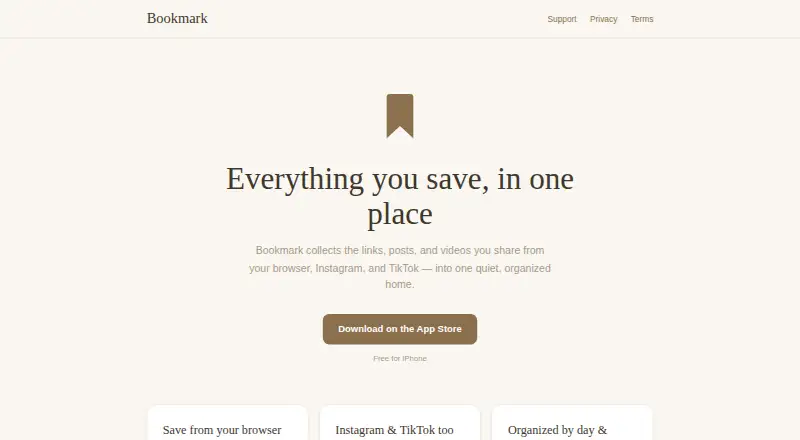
Bookmark is an iPhone app for gathering links, posts, and videos shared from a browser, Instagram, or TikTok. To save a web page from Safari or Chrome, choose Bookmark from the Share menu; social posts and videos can be sent directly to the app. New items appear under Today, where they can be placed in folders, labeled, browsed by day, or filtered by source. The Free for iPhone plan costs nothing.
Bookmark says it collects an account email and hashed password, along with saved URLs, labels, folders, save times, and short-lived technical logs. It says it does not collect browsing history, contacts, location, or information from Instagram or TikTok accounts, and does not sell data or show ads. Data is stored on managed cloud infrastructure in the United States, and traffic between the app and server uses HTTPS encryption. Users can delete individual saves, folders, or their account. Depending on their location, they may also request access to, correction of, or export of their data. When a saved link is opened, it may go through Skimlinks or include an Amazon Associates tag; partners receive only the destination URL tapped. The terms caution that uninterrupted access and permanent retention of saved data are not guaranteed.
Who it suits
Bookmark suits iPhone users who want to keep web pages and social content together, then sort saves into folders or browse them by date and source. It may also suit people who value account and save deletion controls and want a free way to collect links and videos.
What it does well
- Saves pages from Safari or Chrome through the Share menu.
- Accepts Instagram posts and TikTok videos shared to the app.
- Organizes items with folders, labels, dates, and source filters.
- Free for iPhone at no cost.
- Users can delete individual saves, folders, or their account.
What to know first
- The listed platform is iOS.
- The terms do not guarantee uninterrupted service or permanent data retention.
- Opening saved links may route through Skimlinks or include an Amazon Associates tag.
Limits
The free plan is listed for iPhone. Bookmark's terms say it cannot guarantee uninterrupted availability or that saved data will never be lost, and advise against relying on it as the only copy of critical material.
Plans
| Plan | Billed and limits | Price |
|---|---|---|
| Free for iPhone | Free for iPhone | Free |
As getbookmark.io lists them, read 4 Oct 2026. The maker's own page has the final word.
Getting started
- Install Bookmark for iPhone.
- Open Safari or Chrome and use the Share menu to choose Bookmark when saving a page.
- Share Instagram posts or TikTok videos directly to Bookmark.
- Organize saved items into folders or add labels.
- Browse saves by day or filter them by source.
Verdict
Pick Bookmark if you use an iPhone and want a free place to collect and organize web pages, Instagram posts, and TikTok videos. Its deletion options and stated data practices may suit privacy-conscious users. Look elsewhere if you need a platform beyond iOS or need guaranteed availability and permanent storage of saved material.
Questions
How much does Bookmark cost?
The Free for iPhone plan is listed as free.
Which platform does Bookmark support?
The listed platform is iOS, and the plan is for iPhone.
What can I save?
You can save browser pages, Instagram posts, and TikTok videos. Safari and Chrome pages can be saved through the Share menu.
Can I organize saved items?
Yes. Items appear under Today and can be placed in folders, labeled, browsed by day, or filtered by source.
Can I delete my data?
You can delete individual saves, folders, or your account. Depending on your location, you may also request access to, correction of, or export of your data.
Does Bookmark show ads or sell data?
Bookmark says it does not sell data or show ads. Opening a saved link may route through Skimlinks or carry an Amazon Associates tag, with partners receiving only the destination URL tapped.
Facts from Bookmark's own pages
- Account data
- The service collects an account email and hashed password, saved URLs, labels, folders, save times, and short-lived technical logs. · getbookmark.io, 4 Oct 2026
- Affiliate links
- Opening a saved link may route it through Skimlinks or add an Amazon Associates tag; the policy says partners receive only the destination URL tapped. · getbookmark.io, 4 Oct 2026
- Audience
- The service is not directed at children under 13. · getbookmark.io, 4 Oct 2026
- Deletion and export
- Users can permanently delete their account and saves, delete individual saves or folders, and may request data access, correction, or export depending on their location. · getbookmark.io, 4 Oct 2026
- Organization
- Saves appear under Today and can be organized into folders, labeled, browsed by day, and filtered by source. · getbookmark.io, 4 Oct 2026
- Privacy
- Bookmark says it does not collect browsing history, contacts, location, or data from Instagram or TikTok accounts, and does not sell data or show ads. · getbookmark.io, 4 Oct 2026
- Product
- Bookmark collects links, posts, and videos shared from a browser, Instagram, or TikTok in one place. · getbookmark.io, 4 Oct 2026
- Reliability limitation
- The terms say Bookmark cannot guarantee uninterrupted availability or that saved data will never be lost, and advise against treating it as the only copy of critical material. · getbookmark.io, 4 Oct 2026
- Save from browser
- Users can save a page from Safari or Chrome by choosing Bookmark in the Share menu. · getbookmark.io, 4 Oct 2026
- Save social posts
- Users can share Instagram posts and TikTok videos directly to Bookmark. · getbookmark.io, 4 Oct 2026
- Security
- Bookmark says data is stored on managed cloud infrastructure in the United States and app-to-server traffic uses HTTPS encryption. · getbookmark.io, 4 Oct 2026
- Support
- Users can contact support through a form with name, email, and message fields; the site says support will reply by email. · getbookmark.io, 4 Oct 2026
Where Bookmark stands on Freedom251
- Bookmark Managers#13 of 43