Freedom251 › Audio Enhancement Software

BlackHole
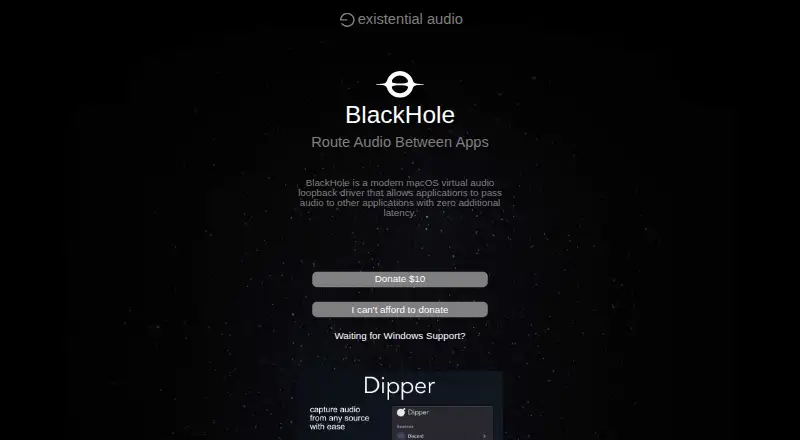
What BlackHole is
BlackHole is a free virtual audio loopback driver for macOS. It lets one application pass audio to another with zero additional latency, supporting workflows that send system sound or microphone audio into another app. The product page lists 2-channel and 16-channel versions, and Homebrew install commands are available for 2, 16, and 64 channels. Supported sample rates run from 44.1 kHz through 192 kHz. BlackHole works with macOS Mavericks (10.10) and newer, and is built for both Intel and Apple Silicon Macs.
The intended audiences include streamers, instructors, podcasters, producers, audio engineers, and composers. Tutorials cover routing audio from Logic Pro X or GarageBand to FaceTime, Google Meet, Skype, and Zoom. They also explain how to route system audio, or combine system audio and microphone input, using macOS Multi-Output or Aggregate devices. BlackHole is free, with an optional $10 donation. The product page directs users to Discord for downloads, updates, and support, and also lists email support. BlackHole is not ready for Windows, though users can sign up for beta notifications.
Who it suits
BlackHole suits macOS users who need to route audio between applications, including streamers, instructors, podcasters, producers, audio engineers, and composers. It is also relevant to people sending audio from Logic Pro X or GarageBand to a video-call app.
What it does well
- Passes audio between applications with zero additional latency.
- Free, with 2-, 16-, and 64-channel install options.
- Supports sample rates from 44.1 kHz through 192 kHz.
- Built for Intel and Apple Silicon Macs.
- Tutorials cover routing to FaceTime, Google Meet, Skype, and Zoom.
What to know first
- Available for macOS; the Windows version is not ready.
- The product page lists 2- and 16-channel versions; 64 channels use Homebrew commands.
Plans
| Plan | Billed and limits | Price |
|---|---|---|
| BlackHole | 2, 16, or 64 channels via Homebrew · optional $10 donation | Free |
As existential.audio lists them, read 9 Oct 2026. The maker's own page has the final word.
Getting started
- Visit https://existential.audio/blackhole/.
- Use a macOS computer running Mavericks (10.10) or newer.
- Choose a 2- or 16-channel version, or use a Homebrew command for 2, 16, or 64 channels.
- Use the routing tutorials for Multi-Output or Aggregate device setup, if needed.
- Visit Discord for downloads, updates, and support, or use the listed email support.
Verdict
Choose BlackHole if you need a free macOS driver for passing audio between applications, with channel options and tutorials for common routing workflows. Look elsewhere if you need a Windows-ready version.
Questions
How much does BlackHole cost?
The BlackHole plan is free. An optional $10 donation is available.
Is there a free plan or trial?
BlackHole has a free plan. There is no free trial.
Which platforms does BlackHole support?
BlackHole supports macOS Mavericks (10.10) and newer, on Intel and Apple Silicon. It is not ready for Windows; users can sign up for beta notifications.
What channel versions are available?
The page lists 2-channel and 16-channel versions. Homebrew install commands are provided for 2, 16, and 64 channels.
What audio workflows do the tutorials cover?
Tutorials explain routing audio from Logic Pro X or GarageBand to FaceTime, Google Meet, Skype, and Zoom, as well as using macOS Multi-Output or Aggregate devices.
Where can users get support?
The product page directs users to Discord for downloads, updates, and support, and also lists email support.
Facts from BlackHole's own pages
- App workflows
- Support tutorials cover routing audio from Logic Pro X or GarageBand to FaceTime, Google Meet, Skype, and Zoom. · existential.audio, 9 Oct 2026
- Compatibility
- The page says BlackHole is compatible with macOS Mavericks (10.10) and newer and is built for Intel and Apple Silicon. · existential.audio, 9 Oct 2026
- Intended users
- The page identifies streamers, instructors, podcasters, producers, audio engineers, and composers as audiences for BlackHole. · existential.audio, 9 Oct 2026
- Purpose
- BlackHole is a macOS virtual audio loopback driver that lets applications pass audio to other applications with zero additional latency. · existential.audio, 9 Oct 2026
- Routing setup
- The support page describes routing system audio or microphone and system audio using macOS Multi-Output or Aggregate devices. · existential.audio, 9 Oct 2026
- Sample rates
- It supports the listed standard sample rates from 44.1 kHz through 192 kHz. · existential.audio, 9 Oct 2026
- Support
- The product page directs users to Discord for downloads, updates, and support, and also lists email support. · existential.audio, 9 Oct 2026
- Versions
- The page lists 2-channel and 16-channel versions and provides Homebrew install commands for 2, 16, and 64 channels. · existential.audio, 9 Oct 2026
- Windows availability
- The Windows page says BlackHole is not ready for Windows and offers a beta notification signup. · existential.audio, 9 Oct 2026
Where BlackHole stands on Freedom251
- Audio Enhancement Software#3 of 30