Freedom251 › File Manager Software
X-plore File Manager
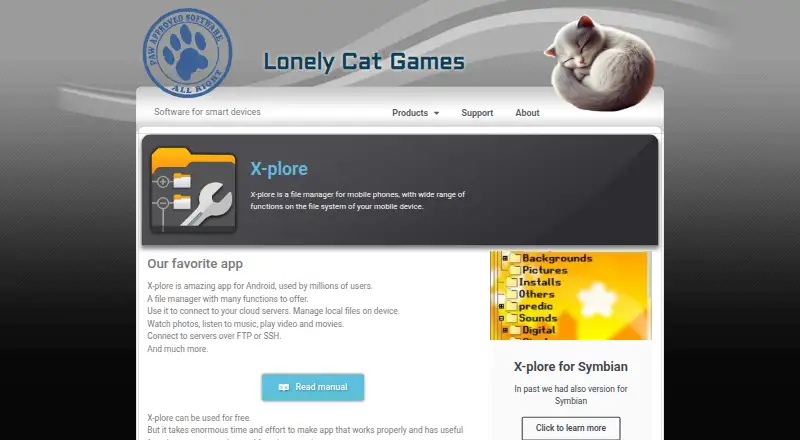
What X-plore File Manager is
X-plore File Manager is an Android file manager for organizing device files and connecting to network and cloud services. It supports viewing, copying, moving, deleting, renaming, sharing, Zip compression, and archive extraction, with a dual-pane view and batch renaming. Connections include FTP, FTPS, LAN (SMB/Samba), DLNA/UPnP, Google Drive, OneDrive, Dropbox, Box, WebDAV, and SFTP. Remote tools provide SFTP file operations and SSH shell terminal emulation. On the device, users can browse images, audio, text, video, and PDFs, play music, and browse Zip and RAR archives; RAR operations are read-only. The Vault encrypts sensitive files and protects them with a password or fingerprint. On rooted Android devices, root mode can read and modify protected files, subject to device and root configuration. A PC browser on the same local network can access and manage device files through the WiFi sharing server, which can be password-protected or set to read-only. That server does not share LAN, FTP, or cloud locations. The free plan covers most features; some advanced features require payment by donation.
Who it suits
X-plore suits Android users who manage local files alongside network or cloud storage, including those who need SFTP or SSH tools. Its WiFi sharing server also suits users who want to manage device files from a PC browser on the same local network.
What it does well
- Dual-pane view and batch rename are available.
- Connects to FTP, cloud services, LAN, and SFTP.
- Includes SSH shell terminal emulation for remote servers.
- Vault protects files with encryption and password or fingerprint.
- Most features are available without payment.
What to know first
- RAR operations are read-only.
- WiFi sharing does not expose network or cloud locations.
- Some advanced features require a donation.
- Support is limited for the app.
Plans
| Plan | Billed and limits | Price |
|---|---|---|
| Free | Most features available without payment | Free |
| Remove ads | Removes ads | On request |
| Unlock all functions | Unlocks all premium functions · Removes ads · Available on all devices using the same account | On request |
| X-plore for Android | Free to use · some advanced features require payment by donation; paid features require a donation worth at least 3 beers | Free |
As lonelycatgames.com lists them, read 21 Sept 2026. The maker's own page has the final word.
Verdict
X-plore combines Android file management with broad connection options, archive browsing, and remote server tools. Its free plan covers most features, while RAR operations and WiFi sharing have stated limits.
Facts from X-plore File Manager's own pages
- Archive support
- Yes · lonelycatgames.com, 21 Sept 2026
- Batch rename
- Yes · lonelycatgames.com, 21 Sept 2026
- Browser access
- A PC web browser on the same local network can access and manage files on the Android device through X-plore’s WiFi sharing server. · lonelycatgames.com, 11 Oct 2026
- Cloud storage access
- Yes · lonelycatgames.com, 21 Sept 2026
- Credential handling
- For services that support it, X-plore uses OAuth and does not retain login details; for services such as FTP, it stores credentials encrypted in its private configuration file. · lonelycatgames.com, 11 Oct 2026
- Dual-pane view
- Yes · lonelycatgames.com, 21 Sept 2026
- Dual-pane view
- Its dual-pane tree view shows two folders at once and lets users copy files between panes. · lonelycatgames.com, 11 Oct 2026
- File management
- It supports viewing, copying, moving, deleting, compressing to Zip, extracting, renaming, and sharing files. · lonelycatgames.com, 11 Oct 2026
- Free plan
- Yes · lonelycatgames.com, 21 Sept 2026
- Headquarters
- Banská Bystrica, Slovakia · lonelycatgames.com, 28 Sept 2026
- Local media and archives
- It includes image, audio, text, video, and PDF viewers, a music player, and Zip and RAR archive browsing; RAR operations are read-only. · lonelycatgames.com, 11 Oct 2026
- Maker history and location
- Lonely Cat Games says it was established in 2000 and lists Banská Bystrica, Slovakia. · lonelycatgames.com, 11 Oct 2026
- Network and cloud connections
- Listed connections include FTP, FTPS, LAN (SMB/Samba), DLNA/UPnP, Google Drive, OneDrive, Dropbox, Box, WebDAV, and SFTP. · lonelycatgames.com, 11 Oct 2026
- Supported platforms
- web,android · lonelycatgames.com, 21 Sept 2026
- Privacy
- The privacy policy says X-plore does not collect private information except as needed for app functionality and does not access device location. · lonelycatgames.com, 11 Oct 2026
- Purpose
- X-plore is a mobile file manager for managing files on a device and connecting to cloud servers. · lonelycatgames.com, 11 Oct 2026
- Root access
- On rooted Android devices, root mode can read and modify protected files, subject to device and root configuration. · lonelycatgames.com, 11 Oct 2026
- SSH tools
- X-plore supports SFTP file operations and SSH shell terminal emulation for remote servers. · lonelycatgames.com, 11 Oct 2026
- Support
- The maker says technical and customer support is limited for the app, with full support provided for paid features. · lonelycatgames.com, 11 Oct 2026
- Vault
- The Vault encrypts sensitive files and protects them with a password or fingerprint. · lonelycatgames.com, 11 Oct 2026
- WiFi sharing controls
- The WiFi sharing server can be configured for read-only access and password protection; network locations such as LAN, FTP, and cloud services are not shared by that server. · lonelycatgames.com, 11 Oct 2026
Where X-plore File Manager stands on Freedom251
- File Manager Software#28 of 100