
WinDbg
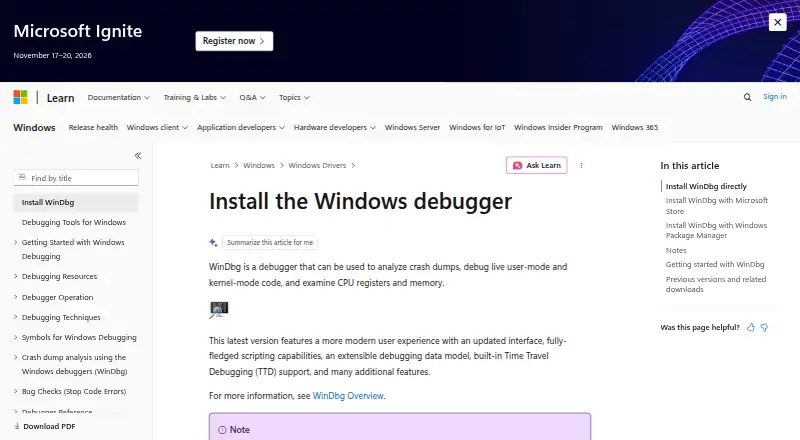
What WinDbg is
WinDbg is a free Windows debugger for examining program behavior, exceptions, and crash data. It supports C++, C#, JavaScript, and assembly, and can target Windows systems or Linux crash dumps. Developers can connect to remote debugging sessions and set conditional breakpoints that pause when chosen conditions occur. Exception breakpoints stop execution when exceptions arise. Time-travel debugging provides another way to inspect execution, while core dump debugging helps analyze saved failure data. The listed platform is Windows, and the software has a free plan. These functions cover both active code investigation and post-crash analysis. WinDbg can therefore serve developers who need to follow execution, investigate exceptions, or inspect dump files from Windows and Linux environments. Its official information is provided through Microsoft's Windows driver debugger documentation.
Who it suits
WinDbg suits developers working with C++, C#, JavaScript, or assembly on Windows. It also fits investigations involving remote sessions, time-travel traces, or Linux crash dumps.
What it does well
- Free Windows debugger
- Supports C++, C#, JavaScript, and assembly
- Remote debugging available
- Conditional and exception breakpoints
- Time-travel and core dump debugging
What to know first
- Listed platform is Windows
- Linux support is for crash dumps
Verdict
WinDbg provides a broad set of debugging and dump-analysis capabilities at no listed cost. It is focused on Windows use while also handling Linux crash dumps.
Where WinDbg stands on Freedom251
- Debuggers#24 of 27
- Debugging Software#27 of 30