Freedom251 › Robotics Education Software
Virtual Robotics Toolkit
What Virtual Robotics Toolkit is
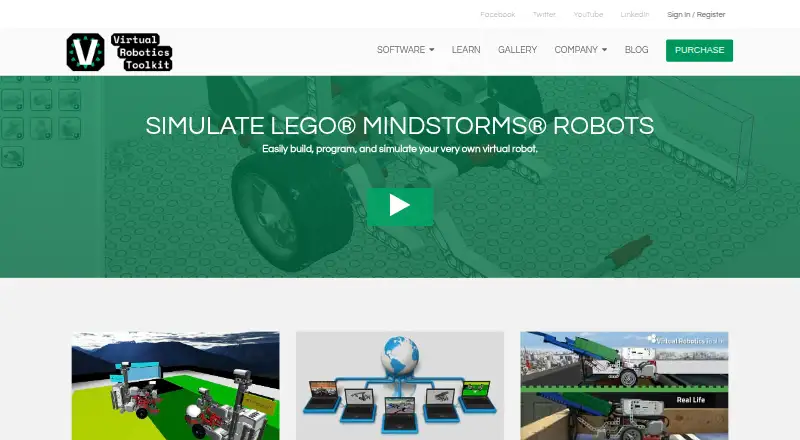
Virtual Robotics Toolkit lets users build, program, and simulate LEGO MINDSTORMS robots on Windows and macOS. Designs made with LEGO Digital Designer, MLCAD, or LDCad can be imported into a physics-enabled simulation. Users program virtual robots through the LEGO MINDSTORMS EV3 programming environment and can change surface friction and gravity to examine their effects. Listed sensors include EV3 ultrasonic, color, touch, infrared, and gyro sensors, plus HiTechnic infrared and compass sensors. The toolkit supports LEGO MINDSTORMS NXT and EV3 robots, block coding, and a curriculum library, but no classroom tools are listed. It is intended for educators, robotics teams, and enthusiasts learning or practicing robotics. A subscription license is priced on request and includes one user, seven sample projects, EV3 Mindstorms and Makecode for EV3 support, updated FLL and WRO mats each year, and tools for custom mats and robot imports. There is no free plan, but installation starts a 15-day free trial. Minimum requirements include a 64-bit system, 4 GB RAM, specified Intel or AMD processors, and internet access for activation, competitions, and the Learning Environment.
Who it suits
It suits educators, robotics teams, and enthusiasts using LEGO MINDSTORMS NXT or EV3 robots. Mixed learner levels, block coding, simulation physics, and curriculum materials support varied learning situations.
What it does well
- Simulates LEGO MINDSTORMS NXT and EV3
- Imports designs from three listed tools
- Adjustable friction and gravity
- Supports multiple listed robot sensors
- 15-day free trial
What to know first
- No free plan
- No classroom tools listed
- Requires Windows or macOS
- Internet required for activation and some features
Plans
| Plan | Billed and limits | Price |
|---|---|---|
| Subscription License | 1 User · 7 Sample Projects · EV3 Mindstorms and Makecode for EV3 support · Updated FLL and WRO mats each year · Build custom mats and import robots | $120 |
As virtualroboticstoolkit.com lists them, read 8 Oct 2026. The maker's own page has the final word.
Verdict
Virtual Robotics Toolkit combines robot design imports, EV3 programming, physics controls, sensors, and curriculum materials. Check the paid license, system requirements, supported LEGO models, and absence of classroom tools before selecting it.
Facts from Virtual Robotics Toolkit's own pages
- 3D model import
- Users can import creations made with LEGO Digital Designer, MLCAD, or LDCad into a physics enabled simulation. · virtualroboticstoolkit.com, 8 Oct 2026
- Headquarters
- Winnipeg, Manitoba, Canada · virtualroboticstoolkit.com, 28 Sept 2026
- Integrations
- The download page lists EV3 Software as required for programming EV3 robots, and LEGO Digital Designer and LDraw All In One Installer as required to build custom robots. · virtualroboticstoolkit.com, 8 Oct 2026
- Intended users
- The maker describes the toolkit as useful for educators, robotics teams, and enthusiasts learning or practicing robotics. · virtualroboticstoolkit.com, 8 Oct 2026
- License options
- The maker directs customers seeking volume licenses to contact support by email. · virtualroboticstoolkit.com, 8 Oct 2026
- Operating systems
- The download page offers Windows and Mac versions. · virtualroboticstoolkit.com, 8 Oct 2026
- Physics
- The simulator lets users change surface friction and gravity to explore their effects on a robot. · virtualroboticstoolkit.com, 8 Oct 2026
- Programming
- Users can program virtual robots with the LEGO MINDSTORMS EV3 programming environment. · virtualroboticstoolkit.com, 8 Oct 2026
- Purpose
- The toolkit lets users build, program, and simulate LEGO MINDSTORMS robots. · virtualroboticstoolkit.com, 8 Oct 2026
- Sensors
- Listed sensor support includes EV3 ultrasonic, color, touch, infrared, and gyro sensors, plus HiTechnic infrared and compass sensors. · virtualroboticstoolkit.com, 8 Oct 2026
- Support
- The documentation offers learning materials for different skill levels and links to an official forum. · virtualroboticstoolkit.com, 8 Oct 2026
- System requirements
- The documented minimum requirements include a 64-bit operating system, 4 GB RAM, an Intel i3/i5 or AMD A8/A10 processor, and an internet connection for initial activation, competitions, and the Learning Environment. · virtualroboticstoolkit.com, 8 Oct 2026
- Trial
- The installation guide says users can start a 15-day free trial after installing the software. · virtualroboticstoolkit.com, 8 Oct 2026
Where Virtual Robotics Toolkit stands on Freedom251
- Robotics Education Software#25 of 26