Freedom251 › Video Intro Maker Software

VideoCreek
What VideoCreek is
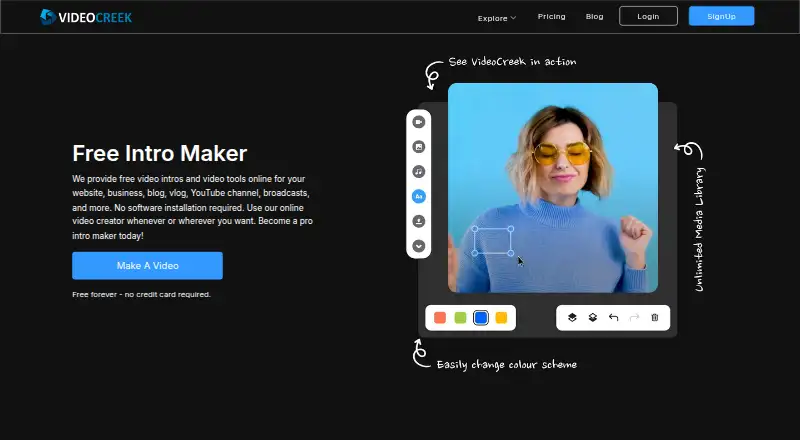
VideoCreek is a web-based tool for making video intros and other videos for channels, businesses, websites, blogs, vlogs, and personal events. Users customize templates with their own text, images, and sounds, then add animations and transitions. The homepage advertises more than 3,500 templates and an audio library with 1,300 tracks. A preview lets users see their video during editing. Finished videos can be rendered at 720p or 1080p and delivered as MP4 or MOV files. VideoCreek has a free plan that does not require a credit card, though free-plan videos may include a watermark. Premium costs $10 a month and removes the watermark. Users download finished videos and upload them to their channels or social accounts; no direct integration is named. The homepage advertises 24×7 help, while its contact page advises allowing up to 24 hours for a response. Its privacy policy says payment processing goes through a third party and VideoCreek does not store or copy credit card information.
Who it suits
VideoCreek suits people creating intros or other videos for channels, businesses, websites, blogs, vlogs, and events. It is available on the web.
What it does well
- More than 3,500 templates
- Audio library contains 1,300 tracks
- Preview videos while editing
- Exports in 720p or 1080p as MP4 or MOV
What to know first
- Free-plan videos may have a watermark
- Premium costs $10 a month to remove it
- Finished videos must be downloaded for upload
Limits
The free plan costs nothing and videos may include a watermark. Premium costs $10 a month and removes the watermark.
Plans
| Plan | Billed and limits | Price |
|---|---|---|
| Free | Free forever · no credit card required · videos may include a watermark | Free |
| Premium | $10 a month · Removes watermark | $10 a month |
As videocreek.com lists them, read 8 Oct 2026. The maker's own page has the final word.
Getting started
- Open the VideoCreek website.
- Choose a template for the video you want to make.
- Customize it with text, images, and sounds, then add animations or transitions.
- Preview the video while editing.
- Use the free plan or choose Premium at $10 a month to remove the watermark.
- Render the finished video in 720p or 1080p and download it as MP4 or MOV.
Verdict
VideoCreek offers template-based editing with previews and several export formats. The free plan has a watermark; Premium removes it for $10 a month.
Questions
Is VideoCreek free?
Yes. The Free plan costs nothing, lasts forever, and requires no credit card; videos may include a watermark.
How much does Premium cost?
Premium costs $10 a month and removes the watermark.
Which platforms does VideoCreek support?
VideoCreek is available on the web.
What export formats and resolutions are available?
Videos can be rendered in 720p or 1080p and delivered as MP4 or MOV files.
Does VideoCreek connect directly to social accounts?
Users download completed videos and upload them to their channels or social media accounts; no direct integration is named.
Facts from VideoCreek's own pages
- Audio
- The homepage says its audio library contains 1,300 audio tracks. · videocreek.com, 8 Oct 2026
- Editing
- Users can customize templates with their own text, images, and sounds, and use animations and transitions. · videocreek.com, 8 Oct 2026
- Exports
- The Help FAQ says videos can be rendered in 720p or 1080p and delivered in MP4 or MOV format. · videocreek.com, 8 Oct 2026
- Integrations
- The homepage instructs users to download finished videos and upload them to their channel or social media accounts; it does not name a direct integration. · videocreek.com, 8 Oct 2026
- Platforms
- The maker describes VideoCreek as an online video creator that requires no software installation and can be used wherever the user wants. · videocreek.com, 8 Oct 2026
- Preview
- Users can preview their video while editing it. · videocreek.com, 8 Oct 2026
- Privacy and payment security
- The privacy policy says payments are handled by a secure third-party processor and VideoCreek does not store or copy credit card information. · videocreek.com, 8 Oct 2026
- Security measures
- The privacy policy says the company uses security measures against unauthorized access and that sensitive data exchanges use an SSL-secured channel. · videocreek.com, 8 Oct 2026
- Support
- The homepage advertises 24×7 help, while the contact page says to allow up to 24 hours for a response to its form. · videocreek.com, 8 Oct 2026
- Templates
- The homepage advertises more than 3,500 templates. · videocreek.com, 8 Oct 2026
- Watermark limit
- The Help FAQ says videos on the free plan have a watermark, which can be removed by upgrading to Premium or Business. · videocreek.com, 8 Oct 2026
- What it does
- VideoCreek offers online tools for creating video intros and other videos for websites, businesses, blogs, vlogs, YouTube channels, and broadcasts. · videocreek.com, 8 Oct 2026
- Who it is for
- The homepage describes uses ranging from YouTube intros to videos for birthdays, weddings, events, products, blogs, vlogs, businesses, and websites. · videocreek.com, 8 Oct 2026
Where VideoCreek stands on Freedom251
- Video Intro Maker Software#25 of 30