Freedom251 › File Manager Software
TMSU
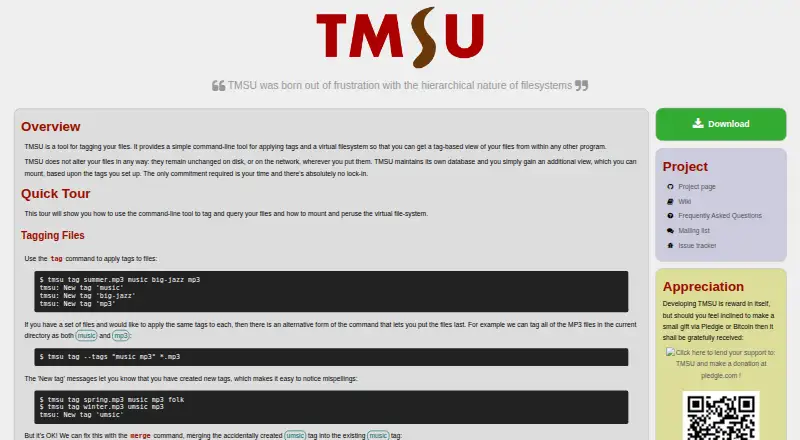
What TMSU is
TMSU is a free file-tagging tool that presents tag-based views through a virtual filesystem. It leaves files in place and keeps its own database, with the virtual filesystem showing files as symbolic links to their original locations. Its query language supports and, or, not, parentheses, and comparisons against tag values, so users can construct combined queries. TMSU stores its database in SQLite, which can be accessed with SQLite tools. The project lists support for Linux, macOS, and Windows, along with packages for Ubuntu, Arch, and Nix/NixOS, binaries for a limited set of platforms, and source installation. FUSE and SQLite3 are required. Windows builds do not yet have virtual filesystem support, and the FAQ says the tool has no graphical user interface. TMSU does not automatically detect file moves or renames; its FAQ recommends running repair after filesystem changes. The project lists no paid tiers or usage limits. Bug reports and suggestions can be sent through its issue tracker or mailing list.
Who it suits
TMSU suits people who prefer organizing files with tags and are comfortable using a command-line-oriented tool. It may be useful where tag queries and virtual filesystem access are part of the workflow.
What it does well
- Leaves original files unchanged.
- Queries support boolean operators and tag-value comparisons.
- SQLite database can be accessed with SQLite tools.
- Free, with no stated paid tiers or usage limits.
- Lists Linux, macOS, and Windows support.
What to know first
- No graphical user interface is provided.
- Windows builds lack virtual filesystem support.
- Requires FUSE and SQLite3.
- Moves and renames are not detected automatically.
Plans
| Plan | Billed and limits | Price |
|---|---|---|
| TMSU | No paid tiers or usage limits stated | Free |
As tmsu.org lists them, read 12 Oct 2026. The maker's own page has the final word.
Verdict
TMSU offers tag-based file access without changing the original files, but it has no GUI and requires supporting dependencies. Windows users should note that virtual filesystem support is unavailable in Windows builds.
Facts from TMSU's own pages
- Database
- TMSU uses an SQLite database that can be accessed with SQLite tools. · github.com, 12 Oct 2026
- Dependencies
- FUSE and SQLite3 must be installed for TMSU to function. · github.com, 12 Oct 2026
- Free plan
- Yes · tmsu.org, 21 Sept 2026
- Install options
- The project lists packages for Ubuntu, Arch, and Nix/NixOS, binaries for a limited set of platforms, and source installation. · github.com, 12 Oct 2026
- Move and rename limitation
- TMSU does not automatically detect file moves or renames; its FAQ recommends running repair after filesystem changes. · github.com, 12 Oct 2026
- No GUI
- The FAQ states that TMSU has no graphical user interface. · github.com, 12 Oct 2026
- Non-destructive
- TMSU leaves files unchanged and maintains its own database for the tagged view. · tmsu.org, 12 Oct 2026
- Platform limitation
- The FAQ says Windows builds have no virtual filesystem support yet. · github.com, 12 Oct 2026
- Supported platforms
- Linux,macOS,Windows · tmsu.org, 21 Sept 2026
- Purpose
- TMSU tags files and provides a virtual filesystem for accessing them by tag from other applications. · tmsu.org, 12 Oct 2026
- Security and compliance
- The project pages opened do not state security certifications or compliance claims. · github.com, 12 Oct 2026
- Support
- The FAQ directs users to report bugs or suggestions through the issue tracker or mailing list. · github.com, 12 Oct 2026
- Tag queries
- The query language supports and, or, not, parentheses, and comparisons against tag values. · tmsu.org, 12 Oct 2026
- Virtual filesystem
- The virtual filesystem exposes tag and query views and represents files as symbolic links to their original locations. · tmsu.org, 12 Oct 2026
Where TMSU stands on Freedom251
- File Manager Software#57 of 100