Freedom251 › SFTP Client Software

SecureFX
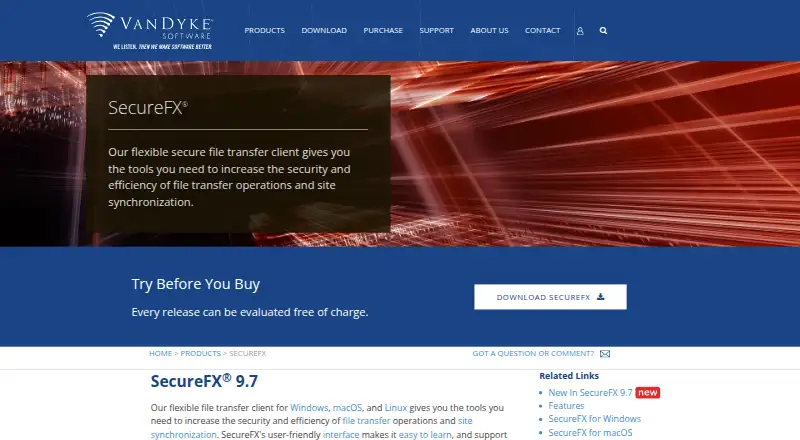
What SecureFX is
SecureFX is a paid file-transfer application from VanDyke Software for Windows, macOS, and Linux. It supports SSH2, SFTP, SCP, FTPS, HTTPS, WebDAV, S3, FTP, and HTTP, allowing transfers through many listed protocols. Folder synchronization helps align directories, while remote file editing supports changes to files on a remote system. SSH key authentication is available, and scheduling provides automation for transfer tasks. SecureFX has a 30-day trial and no free plan. The one-time SecureFX — 1 year of updates plan costs 59.95 USD and includes one license with updates for one year. The one-time SecureFX — 3 years of updates plan costs 96.00 USD and includes one license with updates for three years. The plans differ in the included update period. VanDyke Software lists its headquarters in Albuquerque, New Mexico, United States. Buyers can select the update term matching their maintenance needs.
Who it suits
It suits users on Windows, macOS, or Linux who need multi-protocol file transfers, synchronization, remote editing, SSH key authentication, and scheduled automation.
What it does well
- Supports nine listed transfer protocols
- Folder synchronization included
- Remote file editing available
- SSH key authentication supported
- Scheduling enables automation
What to know first
- No free plan
- Paid product
- 30-day trial only
- Updates are tied to one-time plans
Limits
The $59.95 plan includes one license and one year of updates. The $96.00 plan includes one license and three years of updates.
Plans
| Plan | Billed and limits | Price |
|---|---|---|
| SecureFX — 1 year of updates | Includes 1 year of updates · 1 license | $59.95, paid once |
| SecureFX — 3 years of updates | Includes 3 years of updates · 1 license | $96, paid once |
As vandyke.com lists them, read 20 Sept 2026. The maker's own page has the final word.
Getting started
- Open the SecureFX product website
- Choose the 30-day trial or a paid update plan
- Select the installer for Windows, macOS, or Linux
- Install SecureFX on the supported platform
- Configure a supported transfer protocol and connection
Verdict
SecureFX covers a broad set of transfer protocols alongside synchronization, editing, authentication, and scheduling. The main purchase choice is between one or three years of included updates.
Questions
How much does SecureFX cost?
The 1-year-updates plan costs $59.95 USD once for one license. The 3-year-updates plan costs $96.00 USD once for one license.
Is there a free plan or trial?
There is no free plan. A 30-day trial is available.
Which platforms does SecureFX support?
SecureFX supports Windows, macOS, and Linux.
Which protocols are supported?
Supported protocols include SSH2, SFTP, SCP, FTPS, HTTPS, WebDAV, S3, FTP, and HTTP.
Does SecureFX support automation?
Yes. Scheduling is supported, along with folder synchronization, remote file editing, and SSH key authentication.
Facts from SecureFX's own pages
- Headquarters
- Albuquerque, New Mexico, United States · vandyke.com, 23 Sept 2026
Where SecureFX stands on Freedom251
- SFTP Client Software#31 of 33