Freedom251 › Screen Recording Software
Screen UI
What Screen UI is
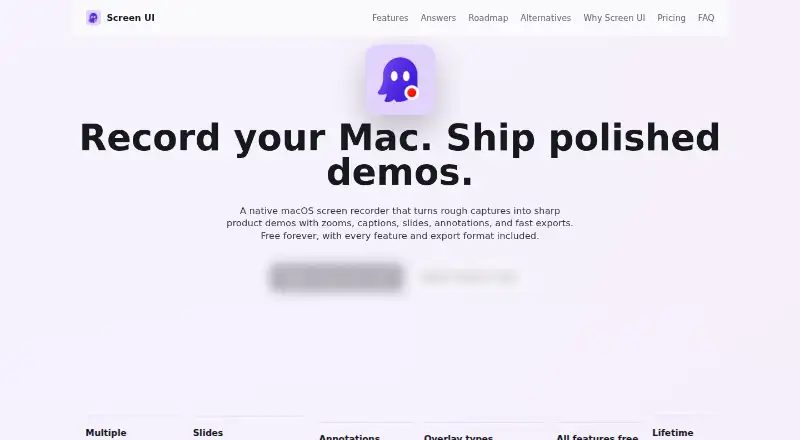
Screen UI is a native macOS recorder and editor for product demos, tutorials, walkthroughs, launch clips, GIFs, and animated WebP files. It captures windows, displays, or selected areas with optional camera, microphone, and system audio. Recordings can be appended or prepended in one project, retaining camera and microphone settings. Editing tools include trimming, splitting, speed changes, cropping, captions, transcripts, and preview checks. Camera overlays can be moved, resized, blurred, or given an imported virtual background. The app can record mirrored iPhone screens and detect a matching device frame when available. Projects support reusable branded slides, animations, and timed text, shape, image, and line annotations. Exports include video, GIF, and animated WebP with unlimited duration. Recordings and project data stay on the Mac unless moved elsewhere, and transcription uses Apple speech and media frameworks locally. The free-forever plan costs nothing and includes all features, export formats, unlimited-duration exports, and lifetime updates. Version 1.0.6 requires macOS 15 or later.
Who it suits
It suits Mac users creating demos, tutorials, walkthroughs, or launch clips who want recording, editing, annotation, and export tools in one app. It is also suitable for users preferring local storage and transcription.
What it does well
- Captures camera, microphone, and system audio
- Exports video, GIF, and animated WebP
- Unlimited-duration exports are included
- Supports mirrored iPhone screen recording
- All features are free forever
What to know first
- Requires macOS 15 or later for version 1.0.6
- macOS permissions may be required
- Available on macOS only
Plans
| Plan | Billed and limits | Price |
|---|---|---|
| Free forever | All features and export formats · unlimited-duration video, GIF, and animated WebP exports · lifetime updates | Free |
As screenui.app lists them, read 12 Oct 2026. The maker's own page has the final word.
Verdict
Screen UI provides a broad recording and editing workflow at no cost. Local processing and unlimited exports are useful for Mac creators, provided their system meets the stated requirement.
Facts from Screen UI's own pages
- Camera
- Camera overlays can be positioned and resized, with background blur or an imported virtual background. · screenui.app, 12 Oct 2026
- Editing
- The editor supports trimming, splitting, clip speed, cropping, captions, transcripts, and preview-to-export checks. · screenui.app, 12 Oct 2026
- Exports
- Screen UI exports video, GIF, and animated WebP, with unlimited-duration exports included free. · screenui.app, 12 Oct 2026
- Free plan
- Yes · screenui.app, 22 Sept 2026
- Integrations
- The opened maker pages describe local Apple Speech transcription and iPhone Mirroring recording; they do not state third-party service integrations. · screenui.app, 12 Oct 2026
- iPhone recording
- Screen UI can record mirrored iPhone screens and detect device model and color for a matching frame when available. · screenui.app, 12 Oct 2026
- Local storage
- Recordings, projects, exports, imported media, transcripts, overlays, and editing choices are stored on the Mac unless the user moves, shares, uploads, or exports them elsewhere. · screenui.app, 12 Oct 2026
- Microphone recording
- Yes · screenui.app, 22 Sept 2026
- Multiple captures
- Users can append or prepend recordings in one project, with recordings kept grouped and camera and microphone settings carried forward. · screenui.app, 12 Oct 2026
- Permissions
- macOS permissions such as Screen Recording, Camera, Microphone, Accessibility, or Input Monitoring may be required for related features. · screenui.app, 12 Oct 2026
- Supported platforms
- macos · screenui.app, 22 Sept 2026
- Product
- Screen UI is a native macOS screen recorder and editor for product demos, tutorials, walkthroughs, launch clips, GIFs, and animated WebP exports. · screenui.app, 12 Oct 2026
- Recording
- It records windows, displays, or selected areas, with camera, microphone, and system audio options. · screenui.app, 12 Oct 2026
- Slides and annotations
- Projects support reusable branded slides with entry and exit animations, plus timed text, shape, image, and line annotations. · screenui.app, 12 Oct 2026
- Support
- Users can contact support by email, and information they include in support messages may be received by Screen UI. · screenui.app, 12 Oct 2026
- System audio
- Yes · screenui.app, 22 Sept 2026
- System requirement
- The changelog states that version 1.0.6 requires macOS 15 or later. · screenui.app, 12 Oct 2026
- Transcription
- Local transcription uses Apple speech and media frameworks available on the Mac; Screen UI says it does not operate a separate cloud transcription service. · screenui.app, 12 Oct 2026
- Webcam recording
- Yes · screenui.app, 22 Sept 2026
Where Screen UI stands on Freedom251
- Screen Recording Software#53 of 131