Freedom251 › 2D Game Animation Software
Pixel FX Designer
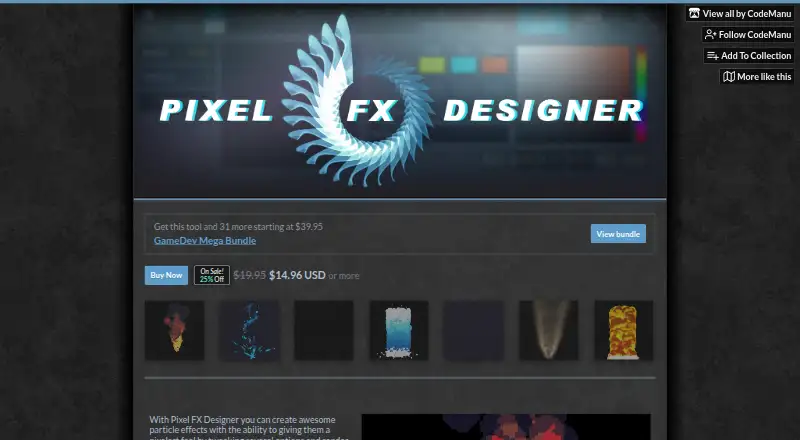
What Pixel FX Designer is
Pixel FX Designer creates particle effects with a pixel-art look and exports them as PNG sprite sheets or GIFs. Its animation tools include particle timelines, seamless loops, drawn paths, delay settings, and manual control of particle movement. Users can arrange layers in front of or behind each other, apply glow, outline, or sepia effects, and preview glow and outline changes in real time. The app supports imported palettes of up to 256 colors, custom dithering, and custom particle shapes. It can also export the original particle rendering without pixelation or palette limits. Pixel FX Designer runs on Windows and macOS, and downloadable Windows demo builds are offered to try before buying. The paid-once purchase includes future updates and a Steam key. The listed price is $14.96, paid once, with the page showing a $19.95 list price and a current 25% discount. Purchase files include Windows ZIPs, a macOS app ZIP, emitter assets, and a particle pack. The maker warns that long PNG animation exports may crash on GPUs with low VRAM. Some users may need to save files outside the app folder and its subfolders.
Who it suits
Pixel FX Designer suits people making animated particle effects for pixel-art projects who want control over palettes, layers, and motion.
What it does well
- Exports effects as PNG sprite sheets or GIFs.
- Supports palettes of up to 256 colors.
- Includes timelines, drawn paths, and seamless loops.
- Future updates are included with the paid-once purchase.
- A downloadable Windows demo is available.
What to know first
- Long PNG exports may crash on low-VRAM GPUs.
- Some users cannot save files in the app folder.
- The listed purchase is paid once.
Limits
The maker warns that exporting a long animation to PNG can crash on GPUs with low VRAM. Some users cannot save project or sprite-sheet files in the app root folder or its subfolders.
Plans
| Plan | Billed and limits | Price |
|---|---|---|
| Pixel FX Designer | $19.95 list price; currently shown as 25% off at $14.96 USD or more; pay once, future updates free · Windows and macOS downloads · 256-color palettes · demo available | $14.96, paid once |
As codemanu.itch.io lists them, read 7 Oct 2026. The maker's own page has the final word.
Getting started
- Open the Pixel FX Designer page
- Download the Windows demo to try it
- Choose the Windows or macOS purchase download
- Install the app from the supplied ZIP file
- Save projects and sprite sheets outside the app root folder if needed
Verdict
Pixel FX Designer offers detailed particle-animation and export controls, with a demo available before purchase. Note the maker’s warnings about long PNG exports and where some users can save files.
Questions
How much does Pixel FX Designer cost?
The plan lists a $19.95 price, with a currently shown price of $14.96 USD or more. It is paid once, and future updates are free.
Which platforms are supported?
Downloads are available for Windows and macOS.
Is there a demo?
Yes. Downloadable Windows demo builds are offered before buying.
What can it export?
It exports particle effects as PNG sprite sheets or GIFs and can export the original particle render without pixelation or palette limits.
What comes with a purchase?
The purchase includes a Steam key, Windows ZIPs, a macOS app ZIP, emitter assets, and a particle pack.
Who makes the app?
CodeManu’s profile identifies Pixel FX Designer among the maker’s work.
Facts from Pixel FX Designer's own pages
- Animation tools
- The listed tools include seamless loops, particle timelines, drawn paths, delay parameters, and manual rendering of particle movement. · codemanu.itch.io, 7 Oct 2026
- Customization
- Features include importing palettes of up to 256 colors, custom dithering, and custom particle shapes. · codemanu.itch.io, 7 Oct 2026
- Demo
- The page offers downloadable Windows demo builds and directs users to test the demo before buying. · codemanu.itch.io, 7 Oct 2026
- Downloads
- The listed purchase files include Windows ZIPs, a macOS app ZIP, emitter assets, and a particle pack. · codemanu.itch.io, 7 Oct 2026
- Known limitation
- The maker warns that exporting a long animation to PNG may crash on GPUs with low VRAM. · codemanu.itch.io, 7 Oct 2026
- Layering and effects
- Users can order particle layers in front of or behind others and add effects including glow, outline, and sepia. · codemanu.itch.io, 7 Oct 2026
- Maker
- CodeManu’s profile says, “Hi I'm CodeManu,” and identifies Pixel FX Designer and JuiceFX among the maker’s work. · codemanu.itch.io, 7 Oct 2026
- Purchase and updates
- The page says the app is paid once and future updates are free; a purchase includes a Steam key. · codemanu.itch.io, 7 Oct 2026
- Purpose
- Pixel FX Designer creates particle effects with a pixel-art look and exports them as PNG sprite sheets or GIFs. · codemanu.itch.io, 7 Oct 2026
- Rendering
- The page says you can export the original particle render without pixelation or palette limits, and preview effects such as glow and outline in real time. · codemanu.itch.io, 7 Oct 2026
- Saving limitation
- The maker says some users cannot save project or sprite-sheet files in the app root folder or its subfolders, and advises saving elsewhere. · codemanu.itch.io, 7 Oct 2026
- Support
- The maker invites users to join the product’s Discord to get help or suggest features. · codemanu.itch.io, 7 Oct 2026
Where Pixel FX Designer stands on Freedom251
- 2D Game Animation Software#22 of 25