Freedom251 › Pixel Art Software
Pixel Editor
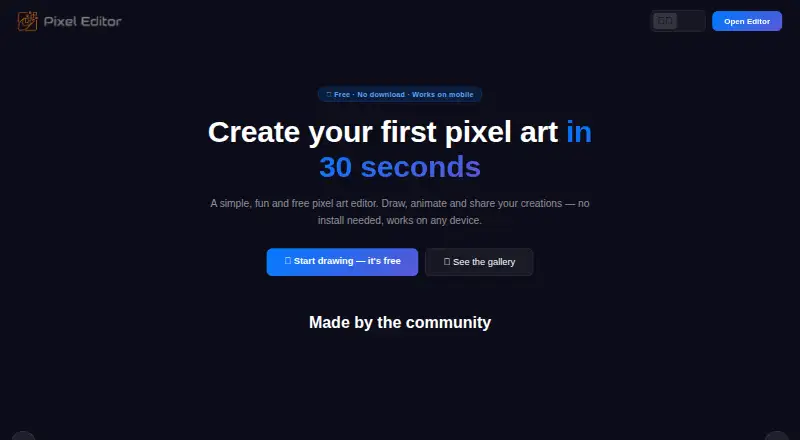
What Pixel Editor is
Pixel Editor is a free browser-based editor for creating, animating, and sharing pixel art. Users can choose palette colors or enter a hex code, draw pixels, and erase them. Canvas grids range from 8×8 to 512×512, with 32×32 as the default. For animation, it supports frame-by-frame editing, onion skinning, loop preview, and playback speeds from 1 to 60 FPS; the maker says there is no hard limit on frames. Projects can be saved locally in the browser, and a free account enables cloud backup and syncing across devices. Finished work can be exported as PNG images or animated GIFs, with JSON project backups also described on the home page. Users can share direct links or publish to a community gallery; the home page also mentions iMessage and AirDrop. The editor runs in modern browsers on phones, tablets, and desktop computers, including iPhone, iPad, and Android devices. The maker describes the full editor as free, without a subscription, credit card requirement, or export watermarks.
Who it suits
Pixel Editor suits people who want to draw, animate, and share pixel art in a browser across phones, tablets, or computers. Its frame-based tools may be useful for people making animated pixel art.
What it does well
- Canvas sizes range from 8×8 to 512×512
- Animation playback adjusts from 1 to 60 FPS
- No hard limit on animation frames
- Exports PNG images and animated GIFs
- Free account enables cloud backup and syncing
What to know first
- LocalStorage keeps up to 10 recent projects
- Projects support up to eight custom palette colors
- Cloud backup and syncing require a free account
Plans
| Plan | Billed and limits | Price |
|---|---|---|
| Free | No subscription · No watermark · No hard frame limit | Free |
As pixel-editor.app lists them, read 10 Oct 2026. The maker's own page has the final word.
Verdict
Pixel Editor offers drawing, animation, export, and sharing in a free browser-based editor. Local saving is available without an account, while cloud backup and cross-device syncing require a free account.
Facts from Pixel Editor's own pages
- Animation
- It supports frame by frame animation, onion skinning, loop preview, and adjustable playback from 1 to 60 FPS. · pixel-editor.app, 10 Oct 2026
- Canvas sizes
- The editor lists grid sizes from 8×8 through 512×512, with 32×32 as the default. · pixel-editor.app, 10 Oct 2026
- Devices
- The editor runs in modern browsers on phones, tablets, and desktop computers, including iPhone, iPad, and Android devices. · pixel-editor.app, 10 Oct 2026
- Drawing tools
- The editor supports choosing palette colors or entering a hex code, drawing pixels, and using an eraser. · pixel-editor.app, 10 Oct 2026
- Exports
- The editor can export PNG images and animated GIFs, and the home page also describes JSON project backups. · pixel-editor.app, 10 Oct 2026
- Frame limit
- The animation page says there is no hard limit on the number of frames in an animation. · pixel-editor.app, 10 Oct 2026
- Limits
- The home page says projects support up to 8 custom palette colors in addition to the default palette, and localStorage keeps up to 10 recent projects. · pixel-editor.app, 10 Oct 2026
- Maker
- The site identifies Pixel Editor as a personal open source project maintained by Frédéric Terrasson. · pixel-editor.app, 10 Oct 2026
- Pricing
- The maker describes the full editor as free, with no subscription, credit card requirement, or export watermarks. · pixel-editor.app, 10 Oct 2026
- Purpose
- Pixel Editor is a free browser based editor for creating, animating, and sharing pixel art. · pixel-editor.app, 10 Oct 2026
- Saving
- Projects can be saved locally in the browser; the site says a free account enables cloud backup and syncing across devices. · pixel-editor.app, 10 Oct 2026
- Sharing
- Users can share creations with a direct link or publish them to the community gallery; the home page also mentions iMessage and AirDrop. · pixel-editor.app, 10 Oct 2026
Where Pixel Editor stands on Freedom251
- Pixel Art Software#36 of 70