Freedom251 › Image Compression Software
Optimage
by Optimage
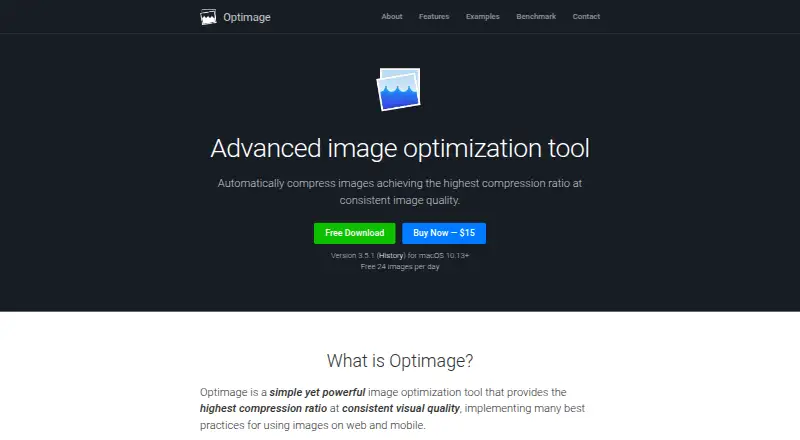
What Optimage is
Optimage is a macOS image optimization tool for compressing, resizing, and converting image and video files. The maker says it can reduce image size by up to 90% without losing visual quality. It supports batch processing, image resizing, both listed compression modes, and metadata controls. Formats include JPEG, PNG, APNG, GIF, SVG, WebP, HEIC, PDF, JPEG2000, TIFF, RAW, ICO, ICNS, and BMP, plus several video formats. Color features include ICC profile support and sRGB conversion. Metadata tools can remove personal information and hidden metadata without relying on third-party services that may collect user data, according to the maker. Optimage integrates with Finder and Sketch, provides a command-line tool, and supports sharing through extensions in the Share menu. The current release supports macOS 10.13 and later; Windows and Linux are described as coming later. A free plan allows 24 images per day. The paid Optimage plan costs $15, paid once, while the Optimage 3 license has no listed price.
Who it suits
It suits Mac users who need batch image compression, resizing, conversion, color handling, or metadata removal. It is also relevant to workflows using Finder, Sketch, command-line processing, or Share-menu extensions.
What it does well
- Supports many image formats
- Batch processing and resizing
- Removes hidden metadata
- Finder and Sketch integration
- Free plan allows 24 images daily
What to know first
- MacOS platform only currently
- Free use limited to 24 images daily
- No free trial
- Windows and Linux are not yet available
Plans
| Plan | Billed and limits | Price |
|---|---|---|
| Free | 24 images per day | Free |
| Optimage 3 license | macOS 10.13 or later | On request |
| Optimage | Free 24 images per day · macOS 10.13+ | $15, paid once |
As optimage.app lists them, read 22 Sept 2026. The maker's own page has the final word.
Verdict
Optimage combines broad format support with batch processing, resizing, and metadata controls on macOS. Check the daily free-use limit and platform availability before selecting a plan.
Facts from Optimage's own pages
- Batch processing
- The app supports batch processing, resizing, conversion, and renaming, with parallel processing on multicore systems. · optimage.app, 11 Oct 2026
- Color and metadata
- Features include ICC color profile support, sRGB conversion, and removal of personal information and hidden metadata. · optimage.app, 11 Oct 2026
- Compression
- The maker says Optimage can reduce image size by up to 90% without losing visual quality. · optimage.app, 11 Oct 2026
- Compression modes
- both · optimage.app, 22 Sept 2026
- Diagnostic data
- The license says the maker may collect technical, diagnostic, and usage information to improve products, provide support and updates, and verify license compliance. · optimage.app, 11 Oct 2026
- File formats
- It supports common image formats including JPEG, PNG, GIF, SVG, WebP, HEIC, and PDF, plus several video formats. · optimage.app, 11 Oct 2026
- Founded
- 2013 · optimage.app, 28 Sept 2026
- Free plan
- Yes · optimage.app, 22 Sept 2026
- Free usage limit
- The homepage lists free use for 24 images per day. · optimage.app, 11 Oct 2026
- Integrations
- The maker lists integration with Finder and Sketch, a command-line tool, and sharing through extensions in the Share menu. · optimage.app, 11 Oct 2026
- License scope
- The license grants use on devices the user owns or controls and disallows making the software available over a network for simultaneous use by multiple devices. · optimage.app, 11 Oct 2026
- Maker and history
- Optimage is an independent research project by Vlad Danilov that started in 2013, with its first official release in 2016. · optimage.app, 11 Oct 2026
- Metadata controls
- Yes · optimage.app, 22 Sept 2026
- Privacy
- The maker says Optimage can remove hidden sensitive information without relying on third-party services that may collect user data. · optimage.app, 11 Oct 2026
- Product
- Optimage is an image optimization tool for compressing, resizing, and converting image and video files. · optimage.app, 11 Oct 2026
- Image resizing
- Yes · optimage.app, 22 Sept 2026
- Support
- The maker invites questions and comments by email to Vlad Danilov or through Twitter. · optimage.app, 11 Oct 2026
- Supported formats
- JPEG,PNG,APNG,GIF,SVG,WebP,HEIC,PDF,JPEG2000,TIFF,RAW,ICO,ICNS,BMP · optimage.app, 22 Sept 2026
- Supported platform
- The current release is listed for macOS 10.13 and later; Windows and Linux are described as coming later. · optimage.app, 11 Oct 2026
Where Optimage stands on Freedom251
- Image Compression Software#33 of 85