Freedom251 › Image Compression Software
OIMG
What OIMG is
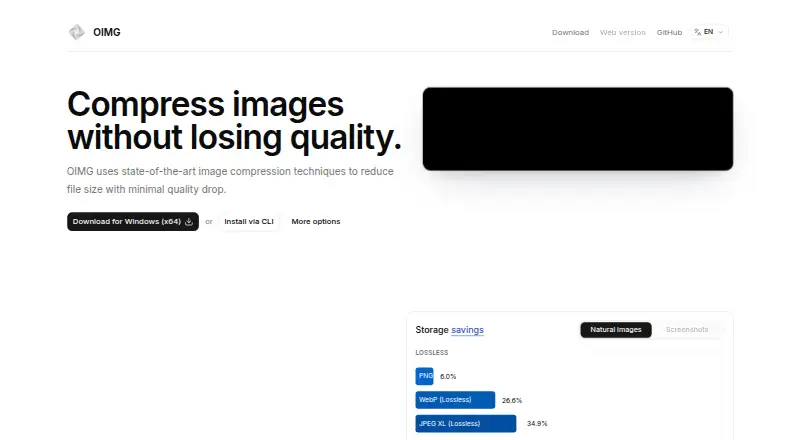
OIMG is a free desktop application for compressing images on Linux, macOS, and Windows. It reduces file size while aiming to limit quality loss, supporting PNG, JPEG, WebP, AVIF, and JPEG XL. The app bundles jpegli, oxipng, and libjxl codecs and calculates Pixel Match Percentage, MS-SSIM, and SSIMULACRA 2 in real time. Users can compare original and optimized images side by side, visualize differences, and open files by drag and drop, file explorer, or command line. One-click conversion back to JPG or PNG is also available. Written in Rust, OIMG uses multithreading and SIMD optimizations. Processing occurs on the device: the app says it does not upload images or collect telemetry, analytics events, crash reports, or advertising identifiers. OIMG is open source under GPLv3 and free forever for personal and academic use. Custom licensing arrangements are handled by contacting the maker.
Who it suits
OIMG suits users who want local image compression on Linux, macOS, or Windows, with several formats and visible quality comparisons. It also fits personal or academic use under its stated free license.
What it does well
- Supports PNG, JPEG, WebP, AVIF, and JPEG XL
- Processes images on the user’s device
- Offers side-by-side optimization comparisons
- Works from drag and drop or command line
- Free forever for personal and academic use
What to know first
- Custom licensing requires contacting the maker
- Free-use terms are limited to personal and academic use
- Desktop platforms only: Linux, macOS, and Windows
Plans
| Plan | Billed and limits | Price |
|---|---|---|
| Personal and academic use | Free forever for personal and academic use · Personal and academic use · custom license arrangements by contact | Free |
As oimg.org lists them, read 12 Oct 2026. The maker's own page has the final word.
Verdict
OIMG provides local, open-source image compression with multiple codecs and real-time quality measurements. Its free license fits personal and academic use, while other licensing needs require a custom arrangement.
Facts from OIMG's own pages
- Comparison tools
- OIMG lets users compare original and optimized images side by side and visualize differences. · github.com, 12 Oct 2026
- Compatibility
- OIMG can convert images back to JPG or PNG with one click. · oimg.org, 12 Oct 2026
- Compression codecs
- OIMG bundles the jpegli, oxipng, and libjxl image encoding codecs. · github.com, 12 Oct 2026
- Compression modes
- both · oimg.org, 20 Sept 2026
- Free plan
- Yes · oimg.org, 20 Sept 2026
- Image formats
- OIMG supports PNG, JPEG, WebP, AVIF, and JPEG XL. · github.com, 12 Oct 2026
- License limit
- The site says OIMG is free forever for personal and academic use and invites users to contact the maker about custom license arrangements. · oimg.org, 12 Oct 2026
- Open source
- OIMG is released under the GPLv3 license. · oimg.org, 12 Oct 2026
- Performance
- OIMG is written in Rust and uses multithreading and SIMD optimizations. · oimg.org, 12 Oct 2026
- Privacy
- The desktop app processes images on the user's device and does not upload images or collect app telemetry, analytics events, crash reports, or advertising identifiers. · oimg.org, 12 Oct 2026
- Purpose
- OIMG compresses images to reduce file size with minimal quality loss. · oimg.org, 12 Oct 2026
- Quality controls
- OIMG computes Pixel Match Percentage, MS-SSIM, and SSIMULACRA 2 in real time. · oimg.org, 12 Oct 2026
- Support
- The maker provides an email address for support and custom license inquiries. · oimg.org, 12 Oct 2026
- Supported formats
- PNG,JPEG,WebP,AVIF,JPEG XL · oimg.org, 20 Sept 2026
- Ways to open images
- Users can drag and drop images, open them from a file explorer, or run OIMG from the command line. · oimg.org, 12 Oct 2026
Where OIMG stands on Freedom251
- Image Compression Software#35 of 85