Freedom251 › Service Virtualization Software
OpenText Service Virtualization
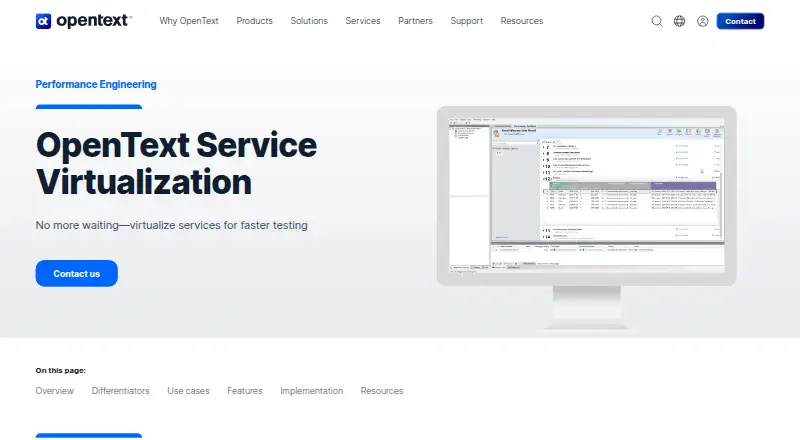
What OpenText Service Virtualization is
OpenText Service Virtualization is a self-hosted software product for simulating services during development and testing. Its listed capabilities include service virtualization, database testing, and test data management. Teams can run it on Linux, Windows, or through the web while keeping deployment in their own environment. OpenText offers a free plan, with pricing for other options available on request. The Express edition defines a smaller configuration with three virtual services and throughput of 10 transactions per second. The Enterprise edition expands virtual services and server capacity: it lists unlimited virtual services, unlimited Service Virtualization Server nodes, 10 transactions per second, and three virtual-service types. OpenText was founded in 1991 and is headquartered in Waterloo, Ontario, Canada. The product listing does not identify supported programming languages. Its combination of virtual service creation, database testing, and test data management is aimed at software teams that need controlled test environments without deploying every dependent service.
Who it suits
It suits software teams needing service virtualization, database testing, and test data management in a self-hosted environment. Linux, Windows, and web availability support teams working across those platforms.
What it does well
- Free plan is available
- Supports service virtualization
- Includes database testing
- Provides test data management
- Runs on Linux, Windows, and web
- Enterprise lists unlimited server nodes
What to know first
- Express edition allows three virtual services
- Listed throughput is 10 transactions per second
- Edition prices require a request
- No supported languages are listed
Limits
The Express edition includes three virtual services and 10 transactions per second. Enterprise lists unlimited virtual services and server nodes but still lists 10 transactions per second and three virtual-service types.
Plans
| Plan | Billed and limits | Price |
|---|---|---|
| Express edition | 3 virtual services · 10 transactions per second | On request |
| Enterprise edition | Unlimited virtual services · 10 transactions per second · Unlimited Service Virtualization Server nodes · 3 virtual-service types | On request |
As opentext.com lists them, read 20 Sept 2026. The maker's own page has the final word.
Getting started
- Open the OpenText Service Virtualization website
- Choose the free plan or request edition pricing
- Select Linux, Windows, or web access
- Plan a self-hosted deployment
- Configure virtual services for testing
Verdict
Choose OpenText Service Virtualization if you need self-hosted service simulation alongside database testing and test data management. The free plan provides a way to begin, while Enterprise adds unlimited virtual services and server nodes. Look elsewhere if you require listed programming-language support or published edition prices.
Questions
Is there a free plan?
Yes. OpenText Service Virtualization uses a freemium model and lists a free plan.
What platforms are supported?
The product is listed for Linux, Windows, and web use.
How is it deployed?
Its deployment model is self-hosted.
What does Enterprise include?
Enterprise lists unlimited virtual services, unlimited Service Virtualization Server nodes, 10 transactions per second, and three virtual-service types.
Facts from OpenText Service Virtualization's own pages
- Founded
- 1991 · opentext.com, 23 Sept 2026
- Headquarters
- Waterloo, Ontario, Canada · opentext.com, 23 Sept 2026
Where OpenText Service Virtualization stands on Freedom251
- Service Virtualization Software#14 of 21
- Integration Testing Tools#21 of 26