
MobiKin Backup Manager for Android
Visit MobiKin Backup Manager for Android Alternatives Pricing
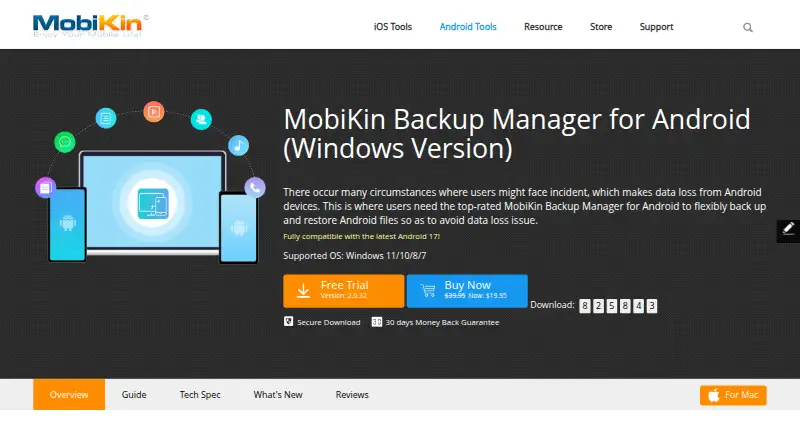
What MobiKin Backup Manager for Android is
MobiKin Backup Manager for Android saves Android phone and tablet data to a Windows or Mac computer, then restores it to the same or another Android device. It handles contacts, messages, call logs, photos, videos, music, documents, and apps, either together or by selected category. App data itself cannot be included. Devices connect through USB or Wi-Fi, with QR-code pairing for Wi-Fi. Backups stay in a local computer folder, and additional folders can be added for restoration. The software exports Android data in HTML, CSV, and vCard formats. MobiKin says it supports more than 8,000 Android phones and tablets, including Samsung, Motorola, Google, Xiaomi, and OnePlus. Windows lists Android 6 and above; the Mac requirement is macOS X 10.10 or later. The trial allows backups, but restoration requires the full version. Plans are paid, with no prices shown.
Who it suits
It suits Android owners who need computer-based file backups and restoration, selective data handling, or exports. It is intended for Windows and macOS users rather than direct phone-to-phone transfer.
What it does well
- Backs up many Android data types
- USB and QR-paired Wi-Fi connections
- Selective backup and restore
- HTML, CSV, and vCard exports
- Supports over 8,000 devices
What to know first
- App data cannot be backed up
- No direct phone-to-phone transfer
- Trial restoration needs full version
- No free plan
Plans
| Plan | Billed and limits | Price |
|---|---|---|
| Lifetime License (Windows) | Windows version | On request |
| Mac version | Mac version; pricing not shown on the opened page | On request |
| 1 Year License (Windows) | Renews automatically; cancel anytime · Windows version | On request |
As mobikin.com lists them, read 12 Oct 2026. The maker's own page has the final word.
Verdict
MobiKin offers broad Android data coverage with local computer storage and multiple connection methods. Check the app-data restriction and trial limitation if restoration is important.
Facts from MobiKin Backup Manager for Android's own pages
- Android compatibility
- The Windows product page lists Android 6 and above, and the Mac page lists macOS X 10.10 or later as its computer requirement. · mobikin.com, 12 Oct 2026
- App data limit
- The product FAQ says apps can be backed up, but their app data cannot be included. · mobikin.com, 12 Oct 2026
- Backup location
- Backup files are saved to a local folder on the computer, and users can add other backup folders for restoration. · mobikin.com, 12 Oct 2026
- Backup scope
- file · mobikin.com, 23 Sept 2026
- Computer backup
- No · mobikin.com, 23 Sept 2026
- Connections
- Android devices connect to the computer through USB or Wi-Fi, with Wi-Fi pairing using a QR code. · mobikin.com, 12 Oct 2026
- Data types
- It supports backing up contacts, messages, call logs, photos, videos, music, documents, and apps. · mobikin.com, 12 Oct 2026
- Device support
- The maker says it supports more than 8,000 Android phones and tablets from brands including Samsung, Motorola, Google, Xiaomi, and OnePlus. · mobikin.com, 12 Oct 2026
- Export formats
- The product can export Android data to a computer in HTML, CSV, and vCard formats. · mobikin.com, 12 Oct 2026
- Free plan
- No · mobikin.com, 23 Sept 2026
- Mobile backup
- Yes · mobikin.com, 23 Sept 2026
- Supported platforms
- Windows,macOS,Android · mobikin.com, 23 Sept 2026
- Purchase terms
- The Windows purchase page states a 30-day money-back guarantee, free technical support, and SSL-secured ordering. · mobikin.com, 12 Oct 2026
- Purpose
- The software backs up Android phones and tablets to a computer and restores saved data to the same or another Android device. · mobikin.com, 12 Oct 2026
- Ransomware protection
- No · mobikin.com, 23 Sept 2026
- Restore modes
- file · mobikin.com, 23 Sept 2026
- Security claim
- The Mac product page says the software only reads Android data and does not keep, modify, or leak it. · mobikin.com, 12 Oct 2026
- Selective operations
- Users can back up or restore all data at once or select individual data categories. · mobikin.com, 12 Oct 2026
- Server backup
- No · mobikin.com, 23 Sept 2026
- Support
- The support center says customers can email [email protected] and that the team will reply within one business day. · mobikin.com, 12 Oct 2026
- Transfer limit
- The product FAQ says it backs up from Android to a computer and can restore to another Android device, but does not transfer directly between phones. · mobikin.com, 12 Oct 2026
- Trial
- The trial version allows backups, while restoring from a backup requires the full version. · mobikin.com, 12 Oct 2026
Where MobiKin Backup Manager for Android stands on Freedom251
- Backup software#122 of 151