Microsoft Edit
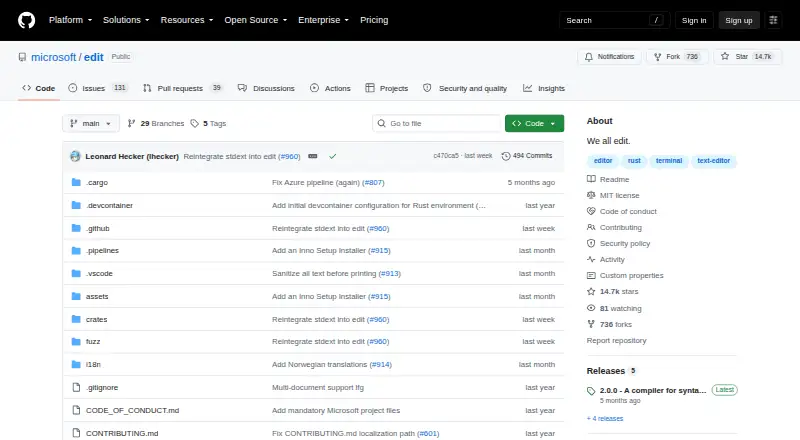
What Microsoft Edit is
Microsoft Edit is a free, open-source command-line text editor for creating and editing files directly in a terminal. Its modeless text interface avoids separate editing modes and is intended to be accessible to people unfamiliar with terminal editors. Edit runs on Windows, macOS, and Linux under the MIT licence. Users can open and switch between multiple files with Ctrl+P. Find and Replace offers Match Case, Whole Word, and Regular Expression options. Word Wrap can be toggled with Alt+Z or from the View menu, and mouse input supports menu navigation, text selection, and scrolling. Edit has no extension support. Windows 11 includes it from the September 2025 optional update or version 25H2. The repository documents WinGet installation on Windows, Homebrew on macOS, and a Linux shell script. That script requires Rust, a C compiler, ICU, curl or wget, and tar; ICU is optional for Search and Replace.
Who it suits
Edit suits users who want a simple terminal editor on Windows, macOS, or Linux, especially those unfamiliar with modal terminal editors. It also fits users who prefer open-source MIT-licensed software.
What it does well
- Free and open source under MIT
- Uses a modeless editing interface
- Supports Windows, macOS, and Linux
- Handles multiple files with Ctrl+P
- Offers configurable Find and Replace
What to know first
- No extension support
- Linux installation has several requirements
- ICU may be needed for Search and Replace
- It is designed for terminal use
Plans
| Plan | Billed and limits | Price |
|---|---|---|
| Microsoft Edit | Open-source command-line text editor | Free |
As github.com lists them, read 11 Oct 2026. The maker's own page has the final word.
Verdict
Microsoft Edit provides a straightforward, free terminal editor across the three major desktop platforms. Its modeless controls and mouse support lower the entry barrier, while the lack of extensions and Linux prerequisites may affect some users.
Facts from Microsoft Edit's own pages
- Availability
- Edit is included in Windows 11 starting with the September 2025 optional update or Windows 11 2025 Update, version 25H2. · learn.microsoft.com, 11 Oct 2026
- Editing model
- It uses a modeless text user interface, so users do not need to learn separate editing modes. · learn.microsoft.com, 11 Oct 2026
- Extension support
- No · github.com, 24 Sept 2026
- Find and replace
- Find and Replace supports Match Case, Whole Word, and Regular Expression options. · learn.microsoft.com, 11 Oct 2026
- Free plan
- Yes · github.com, 24 Sept 2026
- Install options
- The repository documents installation through WinGet on Windows, Homebrew on macOS, and a shell install script on Linux. · github.com, 11 Oct 2026
- Intended users
- The project aims to provide an accessible editor for people who may be unfamiliar with terminals. · github.com, 11 Oct 2026
- License
- The project is open source under the MIT license. · github.com, 11 Oct 2026
- Linux requirements
- The Linux install script requires Rust, a C compiler, ICU, curl or wget, and tar. · github.com, 11 Oct 2026
- Mouse support
- The mouse can be used to navigate menus, select text, and scroll. · learn.microsoft.com, 11 Oct 2026
- Multiple files
- Users can open and switch between multiple files with Ctrl+P. · learn.microsoft.com, 11 Oct 2026
- Notable dependency
- The repository says the project optionally depends on ICU for Search and Replace functionality. · github.com, 11 Oct 2026
- Other platforms
- Microsoft says Edit is also available on Linux and macOS; the GitHub repository documents installation for both. · learn.microsoft.com, 11 Oct 2026
- Purpose
- Edit is a lightweight command-line text editor for creating and editing files directly in the terminal. · learn.microsoft.com, 11 Oct 2026
- Security reporting
- The repository asks users to report security vulnerabilities to the Microsoft Security Response Center rather than through public GitHub issues. · github.com, 11 Oct 2026
- Support and feedback
- Microsoft directs users to the GitHub repository for contributions and feedback. · learn.microsoft.com, 11 Oct 2026
- Supported platforms
- Windows,macOS,Linux · github.com, 24 Sept 2026
- Word wrap
- Word Wrap can be toggled with Alt+Z or from the View menu. · learn.microsoft.com, 11 Oct 2026
Where Microsoft Edit stands on Freedom251
- Text Editors#44 of 82